
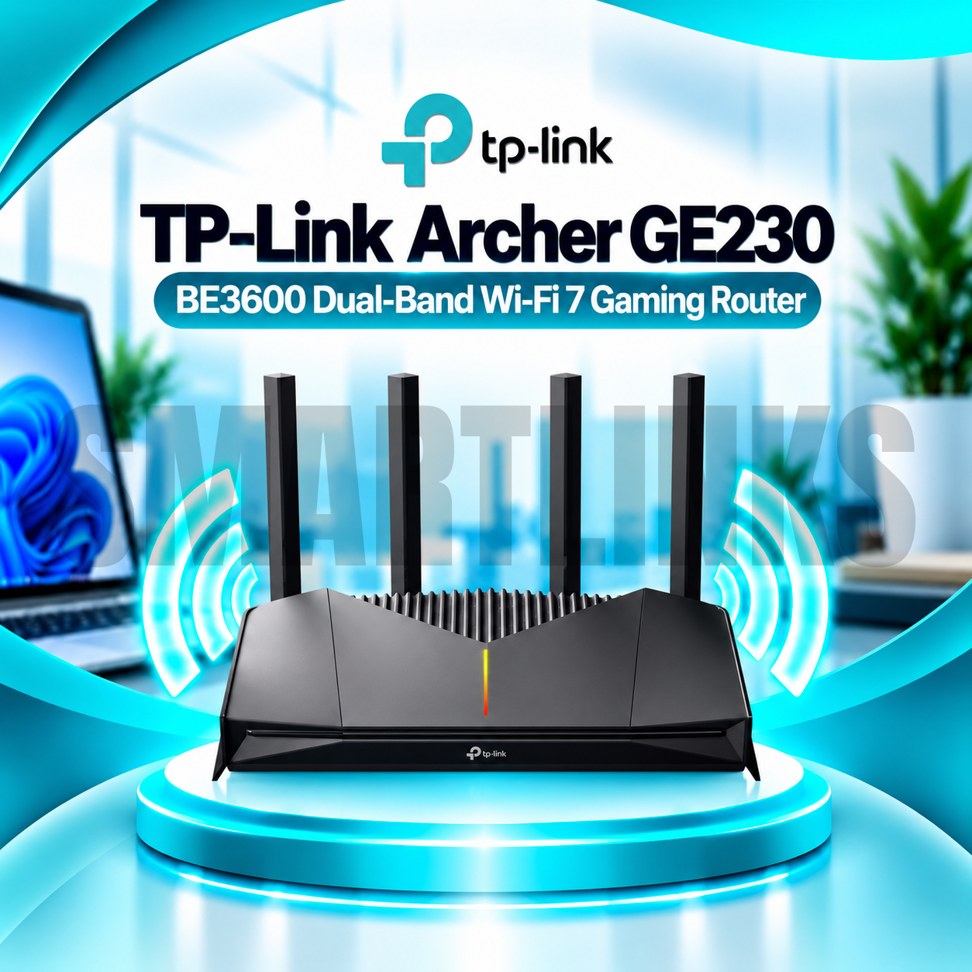


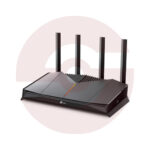
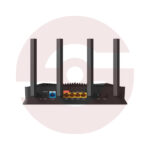
TP-Link Archer GE230 BE3600 Dual Band WiFi 7 Gaming Router – 2.5G Ports, MLO, Game Acceleration & EasyMesh

- BE3600 WiFi 7 – Next-generation dual-band connectivity
- 2882Mbps on 5GHz – High-capacity wireless links
- 688Mbps on 2.4GHz – Everyday device connectivity
- 2× 2.5G Ports – Multi-Gigabit wired networking
- 3 Gigabit LAN Ports – Additional wired connections
- MLO Technology – Compatible multi-link communication
- Game Acceleration – Gaming traffic prioritization
- Dedicated Gaming Port – Prioritize a wired gaming device
- 4 External Antennas – Broad signal distribution
- EasyMesh Compatible – Expand wireless coverage
- USB 3.0 – Compatible network storage sharing
- HomeShield Security – Network protection features
- RGB Lighting – Customizable gaming appearance
- Tether App – Smartphone network management
- Discover More: TP-Link Wifi Routers
Description

TP-Link Archer GE230 BE3600 Dual Band WiFi 7 Gaming Router
The TP-Link Archer GE230 is a dual band WiFi 7 gaming router built for households that combine online gaming, streaming, and everyday connected devices. It offers modern wireless features, multi gigabit Ethernet connectivity, and gaming focused network controls. Four external antennas, customizable lighting, and straightforward management options make it a practical choice for users seeking a dedicated gaming router without requiring an integrated fiber modem.
BE3600 Dual Band WiFi 7
The Archer GE230 provides theoretical wireless link rates up to 2882Mbps on 5GHz and 688Mbps on 2.4GHz. WiFi 7 introduces technologies including Multi Link Operation, 4K QAM, and Multi Resource Units for compatible clients. These features can improve wireless efficiency under suitable conditions. BE3600 represents combined wireless capacity, not guaranteed internet speed. Actual throughput depends on interference, client support, distance, and broadband service.
Multi Gigabit Wired Ports
One 2.5Gbps WAN port connects to compatible internet equipment, while a separate 2.5Gbps LAN port supports a high speed wired device. Three additional Gigabit LAN ports accommodate computers, consoles, televisions, or switches. The designated gaming port can prioritize compatible gaming equipment through supported settings. Faster Ethernet interfaces help avoid the limitations of traditional 100Mbps ports, although overall performance depends on your service and connected hardware.
Gaming Acceleration and Controls
The gaming dashboard presents network information, router performance, and supported acceleration settings. Device prioritization and application based Quality of Service can help allocate available bandwidth to gaming traffic. Game statistics offer visibility into network activity. Some game server acceleration functions rely on external services or subscriptions. These features cannot guarantee lower ping because latency also depends on internet routing, game servers, and network congestion.
Wireless Coverage and EasyMesh
Four external antennas and Beamforming help distribute wireless signals around suitable indoor spaces. MU MIMO and OFDMA can improve communication efficiency when compatible clients share the network. EasyMesh compatibility allows supported routers or extenders to expand coverage with appropriate firmware. Walls, metal surfaces, neighboring networks, and placement still affect reception. Position the router in an open, ventilated area for better practical coverage.
USB Storage and RGB Lighting
A USB 3.0 port supports compatible storage sharing functions, including file or media access when configured. Available formats and permissions should be checked before connecting external drives. Customizable RGB lighting adds a gaming inspired appearance, with settings accessible through supported management tools. Lighting is decorative and does not improve network performance. Keep the USB port and ventilation openings accessible during installation.
Security and Family Management
Supported security options include WPA2 and WPA3 wireless encryption, guest networks, firewall controls, and TP-Link HomeShield services. Parental controls can help manage household internet access. Certain advanced protection functions may require a subscription. Use strong passwords, review connected devices regularly, and install firmware matching your exact hardware revision. A separate guest network can provide visitors with access without sharing primary credentials.
Installation and Everyday Use
Connect the WAN port to a compatible modem or fiber ONT, then complete setup through the web interface or TP-Link Tether application. Router and Access Point modes support different network arrangements. Your provider may require PPPoE credentials or VLAN settings. The Archer GE230 does not contain a cellular SIM modem or optical fiber terminal. Confirm equipment compatibility before purchase.
Buying Considerations
Check your broadband speed, gaming device requirements, available Ethernet cables, and preferred installation location. WiFi 7 benefits depend on compatible clients and local regulations. Compare hardware revision, package contents, warranty, and supported gaming services before ordering. The TP-Link Archer GE230 combines dual band WiFi 7, multi gigabit ports, and practical gaming controls for connected homes.
Verify compatibility carefully.
Discover More from TP-Link
Want to explore more about TP-Link WiFi Routers? Visit the official TP-Link website for product insights, support, and the latest smart security solutions.
Official Resource: Explore TP-Link










































Reviews
Clear filtersThere are no reviews yet.