
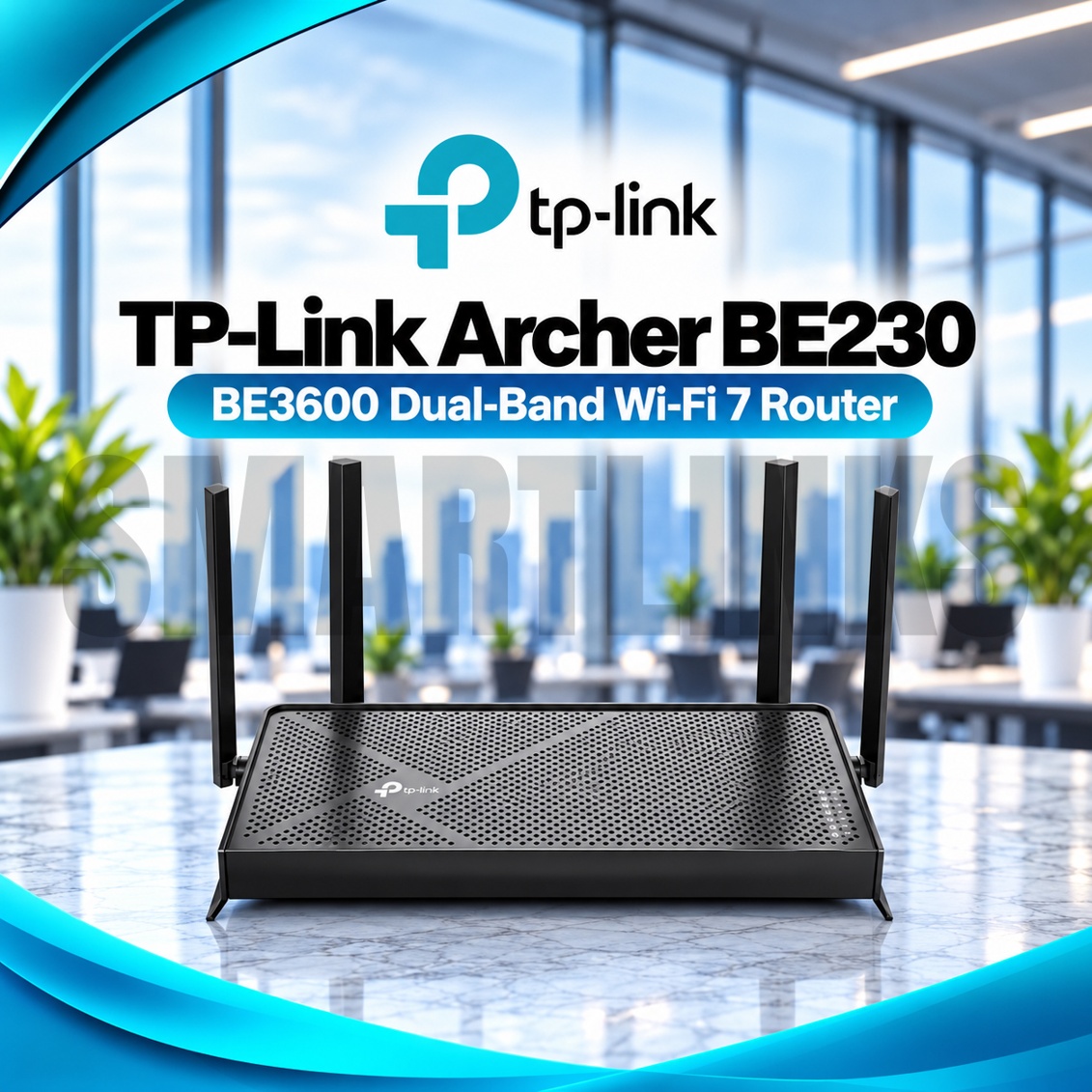
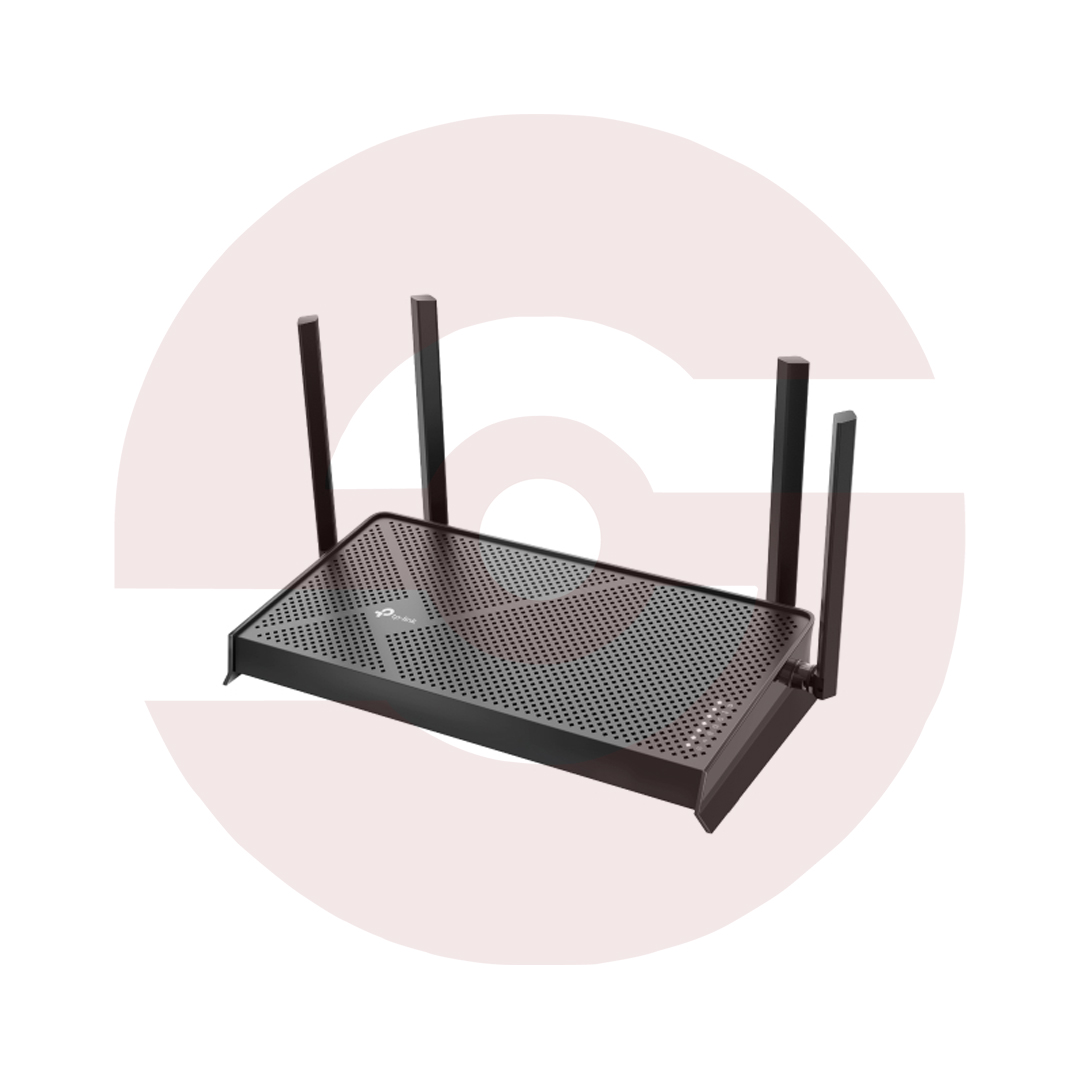
TP-Link Archer BE230 BE3600 Dual Band WiFi 7 Router – 2882Mbps 5GHz, 2.5G WAN & LAN, USB 3.0, MLO, EasyMesh & WPA3

- BE3600 Dual-Band WiFi 7 – Next-generation wireless technology
- 2882Mbps on 5GHz – Fast wireless link speeds
- 688Mbps on 2.4GHz – Everyday wireless connectivity
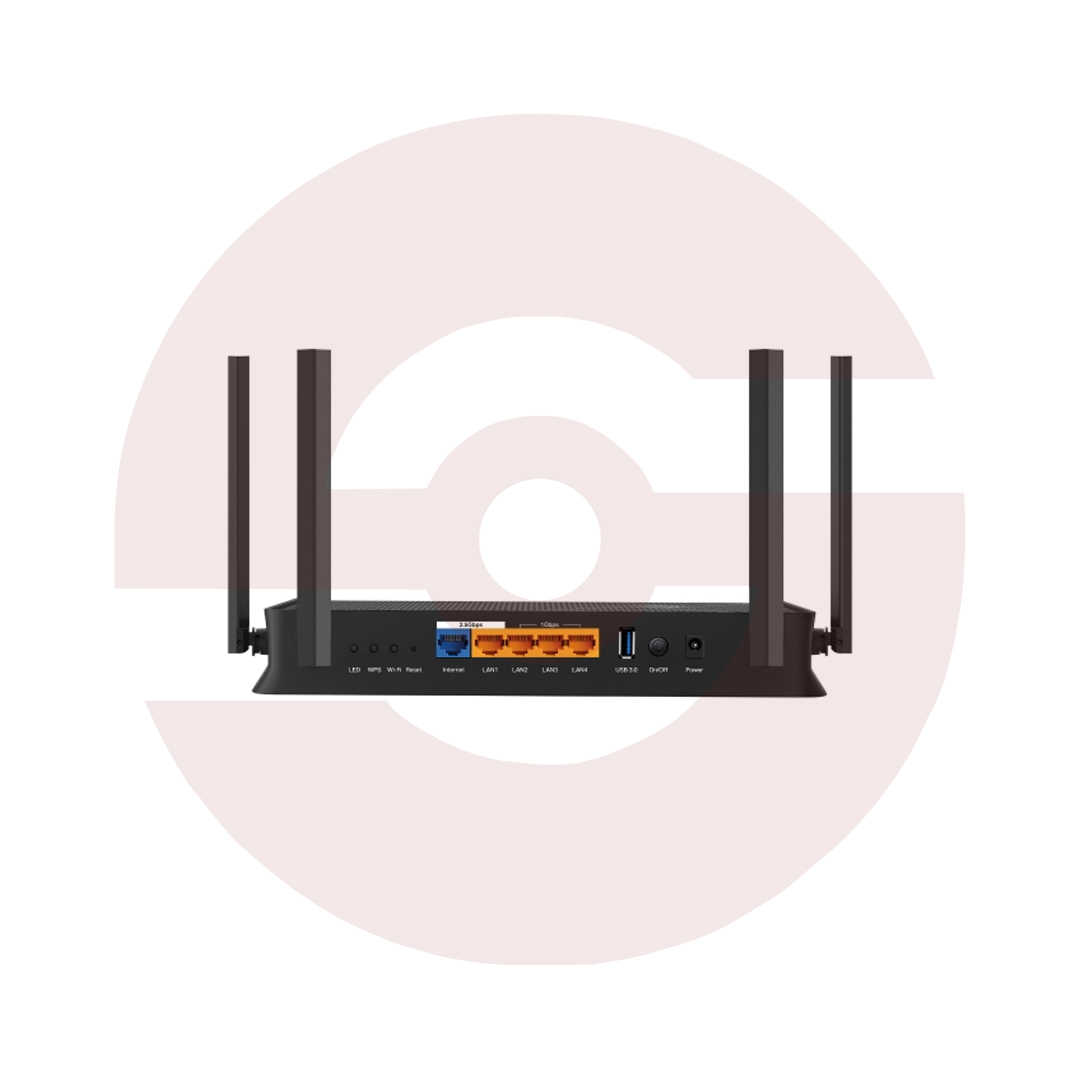
- 2.5Gbps WAN Port – Compatible multi-gigabit internet connections
- 2.5Gbps LAN Port – High-speed wired networking
- 3 Gigabit LAN Ports – Additional Ethernet connections
- USB 3.0 – Compatible storage and media sharing
- 4 External Antennas – Enhanced wireless signal distribution
- Multi-Link Operation (MLO) – Advanced WiFi 7 connectivity
- 4K-QAM and Multi-RUs – Efficient wireless data transmission
- OFDMA and MU-MIMO – Multi-device communication
- EasyMesh Compatibility – Expand coverage with supported devices
- TP-Link HomeShield – Network security and parental controls
- WPA3 Encryption – Modern wireless security
- IoT and Guest Networks – Separate connections for devices and visitors
- TP-Link Tether App – Convenient setup and management
- Discover More: TP-Link Wifi Routers
Description

TP-Link Archer BE230 BE3600 Dual Band WiFi 7 Router
The TP-Link Archer BE230 is a dual band WiFi 7 router designed for modern households and small offices. It combines BE3600 wireless connectivity with two 2.5Gbps Ethernet ports, three Gigabit LAN ports, and USB storage sharing. Whether you work remotely, stream entertainment, or connect multiple devices, this router offers flexible networking features for a compatible broadband connection.
BE3600 Dual Band Wireless Performance
The Archer BE230 delivers theoretical wireless link rates up to 2882Mbps on 5GHz and 688Mbps on 2.4GHz. These figures represent separate wireless bands rather than guaranteed internet download speeds. Actual results depend on your service package, client equipment, distance, interference, and network congestion. Although this model supports WiFi 7, it operates on two bands and does not include a 6GHz radio.
Advanced WiFi 7 Technologies
Multi-Link Operation helps compatible WiFi 7 clients coordinate supported wireless links for improved efficiency and responsiveness. Technologies such as 4K-QAM and Multi-RUs can improve data transmission under suitable conditions. OFDMA and MU-MIMO assist communication with multiple supported devices. Older wireless equipment can connect using compatible earlier standards, but it cannot necessarily benefit from every WiFi 7 feature. Performance depends on firmware and client support.
Two Multi Gigabit Ethernet Ports
One 2.5Gbps WAN port connects to compatible broadband equipment and can support internet packages faster than one gigabit. A separate 2.5Gbps LAN port provides a high speed wired connection for a capable computer, switch, or storage device. Three additional Gigabit LAN ports connect televisions, consoles, and other equipment. Reaching multi gigabit speeds requires compatible cables, devices, and internet service where applicable.
Four Antennas and Beamforming
Four external antennas help distribute wireless signals throughout suitable indoor spaces. Beamforming concentrates transmission toward compatible clients, while Airtime Fairness helps prevent slower devices from occupying excessive transmission time. Concrete walls, metal furniture, neighboring routers, and building layout can reduce coverage. Place the router centrally, above floor level, and away from enclosed cabinets or major electrical equipment for better everyday results.
USB Sharing and Convenient Access
The USB 3.0 port supports compatible external storage for local file and media sharing. Supported services include Samba, FTP, and media server functions. Transfer speeds depend on the connected drive, file system, network link, and client hardware. Configure access permissions carefully before sharing personal documents. USB storage features do not replace dedicated backup practices, and the port is not a cellular SIM connection.
EasyMesh and Flexible Installation
EasyMesh compatibility allows supported routers and extenders to create a coordinated wireless network across suitable areas. Additional mesh devices are sold separately unless explicitly included. Router Mode shares an incoming internet connection, while Access Point Mode provides wireless access through an existing network. Check firmware and companion device compatibility before planning mesh expansion. Roaming performance depends on signal placement and client behavior.
HomeShield Security and Management
TP-Link HomeShield provides supported network scanning, parental controls, and security features, with some advanced options requiring a subscription. WPA3 protects compatible wireless connections, while guest and IoT networks help organize connected devices. The Tether app and web interface simplify configuration, device management, and supported VPN settings. Keep firmware current and choose strong administrator passwords to reduce avoidable security risks.
Discover More from TP-Link
Want to explore more about TP-Link WiFi Routers? Visit the official TP-Link website for product insights, support, and the latest smart security solutions.
Official Resource: Explore TP-Link










































Reviews
Clear filtersThere are no reviews yet.