
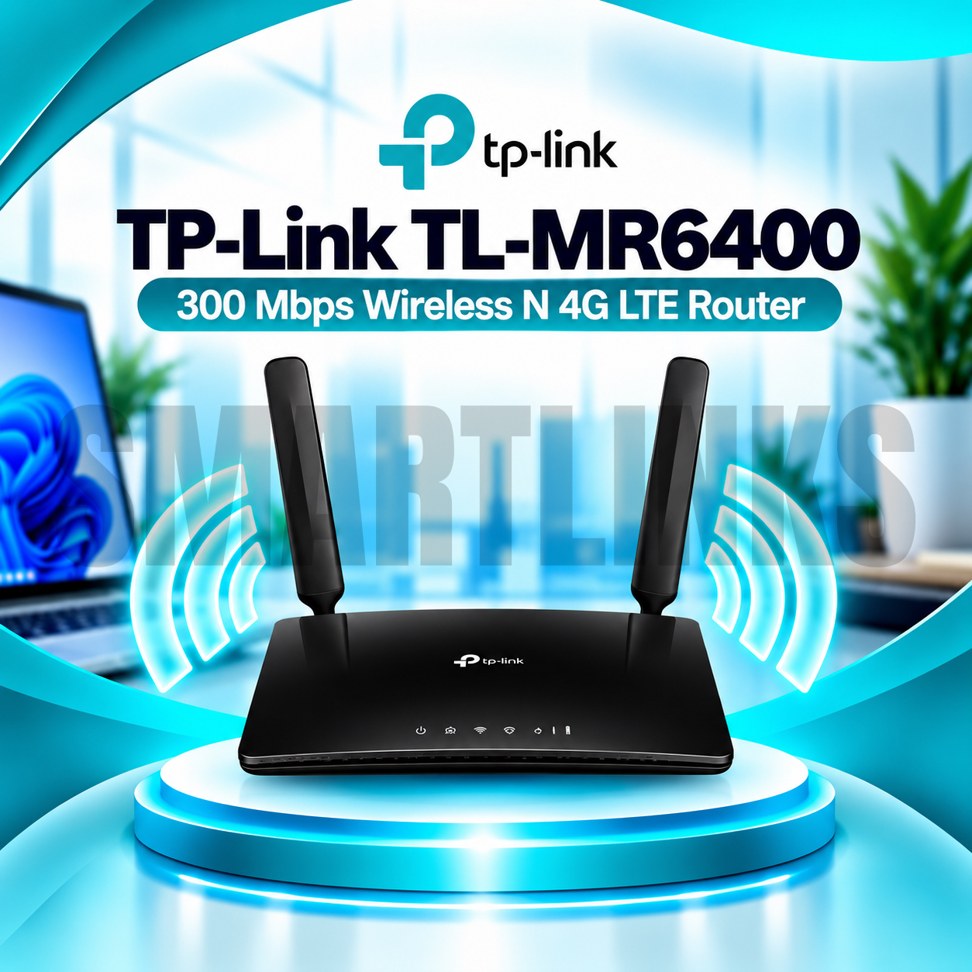


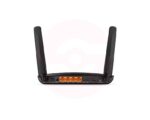

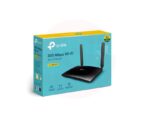
TP-Link TL-MR6400 300Mbps 4G LTE WiFi Router – SIM Supported, 150Mbps LTE, 2 Detachable Antennas & 32 Device Support

- 4G LTE Cat4 – Up to 150Mbps theoretical download speed
- 300Mbps Wireless N – 2.4GHz WiFi connectivity
- Built-in SIM Slot – Share compatible mobile internet
- 2 Detachable LTE Antennas – Improved cellular signal reception
- Up to 32 WiFi Devices – Connect multiple users
- 4 Fast Ethernet Ports – Three LAN and one LAN/WAN
- WAN Failover – 4G backup for compatible wired broadband
- Guest WiFi – Separate visitor access
- Parental Controls – Manage family internet usage
- Quality of Service – Prioritize selected traffic
- WPA/WPA2 Security – Protect wireless connections
- TP-Link Tether App – Convenient smartphone management
- Discover More: TP-Link Wifi Routers
Description

TP-Link TL-MR6400 300Mbps 4G LTE WiFi Router
The TP-Link TL-MR6400 is a practical wireless router for sharing mobile internet across a home, office, shop, or temporary workspace. Its integrated 4G LTE modem works with compatible SIM cards, reducing dependence on fixed broadband installations. With Wireless N connectivity, Ethernet ports, and straightforward management features, this router helps users connect everyday devices where mobile network coverage is available.
Integrated 4G LTE Internet
The built in LTE Cat4 modem supports theoretical download speeds up to 150Mbps and upload speeds up to 50Mbps. Actual results depend on network congestion, operator coverage, signal quality, frequency bands, and your mobile subscription. Insert an activated SIM card that matches your specific hardware version. Some operators require manual APN configuration or restrict certain data packages, so confirm compatibility before ordering.
300Mbps Wireless N WiFi
The TL-MR6400 provides theoretical wireless link rates up to 300Mbps on the 2.4GHz band. This connection can serve compatible smartphones, laptops, tablets, and smart devices for browsing, messaging, and video calls. Wireless link speed is not the same as internet speed. Practical performance varies with distance, interference, connected clients, and available mobile bandwidth. This model does not provide 5GHz WiFi or WiFi 6.
Detachable Cellular Antennas
Recent versions include two detachable external LTE antennas designed to help receive mobile network signals. Antenna performance depends on installation position and local coverage. Place the router in a ventilated area, preferably away from thick walls, metal obstacles, and electrical interference. The external antennas serve cellular reception rather than detachable WiFi coverage. Older regional versions may use a different antenna arrangement.
Wired Networking and Backup
Three 10/100Mbps LAN ports connect compatible desktop computers, televisions, or network switches. An additional 10/100Mbps LAN/WAN port enables a wired broadband connection when suitable equipment is available. Supported WAN failover can switch to mobile connectivity if the primary wired connection becomes unavailable. These are Fast Ethernet interfaces, not Gigabit ports, and therefore may limit faster wired broadband services.
Sharing With Multiple Devices
TP-Link advertises support for up to 32 wireless devices. The practical number of comfortably connected users depends on simultaneous traffic, applications, and cellular network capacity. Light browsing consumes less bandwidth than streaming multiple videos or downloading large files. Choose a suitable mobile data package and monitor usage to avoid unexpected limits. Device support does not guarantee identical speeds for everyone.
Security and Family Controls
Available features include WPA and WPA2 wireless encryption, a separate guest network, parental controls, firewall protection, and Quality of Service settings. Guest access helps keep visitor devices separate from your primary wireless credentials. Parental controls can restrict selected content or internet access periods. Protect the administrator account with a strong password and install firmware intended for your exact hardware revision.
Setup and Everyday Management
Attach the antennas where applicable, insert the correct SIM card, and connect the supplied power adapter. Follow the quick installation guide to establish internet access. TP-Link Tether and the browser interface provide supported settings for network names, passwords, connected devices, and parental controls. If service fails, check SIM activation, signal strength, APN settings, and operator compatibility before changing advanced options.
Important Buying Information
Before purchasing, confirm the hardware revision, SIM size, supported LTE bands, warranty, and included accessories. Recent versions may require a Nano SIM, while others use Micro SIM cards. The TL-MR6400 is a 4G router, not a 5G cellular device or fiber optical terminal. Verify network compatibility and select a suitable installation position for dependable connectivity.
Keep the router away from heat and moisture, review devices, and use a reliable power source. Compare actual network coverage with advertised speeds before purchasing.
Discover More from TP-Link
Want to explore more about TP-Link WiFi Routers? Visit the official TP-Link website for product insights, support, and the latest smart security solutions.
Official Resource: Explore TP-Link










































Reviews
Clear filtersThere are no reviews yet.