

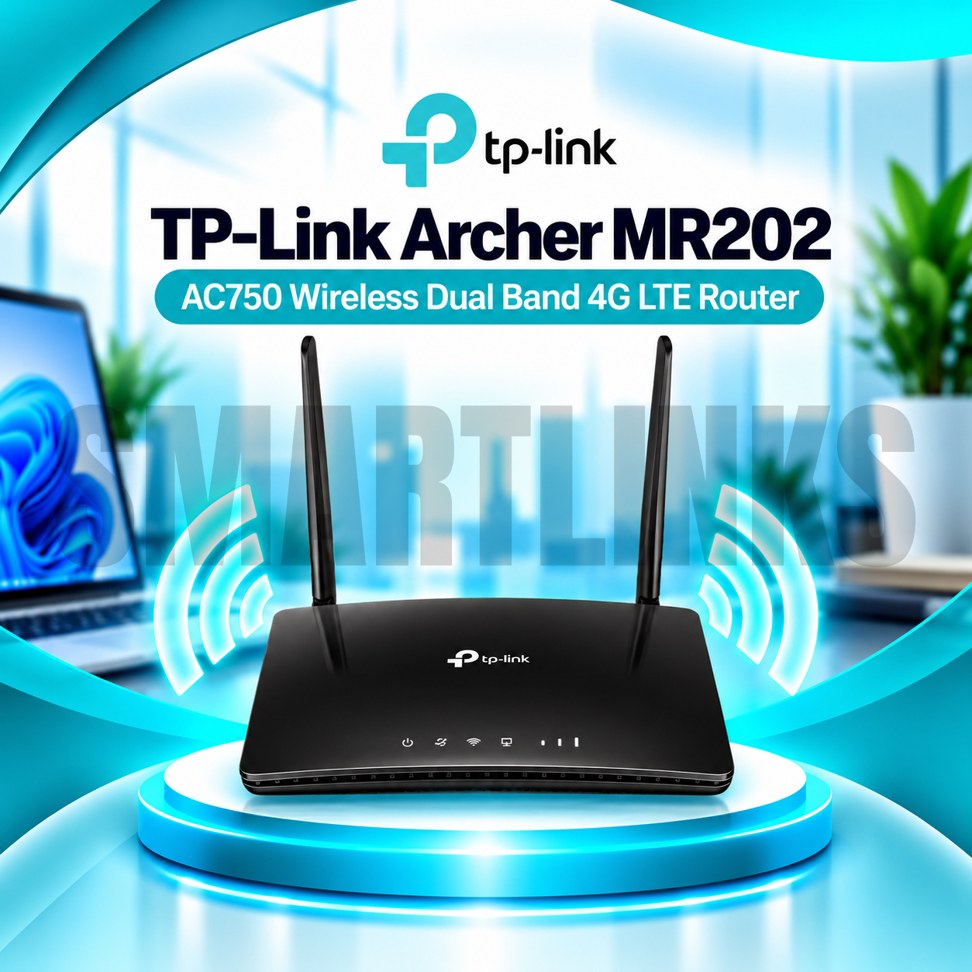

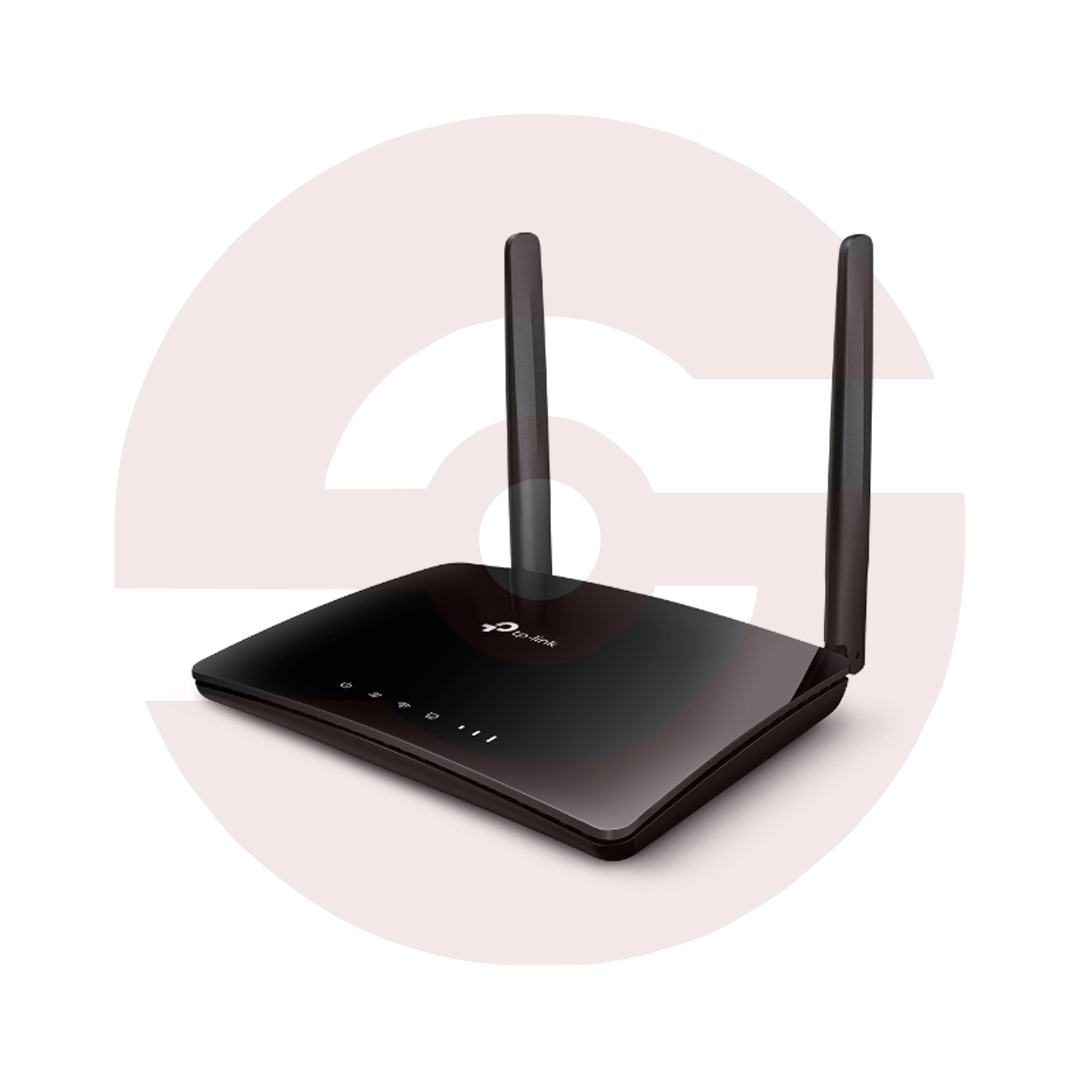
TP-Link Archer MR202 AC750 Dual Band 4G LTE WiFi Router – SIM Supported, 150Mbps LTE, 2 External Antennas & OneMesh

- AC750 Dual-Band WiFi – 2.4GHz and 5GHz connectivity
- 4G LTE Cat4 – Up to 150Mbps download capability
- Nano SIM Slot – Internet without a fixed broadband line
- 433Mbps on 5GHz – Faster wireless link
- 300Mbps on 2.4GHz – Everyday device connectivity
- 2 Detachable LTE Antennas – Flexible mobile signal reception
- Up to 64 WiFi Devices – Multiple connected users
- 4 Fast Ethernet Ports – Wired networking options
- WAN Failover – 4G backup for wired internet
- OneMesh Support – Expand coverage with compatible devices
- Parental Controls – Manage internet access
- Guest Network – Separate visitor WiFi
- Tether App – Convenient smartphone management
- Discover More: TP-Link Wifi Routers
Description

TP-Link Archer MR202 AC750 Dual Band 4G LTE Router
The TP-Link Archer MR202 provides flexible internet connectivity through a compatible mobile SIM card or an existing wired broadband connection. Designed for homes, small offices, and temporary workspaces, it combines an integrated 4G LTE modem with dual band wireless networking. Two detachable cellular antennas, practical Ethernet connections, and straightforward management features make the router useful where reliable access depends on available network coverage.
AC750 Dual Band WiFi
The Archer MR202 supports theoretical wireless link speeds up to 433Mbps on 5GHz and 300Mbps on 2.4GHz. The 5GHz band can serve compatible devices requiring greater wireless capacity, while 2.4GHz often provides broader indoor reach. These figures describe local wireless link rates rather than internet download speeds. Actual performance depends on interference, connected devices, distance, and the available broadband or mobile network connection.
Integrated 4G LTE Connectivity
Insert a compatible Nano SIM card to share mobile internet without installing a separate cellular modem. The integrated LTE Cat4 modem supports theoretical downloads up to 150Mbps and uploads up to 50Mbps under suitable network conditions. Actual speeds vary with operator coverage, congestion, signal quality, and subscription restrictions. Confirm supported LTE bands, SIM activation, and any required APN settings with your mobile provider before ordering.
Detachable LTE Antennas
Two detachable external antennas connect through dedicated cellular antenna interfaces. They help receive mobile network signals when the router is positioned appropriately. Antenna placement cannot guarantee coverage in weak signal areas. Keep the router away from thick walls, large metal objects, and electrical interference where practical. Use only compatible replacement antennas and avoid damaging the connectors during installation or adjustment.
Wired Connections and Backup
Three 10/100Mbps LAN ports support wired computers, televisions, or network switches. An additional 10/100Mbps LAN/WAN port can connect to a compatible broadband modem or upstream Ethernet service. Wireless Router Mode enables conventional wired internet access, while supported WAN failover can use cellular service as backup. All Ethernet ports are Fast Ethernet rather than Gigabit, which matters for faster broadband subscriptions.
Multiple Devices and OneMesh
TP-Link lists support for connecting up to 64 wireless devices, although actual performance depends on traffic demands and radio conditions. OneMesh compatibility allows supported TP-Link extenders or powerline devices to help expand wireless coverage. Compatible equipment is sold separately, and mesh functionality may depend on firmware. The Archer MR202 does not provide WiFi 6 or 5G cellular connectivity.
Security and Network Controls
The router provides WPA and WPA2 wireless security, guest networks, parental controls, and an SPI firewall. Quality of Service settings help prioritize selected network traffic. Additional features include IPv4 and IPv6 support, access controls, and compatible VPN server options. Use strong wireless passwords and update firmware only with files intended for your exact hardware revision. Avoid older WEP encryption whenever possible.
Simple Setup and Management
Connect the supplied power adapter, insert an activated Nano SIM, and follow the setup instructions. Some operators require manual APN configuration. The browser interface and TP-Link Tether application provide supported management options, including device monitoring and network settings. For wired broadband, connect the appropriate Ethernet cable and configure the WAN connection according to your provider’s requirements.
Buying and Installation Advice
Before purchasing, verify your operator’s LTE bands, SIM restrictions, signal strength, hardware revision, and warranty. Remember that the two detachable external antennas serve cellular reception, not guaranteed whole home WiFi coverage. Position the router in a ventilated location with a suitable mobile signal. Check data allowances and connected device requirements to choose an appropriate internet plan.
Keep account details secure and confirm compatibility before installation.
Reliable results require suitable coverage and sensible router placement.
Discover More from TP-Link
Want to explore more about TP-Link WiFi Routers? Visit the official TP-Link website for product insights, support, and the latest smart security solutions.
Official Resource: Explore TP-Link










































Reviews
Clear filtersThere are no reviews yet.