


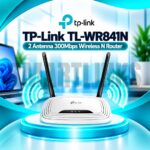
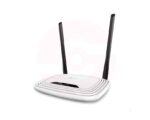
TP-Link TL-WR841N 300Mbps Wireless N WiFi Router – 2 Antennas, 4 LAN Ports, 2.4GHz Home & Office Router

- 300Mbps Wireless N – Everyday WiFi connectivity
2 Fixed Antennas – Practical wireless coverage
2.4GHz WiFi – Broad device compatibility - 4 LAN Ports – Connect wired devices
- Multi-Mode Support – Flexible network setup
- Parental Controls – Manage internet access
- Guest Network – Separate visitor WiFi
- WPA/WPA2 Security – Protected wireless connections
- WPS Button – Convenient device pairing
- IPTV Support – Compatible network configuration
- Discover More: TP-Link Wifi Routers
Description

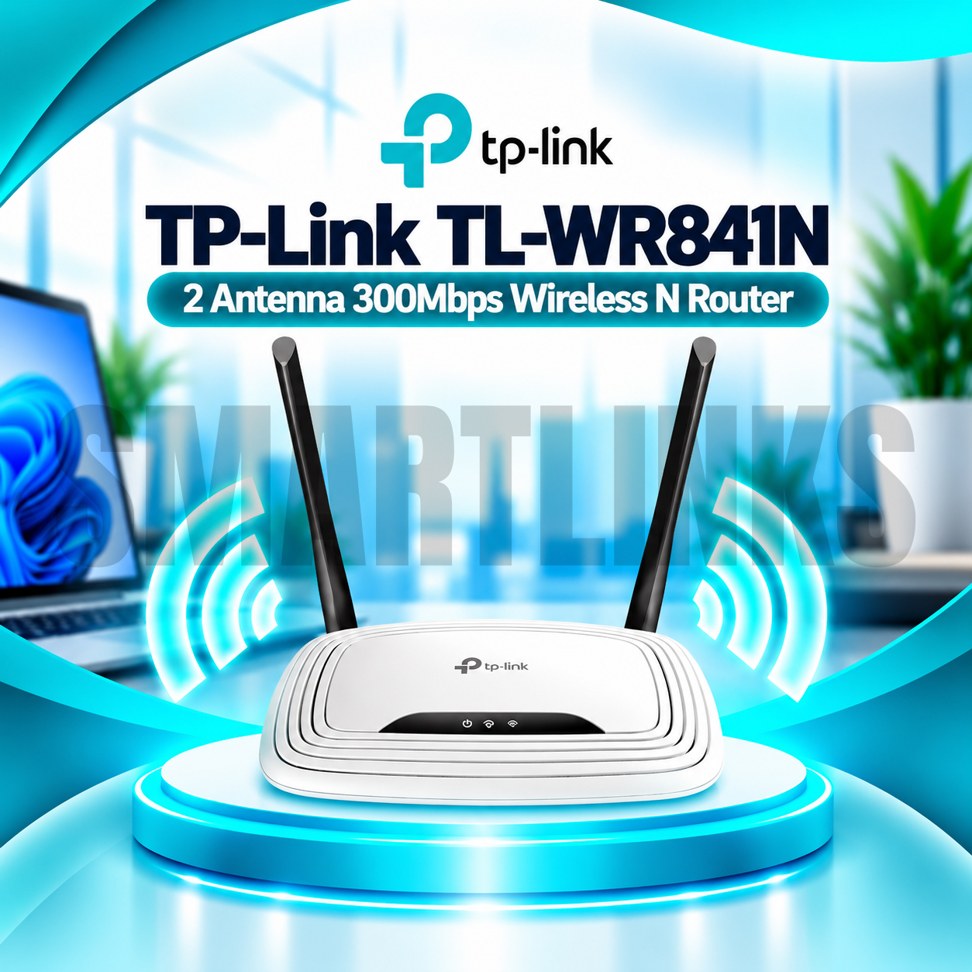
TP-Link TL-WR841N 300Mbps Wireless N WiFi Router
The TP-Link TL-WR841N is a practical wireless router for homes, apartments, and small offices requiring everyday internet connectivity. It shares an existing broadband connection with compatible smartphones, laptops, televisions, and other devices through a 2.4GHz wireless network. With two fixed external antennas, four LAN ports, and useful management features, this model provides a straightforward solution for basic networking without unnecessary complexity.
300Mbps Wireless N Connectivity
The router supports IEEE 802.11n, 802.11g, and 802.11b standards, delivering theoretical wireless link rates up to 300Mbps. This figure represents wireless connection capability rather than guaranteed internet download speed. Actual results depend on signal strength, interference, connected devices, and your broadband subscription. The TL-WR841N operates exclusively on 2.4GHz and cannot create a separate 5GHz wireless network. Older compatible wireless devices can connect using supported standards.
Two Fixed External Antennas
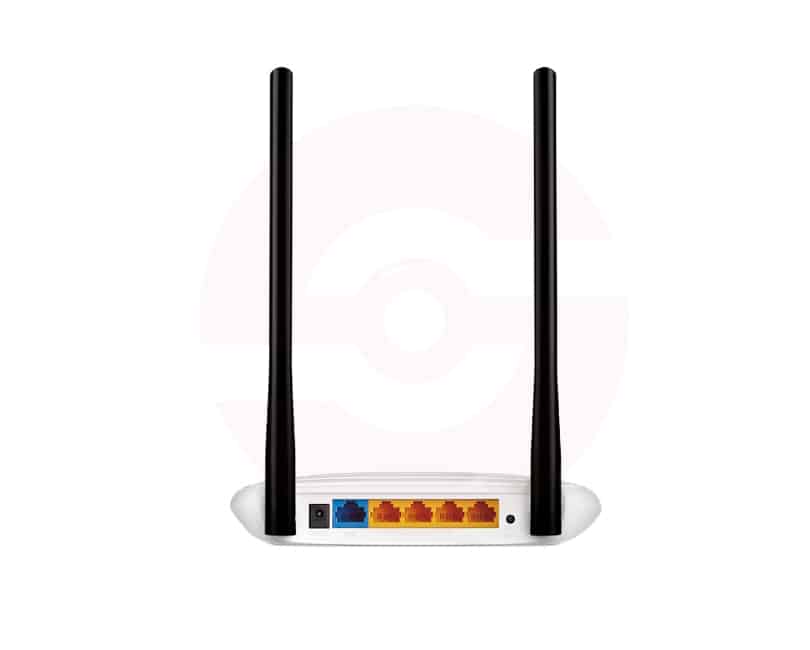
Two external antennas help distribute wireless signals throughout suitable indoor spaces. Their fixed design means they are not intended for routine removal. Place the router on an open shelf or desk, preferably near the center of your intended coverage area. Thick walls, floors, metal furniture, and neighboring wireless networks can weaken reception. Actual coverage varies by building layout, interference, and the capabilities of connected devices.
Four Wired LAN Connections
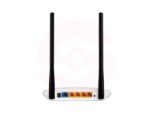
The TL-WR841N includes one 10/100Mbps WAN port for connecting a compatible modem or upstream network. Four 10/100Mbps LAN ports allow wired connections for computers, televisions, and other Ethernet equipment. These are Fast Ethernet ports, not Gigabit interfaces. Internet plans above 100Mbps may be limited by the WAN port, regardless of the advertised wireless link rate. Check your broadband requirements before selecting this router.
Flexible Operating Modes
TP-Link lists Router, Access Point, Range Extender, and WISP modes for its current product specifications. Router Mode shares an internet connection, while Access Point Mode adds wireless access to an existing wired network. Range Extender Mode repeats a compatible wireless signal, potentially reducing effective throughput. WISP Mode uses a suitable wireless upstream connection. Availability and configuration details can differ between hardware revisions and firmware versions.
Wireless Security and Controls
Supported configurations include WPA and WPA2 encryption, access controls, and an SPI firewall. Parental controls can help restrict selected websites or manage connection schedules. Guest networking provides separate visitor access on supported revisions. Bandwidth control helps distribute available internet capacity between devices. Avoid outdated WEP security, choose strong passwords, and install firmware intended for your exact hardware version to maintain a safer network.
Convenient Setup and Management
The router can be configured through its browser based management interface. Certain hardware revisions also support the TP-Link Tether application for smartphone management. WPS offers a convenient connection method for compatible devices when enabled. Your internet provider may require PPPoE credentials or other WAN settings. Follow the supplied installation instructions and confirm the internet connection before adjusting advanced features.
Practical Everyday Networking
This model suits web browsing, messaging, online learning, video calls, and routine streaming when network conditions permit. It does not include a SIM card modem, WiFi 5, WiFi 6, or Gigabit Ethernet. For faster broadband plans or devices requiring 5GHz, consider a compatible dual band Gigabit router. The TL-WR841N remains a straightforward choice for basic 2.4GHz connectivity.
Installation and Buying Advice
Before ordering, confirm the hardware revision, included accessories, warranty, and required operating modes. Use the supplied power adapter, maintain ventilation, and keep the router away from moisture. Connect the WAN cable securely and protect administrator credentials. If performance becomes unstable, inspect cables, check interference, and review firmware compatibility before replacing equipment.
Always compare advertised wireless rates with your actual broadband speed and connected device capabilities.
Discover More from TP-Link
Want to explore more about TP-Link WiFi Routers? Visit the official TP-Link website for product insights, support, and the latest smart security solutions.
Official Resource: Explore TP-Link










































Reviews
Clear filtersThere are no reviews yet.