

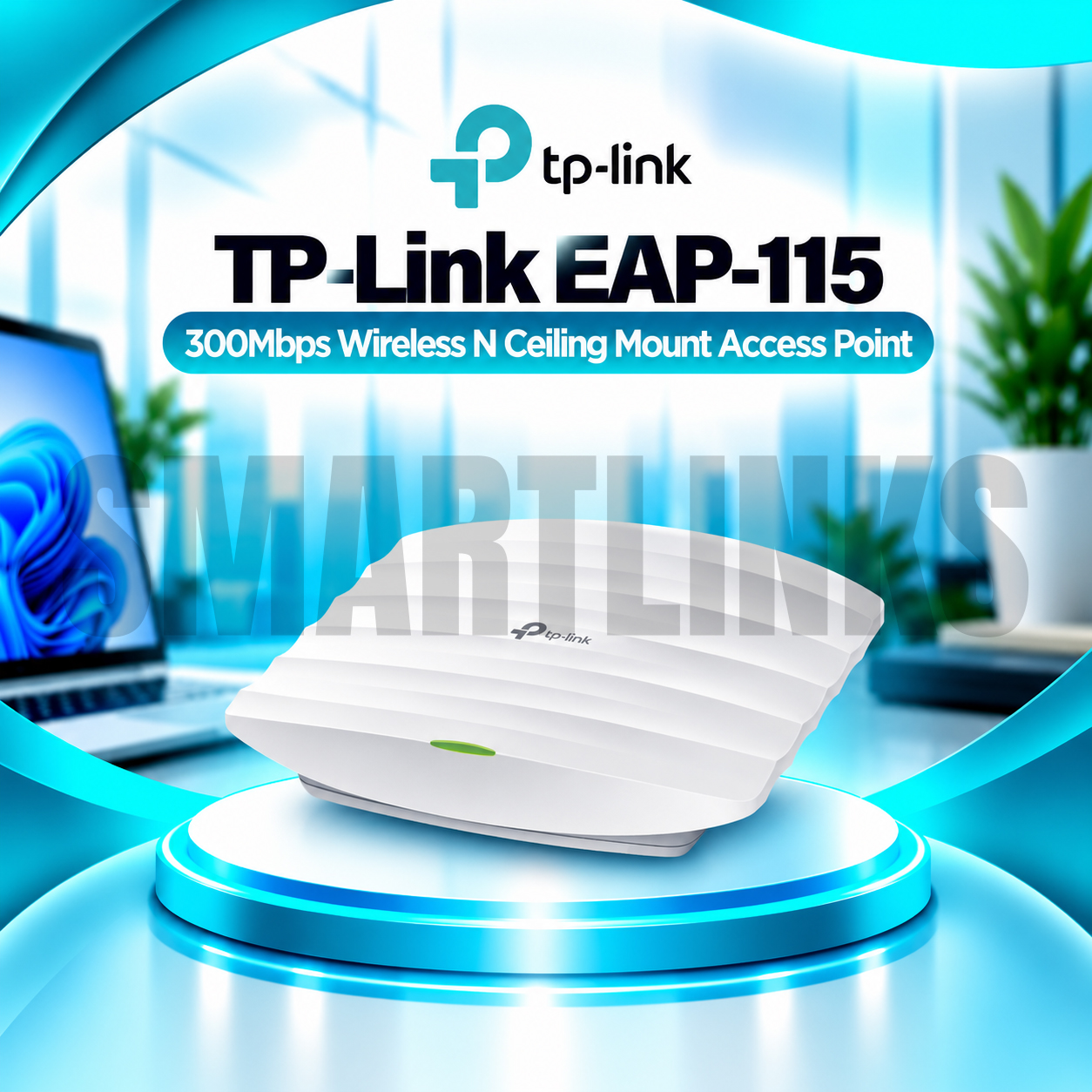

TP-Link EAP115 300Mbps Ceiling Mount Access Point

Key Product Highlights
-
300Mbps Wireless N: Up to 300Mbps theoretical wireless link speed.
-
2.4GHz Wireless Connectivity: Supports IEEE 802.11b/g/n devices.
-
Omnidirectional Antennas: Two internal 4dBi antennas on documented recent hardware revisions.
-
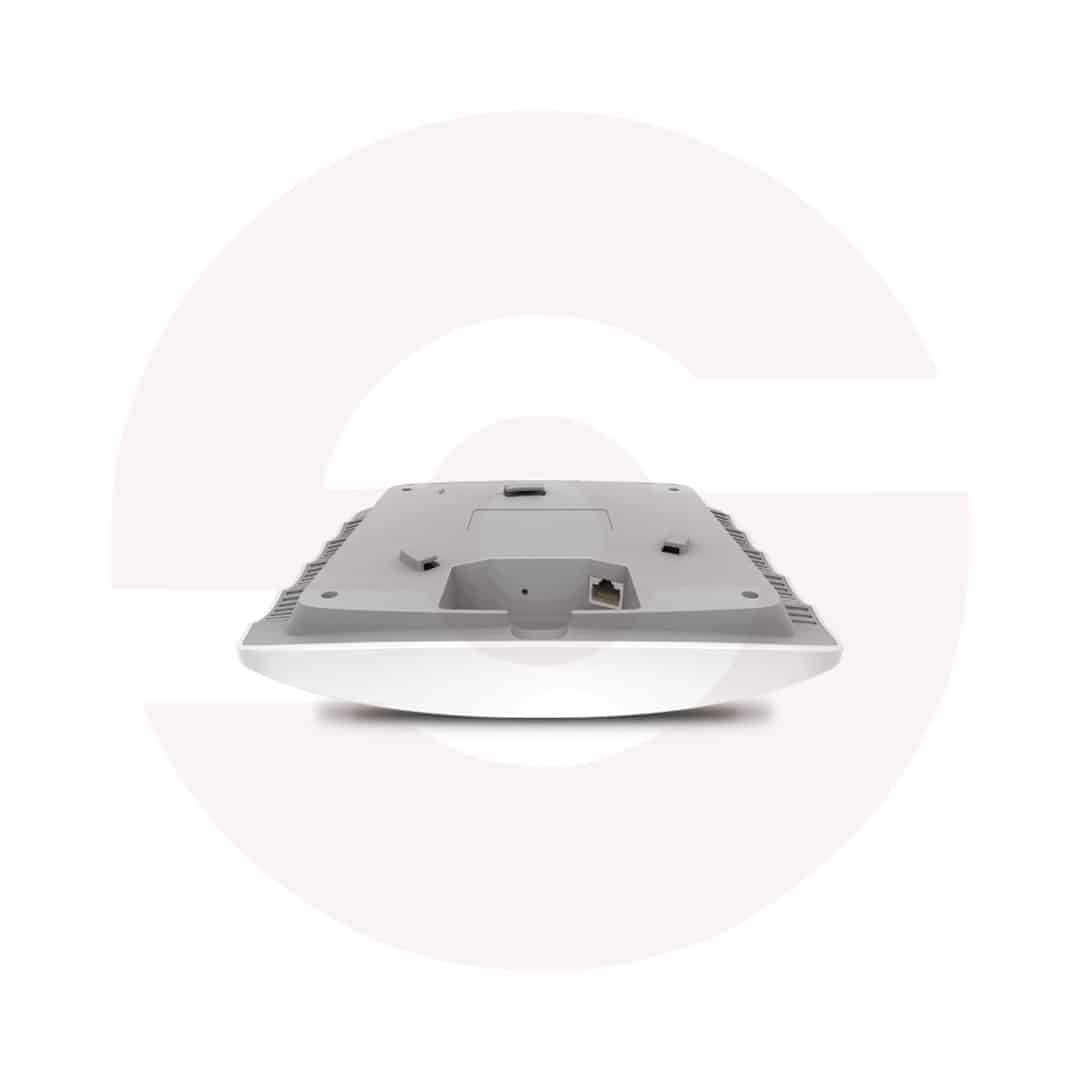
Ceiling and Wall Mounting: Low-profile design with mounting hardware.
-
IEEE 802.3af PoE: Power and data transmission through one compatible Ethernet cable.
-
Fast Ethernet Port: One 10/100Mbps RJ45 port.
-
Omada Centralized Management: Supports administration through compatible Omada controllers.
-
Multiple SSIDs: Up to eight wireless network names.
-
Captive Portal: Supports guest authentication and managed visitor access.
-
VLAN Mapping: Helps separate wireless traffic into designated networks.
-
Wireless Scheduling: Configure operating periods and scheduled reboots.
-
Bandwidth Management: Rate limiting and wireless Quality of Service.
-
Client Isolation: Helps separate devices on configured guest networks.
-
100+ Client Rating: Laboratory-tested manufacturer capacity, dependent on usage.
-
Indoor Coverage: Approximately 60m² / 650ft² under specified test conditions.
Discover More: TP-Link Access Points
Description

TP-Link EAP115 300Mbps Wireless N Ceiling Mount Access Point
The TP-Link EAP115 is an indoor wireless access point designed to provide organized WiFi coverage in offices, shops, classrooms, hotels, and other business spaces. Operating on the 2.4GHz frequency band, it supports theoretical wireless link speeds up to 300Mbps. Its discreet ceiling mount design, standard Power over Ethernet support, and Omada management options make it practical for businesses that want centrally managed wireless access without complicated installation. Unlike a router, this access point requires an existing network gateway to provide internet routing, firewall services, and typically automatic IP address assignment.
Reliable 2.4GHz Wireless Connectivity
The EAP115 supports IEEE 802.11b/g/n standards and connects compatible devices through its single 2.4GHz radio. This band can travel through typical indoor obstructions, although nearby networks and electronic equipment may create interference. Advertised 300Mbps refers to a theoretical wireless connection rate, not a guaranteed internet speed. Real performance depends on signal strength, client equipment, network congestion, and installation conditions.
Consider newer dual-band equipment when high-speed streaming or crowded offices demand significantly greater wireless capacity.
Convenient Ceiling or Wall Installation
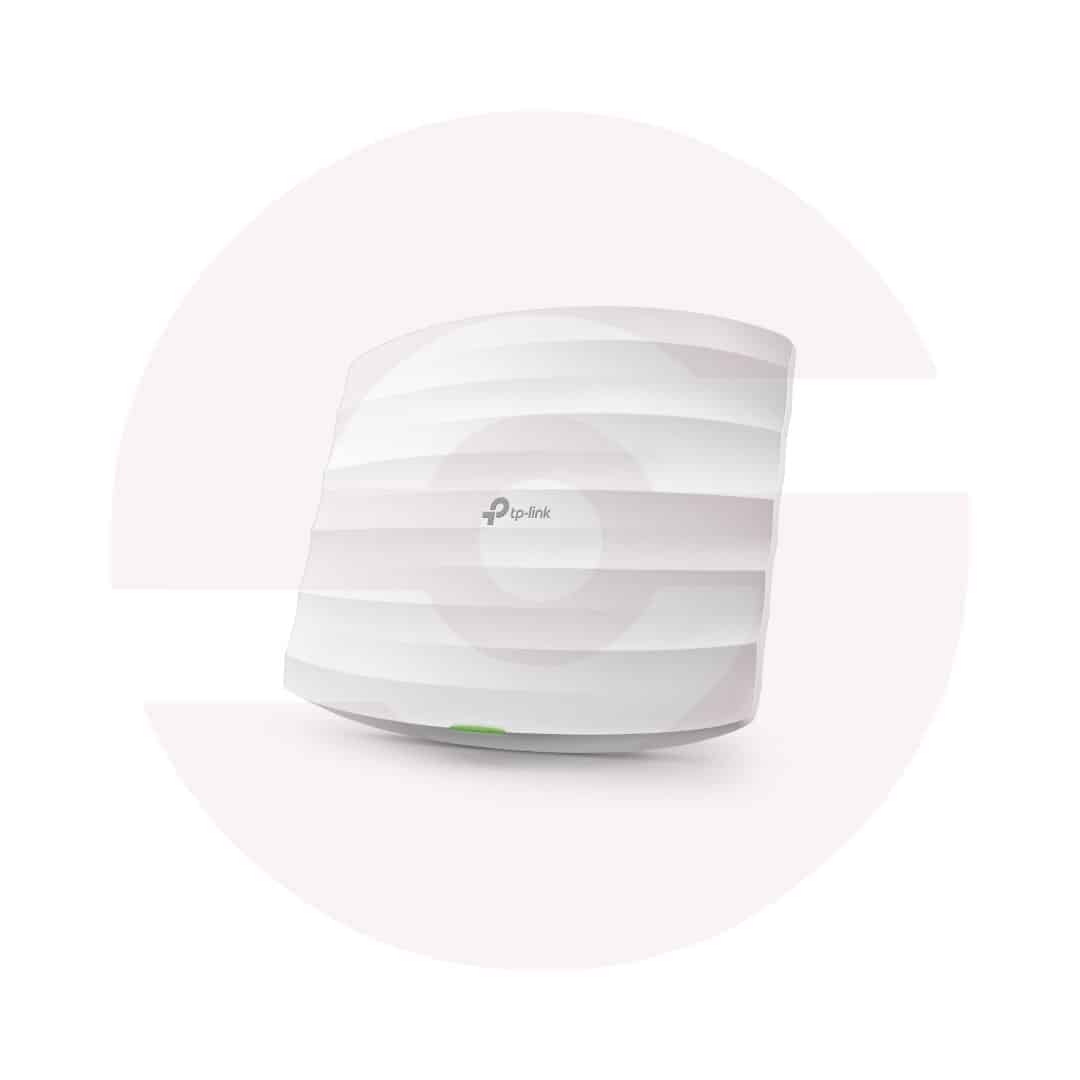
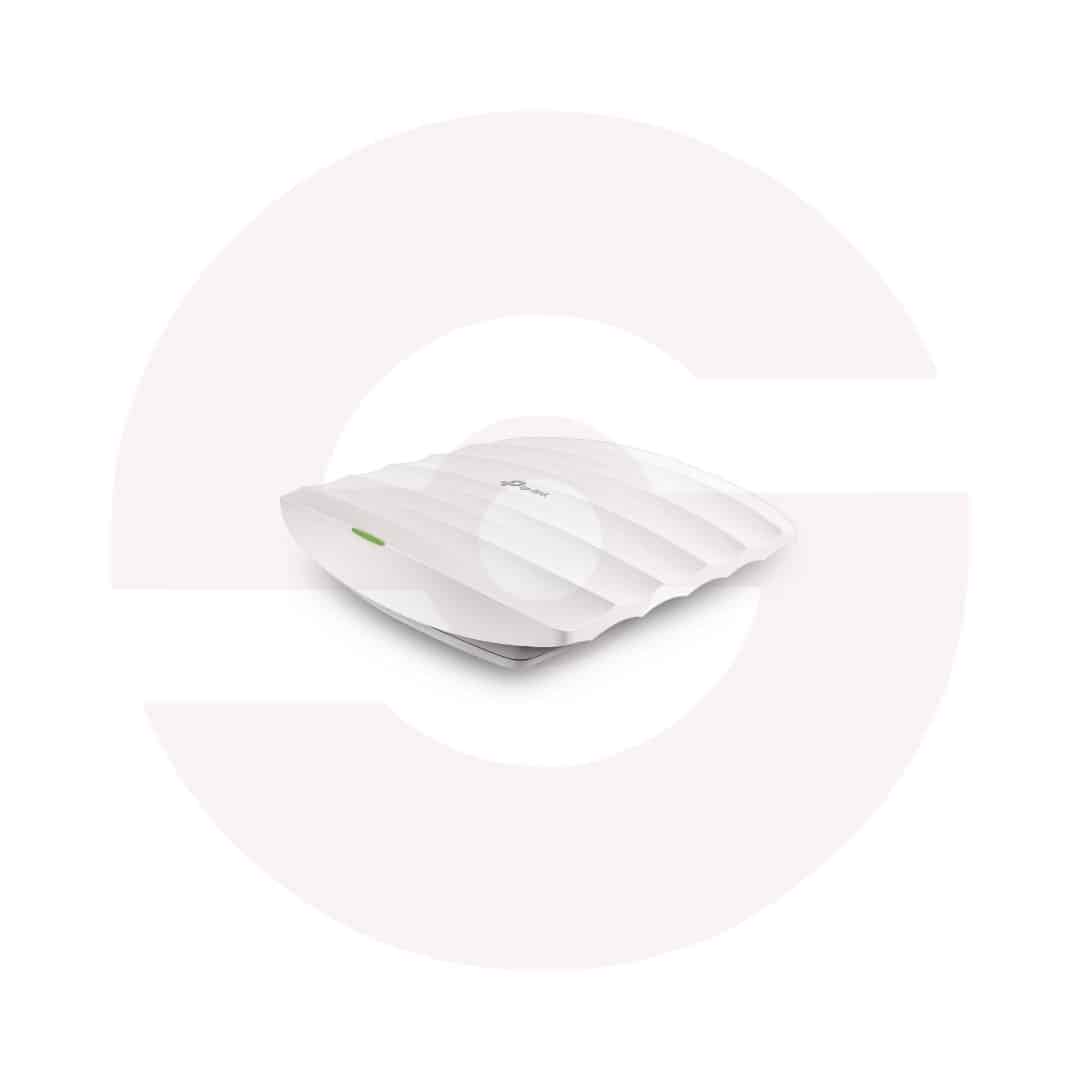
Its compact circular enclosure fits neatly onto ceilings or walls with the included mounting hardware. Internal omnidirectional antennas distribute wireless coverage around the installation area, helping eliminate the need for visible external antenna rods. TP-Link lists two internal 4dBi antennas for current documented hardware revisions. Position the device away from large metal structures and other sources of interference to support more consistent reception.
Standard 802.3af Power over Ethernet
Standard IEEE 802.3af PoE allows one network cable to deliver power and data from a compatible PoE switch or injector. This simplifies mounting where a nearby electrical outlet is unavailable. An external 9V DC power option is also documented for supported hardware. Verify the actual retail package and power requirements before deployment. The EAP115 includes one Fast Ethernet port, meaning wired throughput is limited to a nominal 100Mbps connection.
Multiple SSIDs for Different Users
Businesses can create up to eight wireless network names, subject to the device configuration. Separate networks help organize access for staff, customers, and designated equipment. SSID to VLAN mapping, client isolation, access controls, and bandwidth limits provide additional tools for separating traffic. These functions should be configured by a knowledgeable administrator to match the existing router, switch, and security policies.
Guest Access and Captive Portal
A captive portal can present an authentication page before visitors use the wireless network. Supported Omada environments provide options for managing guest access and applying relevant authentication methods, depending on controller software and configuration. This can be useful in cafes, waiting areas, and other shared spaces. Avoid promising specific login integrations without checking the installed firmware and controller.
Centralized Omada Network Management
The EAP115 supports management through the Omada platform, including compatible software or hardware controllers. Administrators can monitor clients, adjust wireless settings, configure schedules, and manage several access points from one interface. Cloud access requires an appropriate controller and network configuration. Available management features can vary across hardware versions and software releases.
Practical Coverage and Capacity
TP-Link lists approximately 60 square meters of coverage and support for more than 100 clients under specified testing conditions. These figures are estimates rather than performance guarantees. Walls, floor plans, connected device activity, and wireless interference influence real results. Plan multiple access points when a building requires wider coverage or higher traffic capacity.
Buy TP-Link EAP115 in Pakistan
Choose the TP-Link EAP115 for affordable, managed 2.4GHz indoor wireless access with flexible mounting and PoE installation. Explore Smartlinks.pk for availability, pricing, and warranty information. Confirm the hardware revision, included accessories, and Omada compatibility before ordering.
Discover More from TP-Link
Want to explore more about TP-Link Access Points? Visit the official TP-Link website for product insights, support, and the latest smart security solutions.
Official Resource: Explore TP-Link










































Reviews
Clear filtersThere are no reviews yet.