
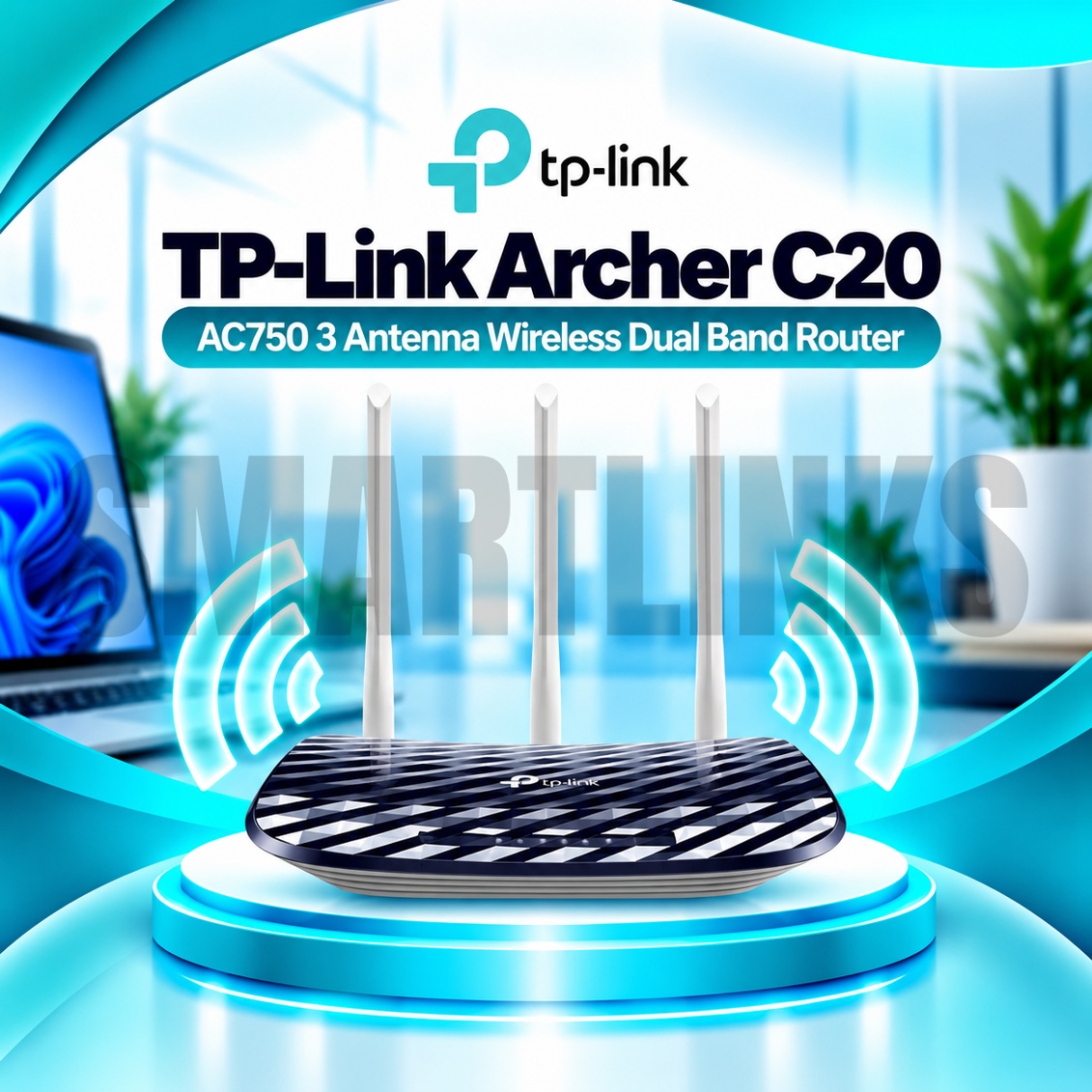


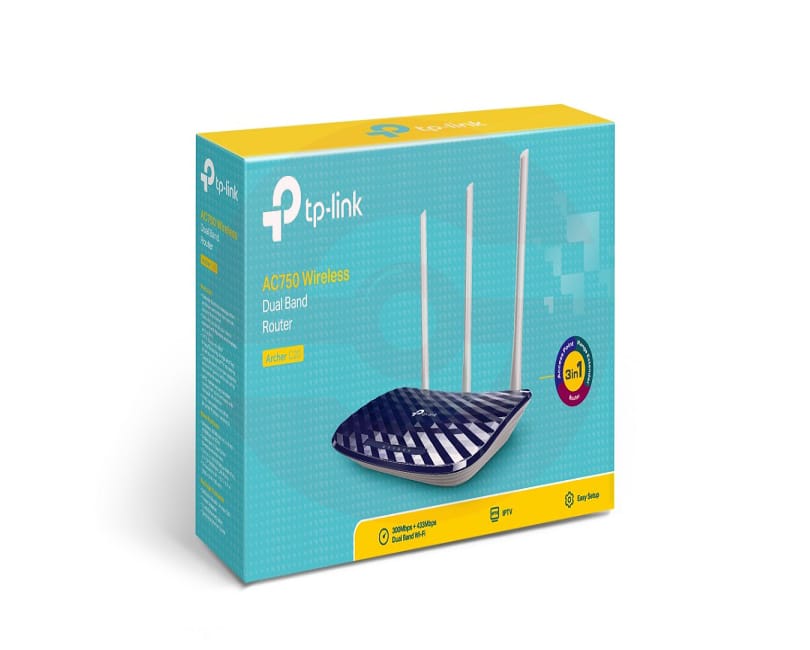
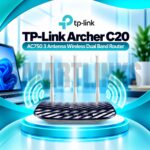
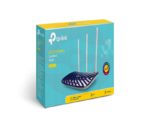
TP-Link Archer C20 AC750 Dual Band WiFi Router – 433Mbps 5GHz, 300Mbps 2.4GHz, 3 Antennas & 3-in-1 Modes

- AC750 Dual-Band WiFi – 2.4GHz and 5GHz connectivity
- 433Mbps on 5GHz – Wireless connectivity for compatible devices
- 300Mbps on 2.4GHz – Everyday browsing and smart devices
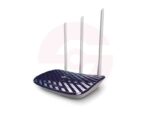
- 3 Fixed External Antennas – Omnidirectional wireless coverage
- WiFi 5 Technology – IEEE 802.11ac support
- 3-in-1 Operating Modes – Router, Access Point, and Range Extender
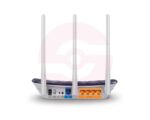
- 1 Fast Ethernet WAN Port – Up to 100Mbps
- 4 Fast Ethernet LAN Ports – Wired connectivity
- Guest Network – Separate wireless access for visitors
- Parental Controls – Time and website filtering
- IPv6 Support – Modern internet protocol compatibility
- IPTV Features – IGMP Proxy, IGMP Snooping, and VLAN
- WPS Button – Convenient compatible-device connection
- TP-Link Tether App – Smartphone configuration and management
- Discover More: TP-Link Wifi Routers
₨6,500.00
Description

TP-Link Archer C20 AC750 Dual Band WiFi Router
The TP-Link Archer C20 is a practical dual band wireless router designed for homes, apartments, and small offices. It combines WiFi 5 connectivity, three external antennas, and flexible operating modes in an affordable networking solution. Users can connect smartphones, laptops, televisions, and other compatible devices through an existing broadband service. Its straightforward controls make everyday wireless setup and management accessible.
AC750 Dual Band Wireless Connectivity
The Archer C20 delivers theoretical wireless link speeds up to 433Mbps on 5GHz and 300Mbps on 2.4GHz. The 5GHz band can serve compatible devices performing demanding activities, while 2.4GHz provides connectivity for routine browsing and connected equipment. These figures represent wireless link rates rather than guaranteed internet download speeds. Actual performance depends on interference, distance, client capabilities, and your broadband subscription.
Three External Antennas for Coverage
Three fixed external antennas help distribute wireless signals across suitable indoor spaces. Their omnidirectional design supports connections in multiple directions, although walls, concrete floors, metal furniture, and neighboring networks can weaken reception. Position the router centrally and above floor level whenever possible. Avoid enclosing it inside cabinets or placing it near major electrical appliances. Coverage varies according to building layout.
Three Flexible Operating Modes
Router Mode shares an incoming internet connection with wired and wireless devices. Access Point Mode creates wireless connectivity from an existing Ethernet network. Range Extender Mode helps repeat a compatible wireless signal into areas with weaker reception. These modes provide useful installation flexibility without requiring separate networking equipment for every situation. Extending a wireless connection may reduce available throughput depending on conditions.
Fast Ethernet Wired Connections
One 10/100Mbps WAN port connects to a compatible modem, fiber terminal, or upstream Ethernet service. Four 10/100Mbps LAN ports support desktop computers, televisions, network switches, and other wired equipment. These are Fast Ethernet ports, not Gigabit ports. Consequently, the WAN connection cannot deliver internet throughput above its negotiated 100Mbps Ethernet link speed. Users requiring faster wired internet should consider a Gigabit router.
Guest Networks and Parental Controls
Separate guest networks on the 2.4GHz and 5GHz bands can provide visitors with wireless access without sharing your primary network credentials. Parental controls offer supported website filtering and access schedules. The router also includes access control and an SPI firewall. Wireless encryption options depend on the hardware revision and firmware. Choose WPA2 or a stronger available setting instead of outdated encryption whenever possible.
Simple Setup Through Tether
The TP-Link Tether app and web management interface simplify wireless naming, password changes, and connected device administration. IPv6 support helps with compatible internet services, while IPTV features include IGMP Proxy, IGMP Snooping, and VLAN configuration. Some internet providers require PPPoE login details or specific network settings. Confirm those requirements before installation, and update firmware only with files intended for your exact hardware version.
Discover More from TP-Link
Want to explore more about TP-Link WiFi Routers? Visit the official TP-Link website for product insights, support, and the latest smart security solutions.
Official Resource: Explore TP-Link










































Reviews
Clear filtersThere are no reviews yet.