
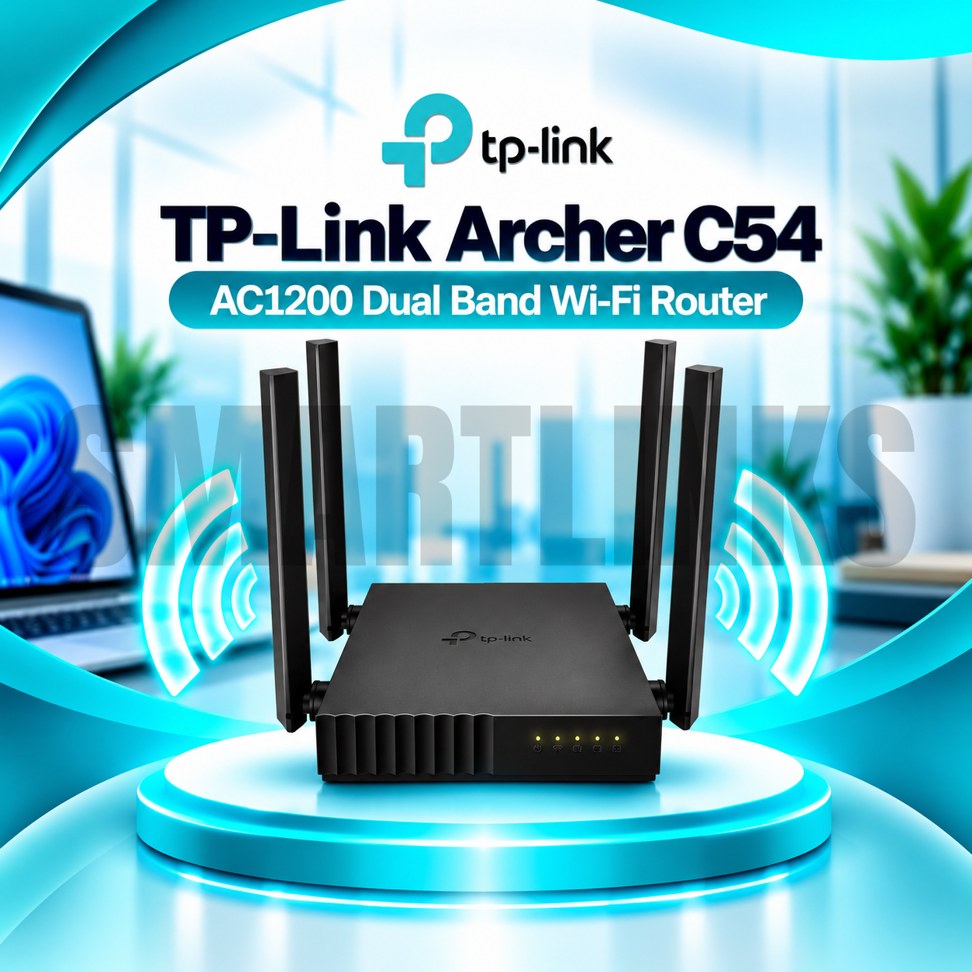

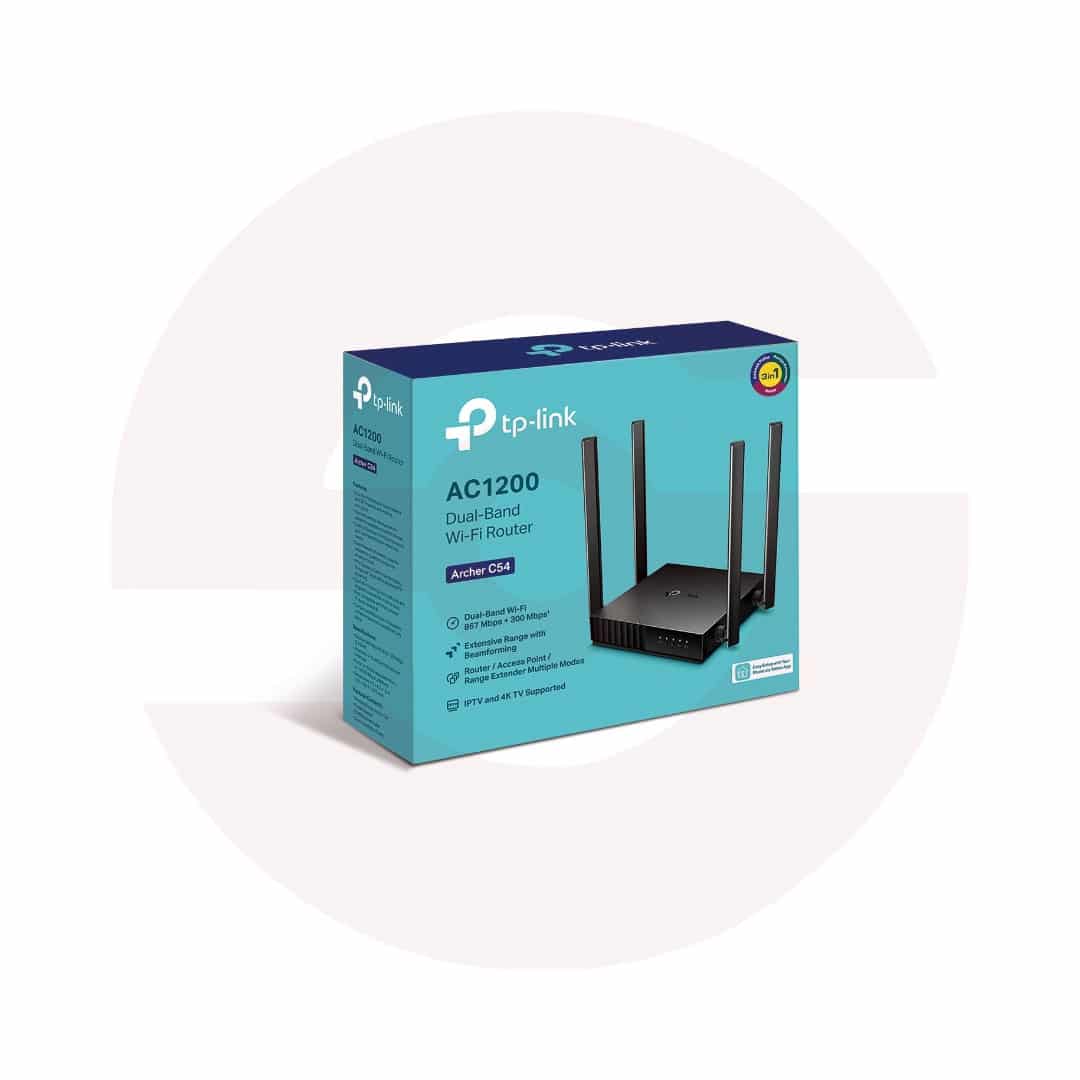
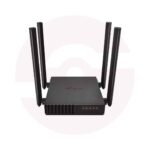
TP-Link Archer C54 AC1200 Dual Band WiFi Router – 4 Antennas, 867Mbps 5GHz, 300Mbps 2.4GHz & 3-in-1 Modes

- AC1200 Dual-Band WiFi – 2.4GHz and 5GHz connectivity
- 867Mbps on 5GHz – Faster wireless link
- 300Mbps on 2.4GHz – Everyday wireless coverage
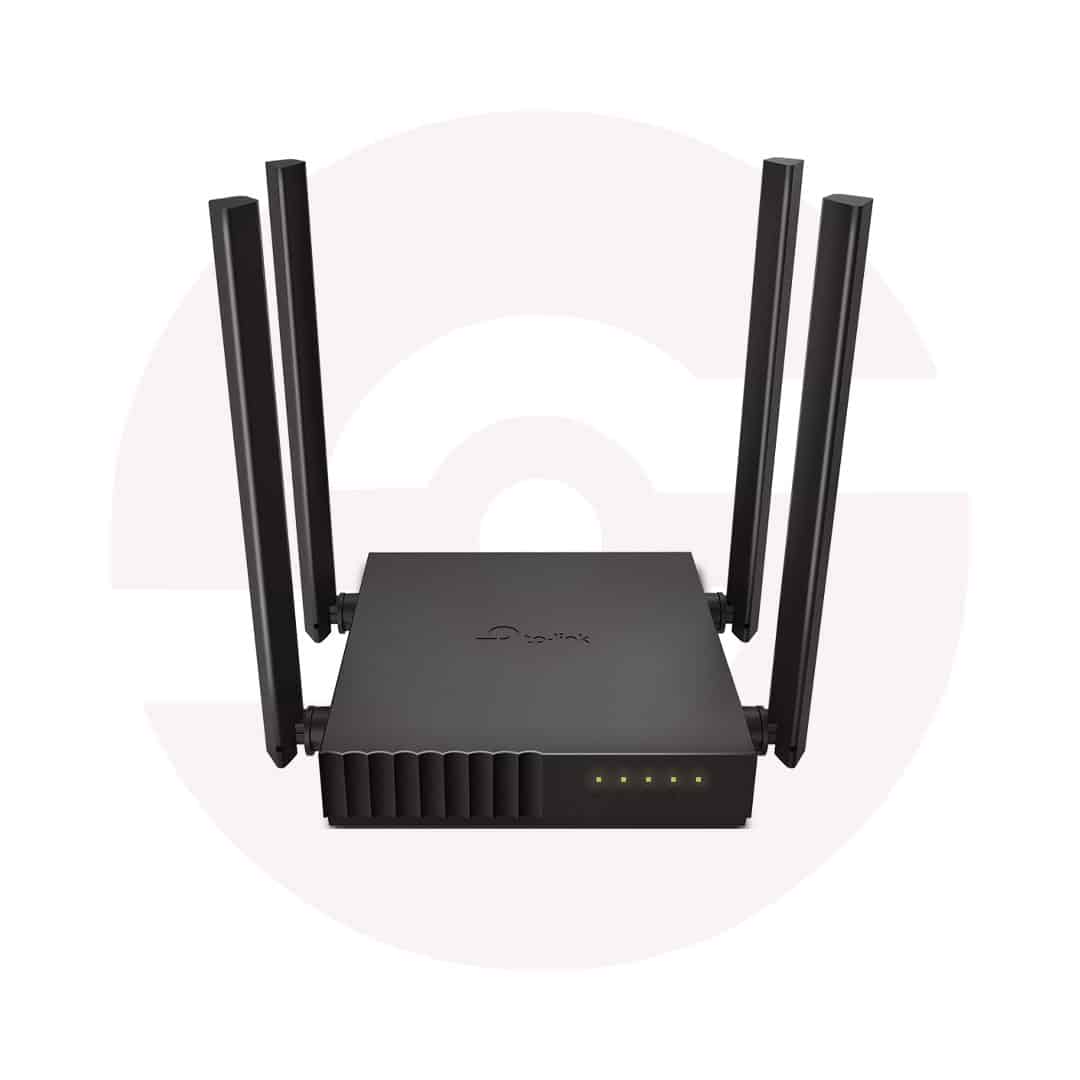
- 4 Fixed Antennas – Better signal distribution
- Beamforming – Focused wireless signals
- MU-MIMO – Efficient compatible-device connections
- 3-in-1 Modes – Router, AP, and Extender
- 4 LAN Ports – Connect wired devices
- Parental Controls – Manage internet access
- Guest Network – Separate visitor WiFi
- Tether App – Convenient smartphone management
- Compact Design – Desktop or wall mounting
- Discover More: TP-Link Wifi Routers
Description

TP-Link Archer C54 AC1200 Dual Band WiFi Router
The TP-Link Archer C54 is a compact wireless router designed for homes, apartments, and small offices. It combines dual band WiFi 5 connectivity with four external antennas and practical network management features. Compatible phones, laptops, televisions, and other devices can share an existing broadband connection. Its versatile operating modes make it useful for creating a new wireless network or improving an established setup.
AC1200 Dual Band Connectivity
The Archer C54 offers theoretical wireless link rates up to 867Mbps on 5GHz and 300Mbps on 2.4GHz. The 5GHz band can serve compatible devices requiring greater wireless capacity, while 2.4GHz often reaches farther through typical indoor obstacles. AC1200 describes the router’s combined wireless class rather than guaranteed internet download performance. Actual speeds depend on interference, device capabilities, distance, and the subscribed broadband service.
Four Antennas and Beamforming
Four fixed external antennas help distribute wireless signals across suitable indoor spaces. Beamforming directs wireless energy toward compatible clients to support reception. Coverage still depends on wall materials, room layout, neighboring networks, and router placement. Position the device in an open, elevated location rather than behind metal furniture or inside cabinets. The antennas are fixed and should not be forcibly detached.
MU-MIMO Wireless Technology
MU-MIMO helps the router communicate with multiple compatible wireless clients more efficiently. This can support everyday activities such as video calls, browsing, online lessons, and entertainment when several devices are active. The improvement depends on client support and network conditions. MU-MIMO does not increase the speed of your internet subscription or eliminate congestion from a busy connection.
Three Practical Operating Modes
Router Mode shares an incoming broadband connection with local devices. Access Point Mode adds wireless access to a compatible existing wired network. Range Extender Mode repeats a supported WiFi signal to improve reception in another area, although repeating may reduce effective throughput. Select the mode that matches your installation and follow the setup instructions. Certain management features may differ between operating modes.
Fast Ethernet Ports
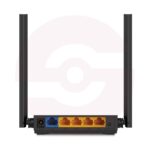
The Archer C54 includes one 10/100Mbps WAN port and four 10/100Mbps LAN ports. Connect a suitable modem or upstream network to the WAN port, then attach computers, televisions, or other wired equipment to the LAN ports. These connections are Fast Ethernet, not Gigabit. Broadband packages exceeding 100Mbps may encounter a wired WAN bottleneck, even though the advertised wireless link rates are higher.
Security and Family Features
Guest networks allow visitors to connect without sharing your primary wireless credentials. Parental controls can help manage access schedules and filter selected websites. TP-Link also lists firewall protection, access controls, and wireless encryption options. WPA3 appears on the current Pakistan specification page, but available security modes may differ by hardware revision or firmware. Use strong passwords and install only appropriate official updates.
Convenient Setup and Management
Configure the router using its browser based interface or the TP-Link Tether application on a compatible smartphone. Supported features include IPv6, device prioritization, and IPTV related settings for suitable services. Your internet provider may require specific WAN credentials or VLAN information. The compact housing supports convenient placement and wall mounting where suitable. Keep ventilation openings clear and use the supplied power adapter.
Choosing the Right Router
The Archer C54 suits routine home networking when its wireless capabilities and 100Mbps Ethernet limits match your needs. It does not include a fiber optical terminal, cellular SIM modem, or WiFi 6 technology. Before ordering, confirm the hardware revision, available ports, operating modes, and warranty. For faster wired broadband, consider a compatible Gigabit router. Always compare expected coverage with your actual building layout and connected devices.
Discover More from TP-Link
Want to explore more about TP-Link WiFi Routers? Visit the official TP-Link website for product insights, support, and the latest smart security solutions.
Official Resource: Explore TP-Link










































Reviews
Clear filtersThere are no reviews yet.