
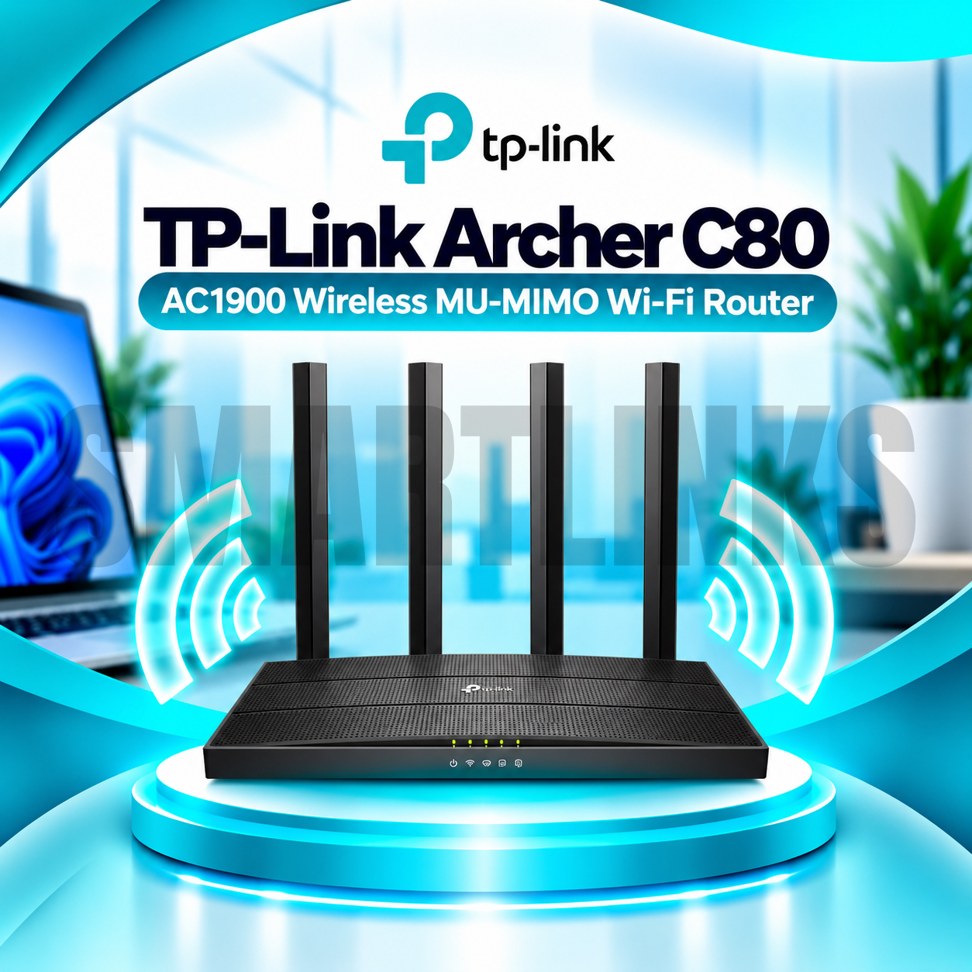
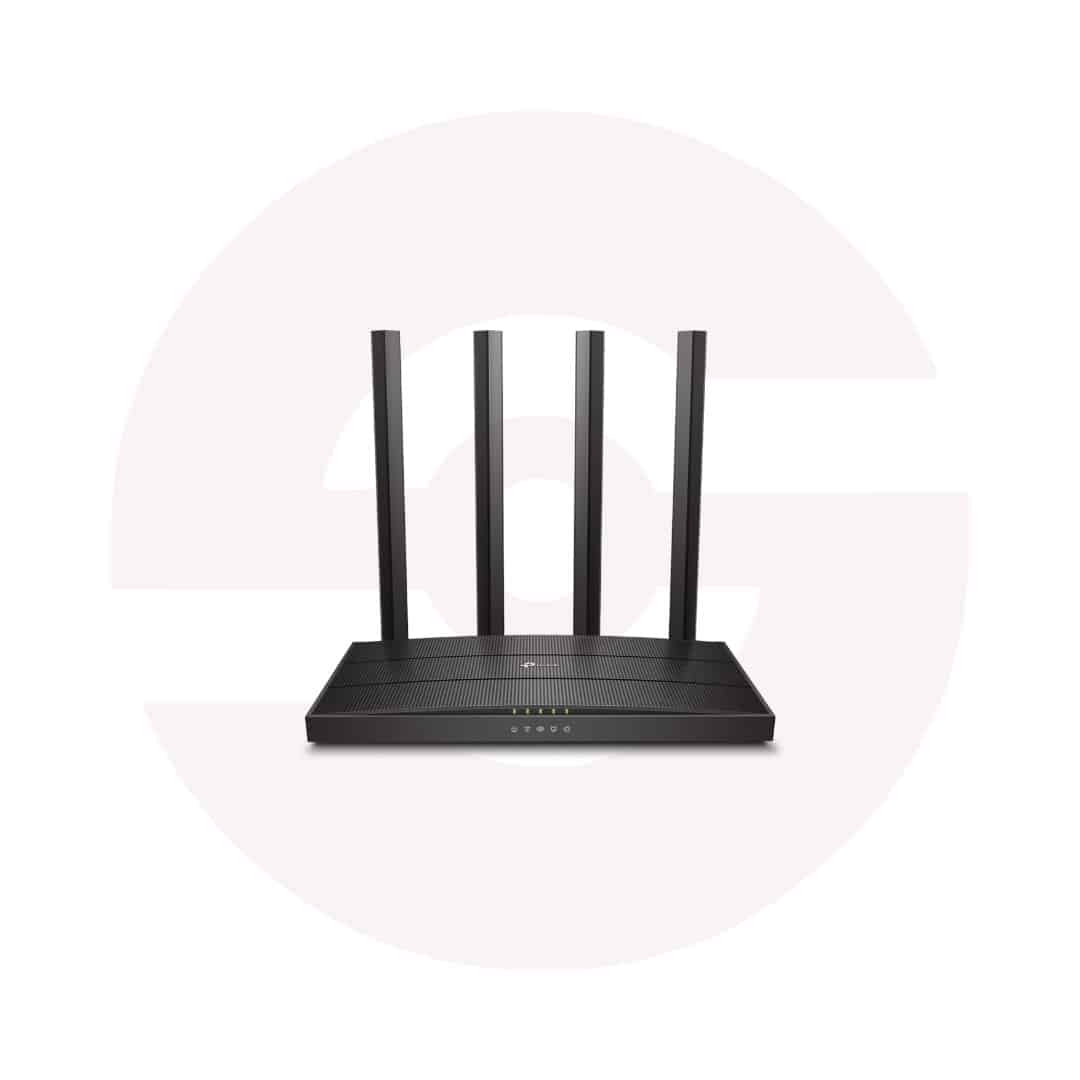
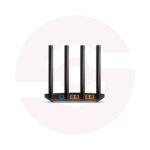
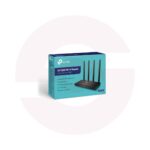
TP-Link Archer C80 AC1900 Dual Band Gigabit WiFi Router – 4 Antennas, 1300Mbps 5GHz, MU-MIMO & Beamforming

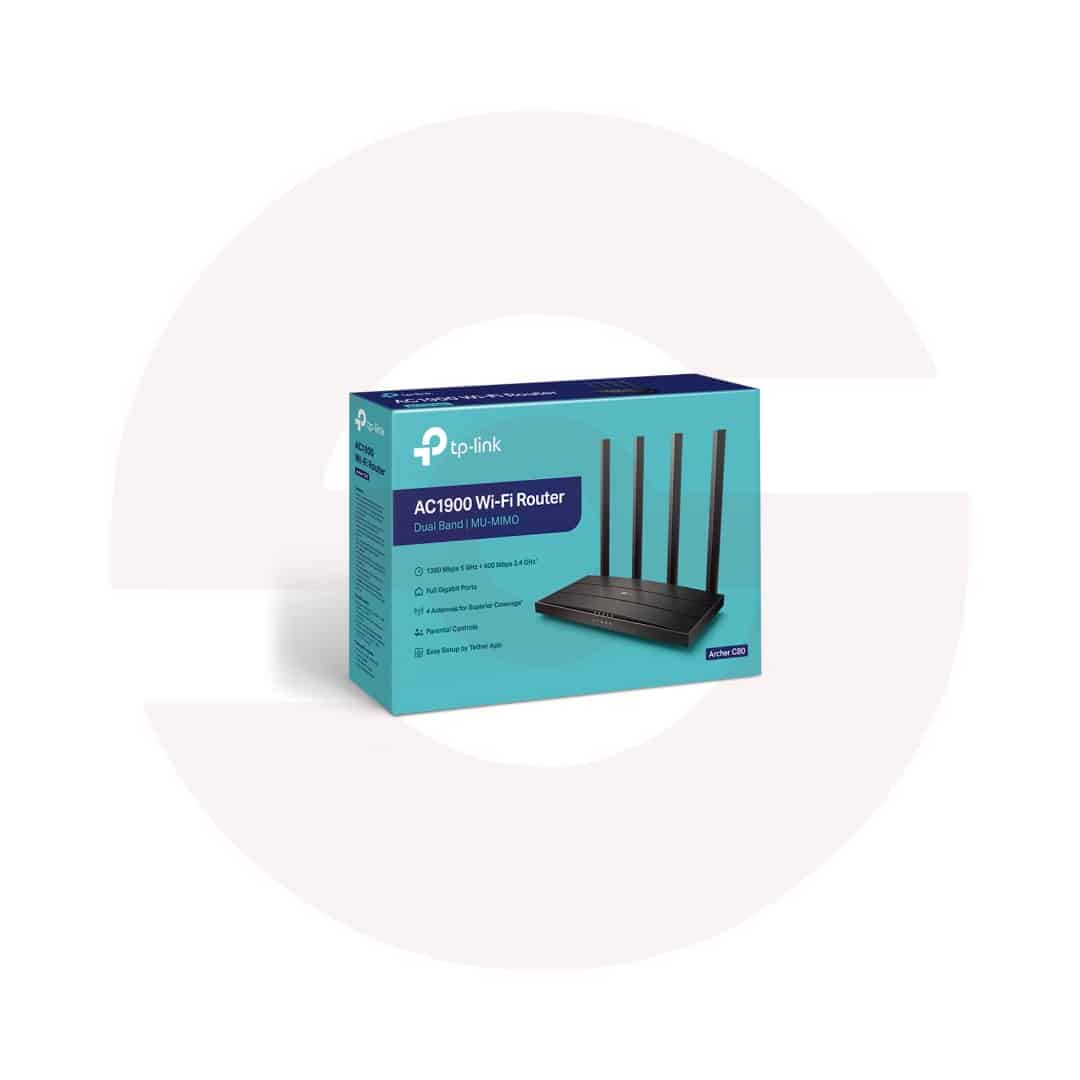
- AC1900 Dual-Band WiFi – 2.4GHz and 5GHz connectivity
- 1300Mbps on 5GHz – High-speed wireless links
- 600Mbps on 2.4GHz – Everyday WiFi coverage
- 4 External Antennas – Broad signal distribution
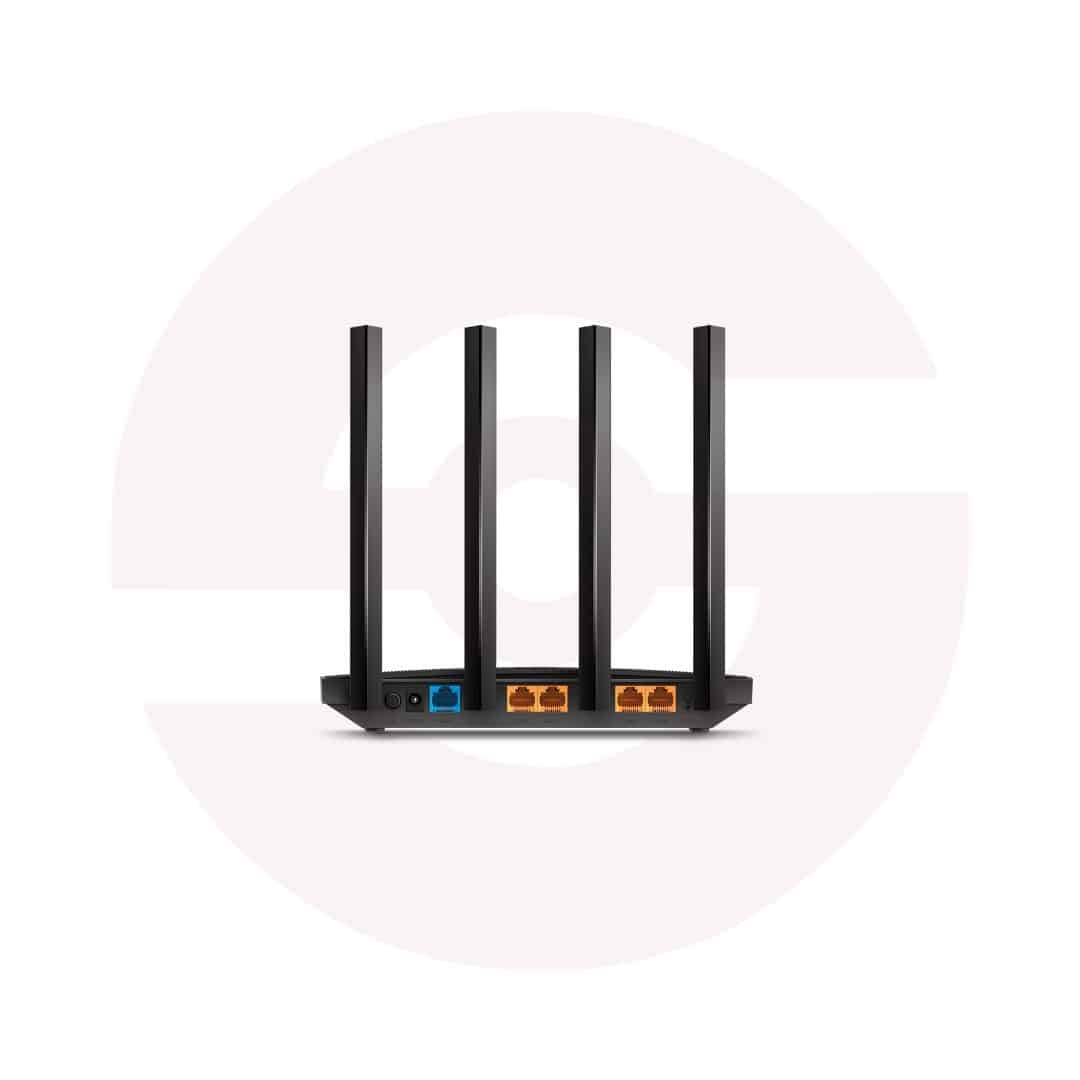
- 5 Gigabit Ports – Fast wired connections
- 3×3 MU-MIMO – Efficient multi-device communication
- Beamforming – Focused wireless signals
- Smart Connect – Automatic band selection
- Airtime Fairness – Better network efficiency
- Mesh Compatibility – OneMesh or EasyMesh on supported versions
- Parental Controls – Manage family internet access
- Tether App – Convenient smartphone management
- Discover More: TP-Link Wifi Routers
Description

TP-Link Archer C80 AC1900 Dual Band Gigabit WiFi Router
The TP-Link Archer C80 is a dual band WiFi 5 router designed for homes and small offices that need capable wireless connections and Gigabit wired networking. It combines four fixed antennas, MU-MIMO technology, and flexible network controls to connect smartphones, laptops, televisions, and desktop computers. With an existing broadband service, the router provides a convenient foundation for browsing, streaming, video meetings, and everyday entertainment.
AC1900 Dual Band Wireless Speeds
The Archer C80 supports theoretical link rates up to 1300Mbps on 5GHz and 600Mbps on 2.4GHz. The 5GHz band offers greater wireless capacity for compatible nearby devices, while 2.4GHz often reaches farther indoors. AC1900 describes combined wireless capability rather than a guaranteed internet download rate. Real performance depends on your broadband plan, client equipment, interference, distance, and the layout of your home.
Four Antennas and Beamforming
Four fixed external antennas help distribute signals around suitable indoor areas. Beamforming concentrates wireless energy toward compatible connected devices, improving communication under appropriate conditions. Coverage remains dependent on walls, floors, metal furniture, neighboring networks, and placement. Position the router in an open, elevated location where possible. Avoid enclosing it inside cabinets or placing it beside equipment that produces substantial interference.
Three Stream MU-MIMO Technology
The router supports three stream wireless communication and MU-MIMO technology for more efficient connections with compatible clients. This can help when family members browse, study, stream, or work simultaneously. Smart Connect guides supported devices toward an appropriate wireless band, while Airtime Fairness helps prevent slower clients from occupying excessive transmission time. Results vary with client capabilities and network congestion.
Full Gigabit Ethernet Connectivity
One Gigabit WAN port connects to a compatible modem, fiber ONT, or upstream Ethernet connection. Four Gigabit LAN ports support wired computers, smart televisions, gaming consoles, and switches. These ports avoid the 100Mbps limitation of Fast Ethernet routers. Actual internet speeds still depend on your service subscription, cable quality, and connected devices. The Archer C80 does not contain a built in fiber optical terminal.
Router and Access Point Modes
Router Mode shares an incoming internet connection with wireless and wired devices. Access Point Mode adds wireless coverage to an existing wired network. Choose the mode that matches your installation and follow your provider’s connection instructions. TP-Link lists OneMesh support for certain versions, while other revisions may support EasyMesh. Confirm the exact hardware version and firmware before advertising or configuring mesh compatibility.
Security and Family Controls
Supported features include guest wireless networks, parental controls, an SPI firewall, and access control. WPA3 security is listed on the current TP-Link Pakistan product page, although firmware capabilities can differ. Guest access helps keep visitor connections separate from your main network. Use strong administrator and wireless passwords, review access permissions, and install only firmware intended for your device revision.
Convenient Setup and Management
Configure the Archer C80 through its browser based interface or the TP-Link Tether application. Supported options include IPv6, IPTV configuration, device prioritization, and cloud management. Your internet provider may require PPPoE credentials or VLAN settings. Keep the router ventilated and use its supplied power adapter. For troubleshooting, inspect Ethernet cables, check interference, and restart equipment before changing advanced settings.
Practical Buying Guidance
Before ordering, confirm your broadband speed, intended coverage, hardware revision, included accessories, and warranty. This model supports WiFi 5 rather than WiFi 6 and has no cellular SIM slot. For homes seeking dual band wireless connectivity and Gigabit wired ports, the TP-Link Archer C80 offers a practical networking solution when matched with suitable devices and service conditions.
Check router placement regularly and keep network credentials secure for dependable operation.
Discover More from TP-Link
Want to explore more about TP-Link WiFi Routers? Visit the official TP-Link website for product insights, support, and the latest smart security solutions.
Official Resource: Explore TP-Link










































Reviews
Clear filtersThere are no reviews yet.