
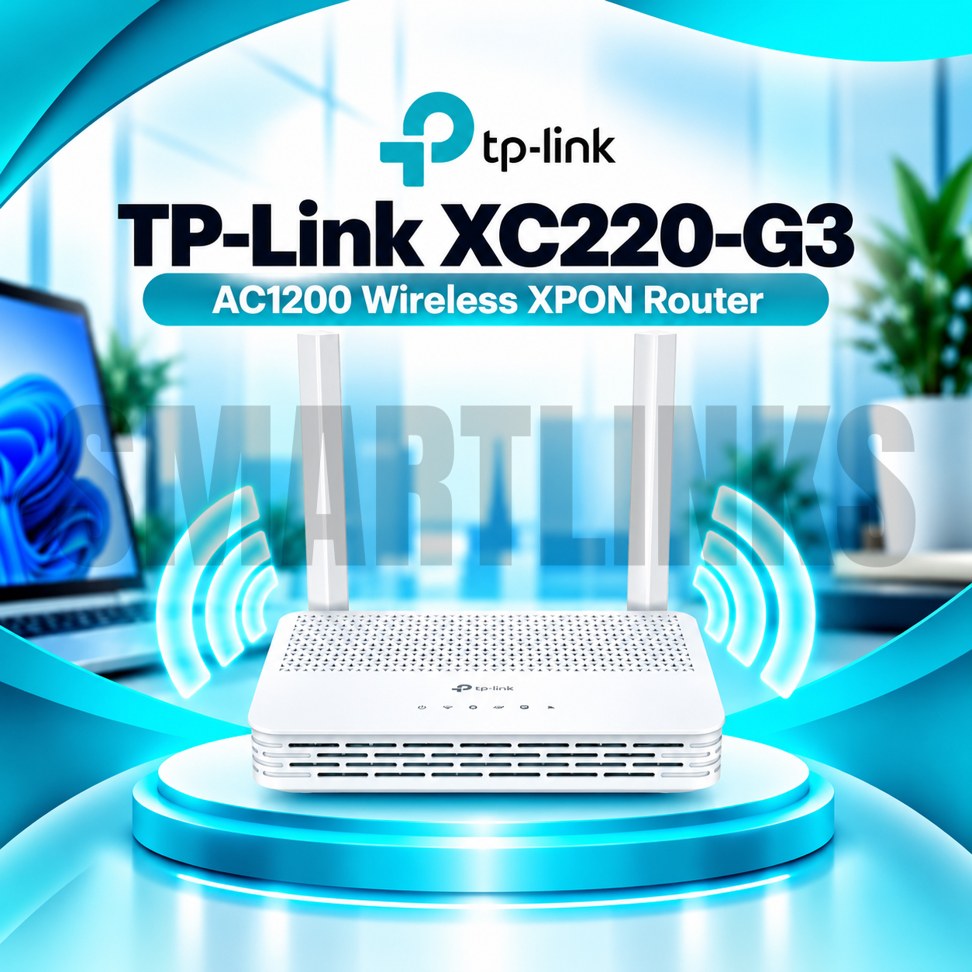
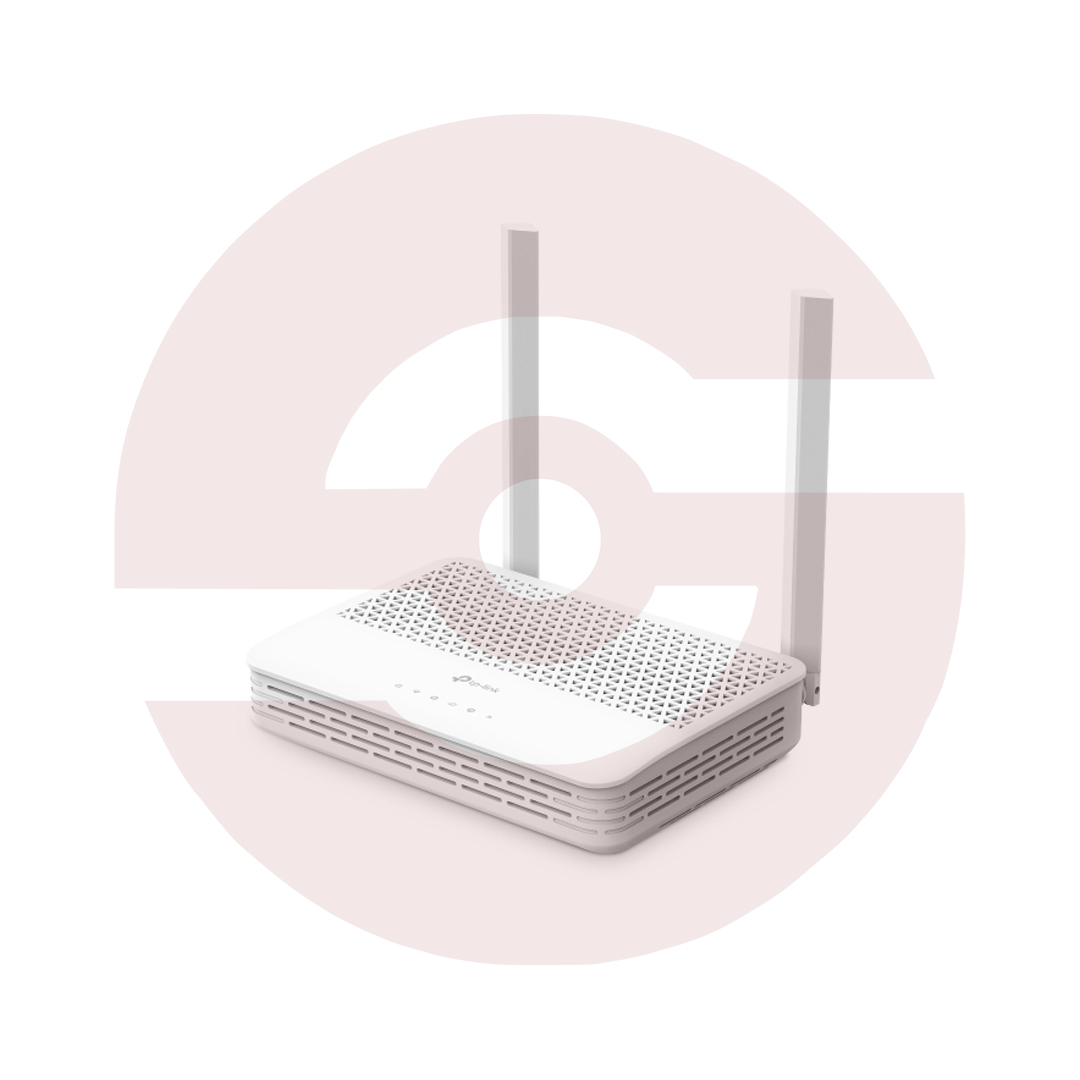
TP-Link XC220-G3 AC1200 Dual-Band XPON Fiber WiFi Router – GPON/EPON ONT, 2 Gigabit LAN Ports, EasyMesh Support

- AC1200 Dual-Band WiFi – 2.4GHz and 5GHz connectivity
- GPON & EPON Support – Flexible fiber network compatibility
- 867Mbps on 5GHz – Faster wireless link rate
- 300Mbps on 2.4GHz – Everyday wireless connectivity
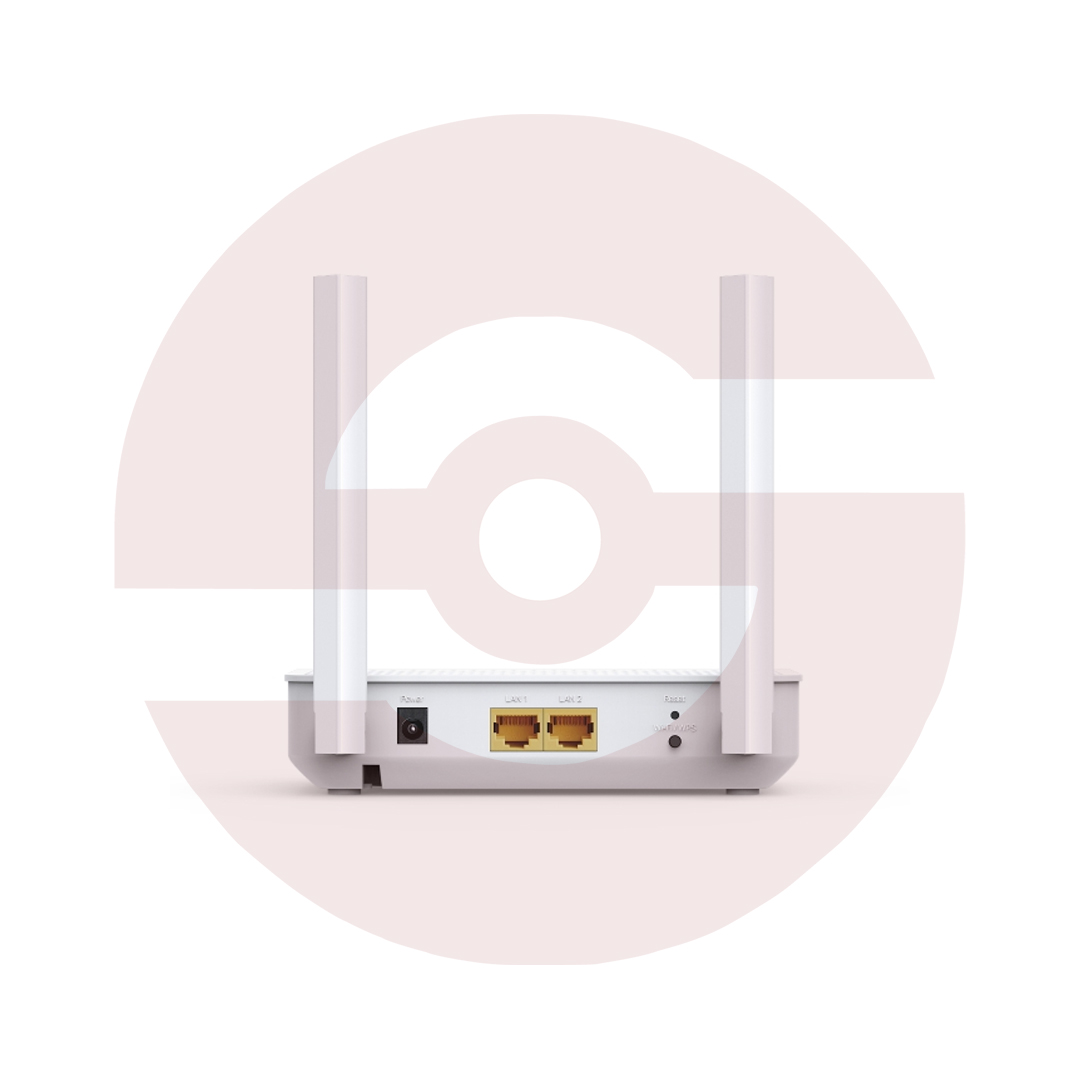
- 2 Gigabit LAN Ports – High-speed wired connections
- 2 External Antennas – Improved signal distribution
- EasyMesh Compatible – Expand WiFi with supported devices
- WPA3 Security – Modern wireless protection
- IPTV Support – Suitable network configuration options
- Aginet Management – Convenient supported network controls
- Discover More: TP-Link Wifi Routers
₨9,000.00
Description

TP-Link XC220-G3 AC1200 Dual Band XPON Fiber Router
The TP-Link XC220-G3 combines an optical network terminal and wireless router in one compact device. Designed for compatible GPON and EPON broadband services, it connects fiber infrastructure to household WiFi and wired Ethernet devices. Dual band wireless networking, two Gigabit LAN ports, and flexible management features make it useful for homes and small offices. Fiber service must be authorized and configured by your internet provider.
AC1200 Dual Band WiFi
The router supports theoretical wireless link rates up to 867Mbps on 5GHz and 300Mbps on 2.4GHz. The faster 5GHz band suits compatible devices needing greater wireless capacity, while 2.4GHz can provide broader reach in suitable environments. AC1200 represents a combined wireless class rather than a guaranteed internet download speed. Actual performance depends on your subscription, interference, building layout, and connected equipment.
GPON and EPON Fiber Access
The XC220-G3 supports GPON and EPON optical access technologies through its PON interface. This flexibility can suit different compatible fiber deployments, but support for both standards does not guarantee activation on every provider network. Service providers may require device registration, optical settings, authentication, or approved firmware. Confirm compatibility before purchasing, especially when replacing an existing fiber terminal.
Two Gigabit Ethernet Ports
Two 10/100/1000Mbps LAN ports provide wired connections for computers, smart televisions, or compatible networking equipment. Gigabit ports can support fast local links when connected devices and cables are suitable. Actual internet throughput still depends on the fiber service, network conditions, and provider configuration. The optical PON connection is not an ordinary Ethernet WAN socket, so installation differs from a conventional broadband router.
Wireless Coverage and Mesh
Two external dual band antennas help distribute wireless signals around suitable indoor spaces. Beamforming and MU-MIMO features can improve communication efficiency with compatible clients. EasyMesh compatibility allows supported mesh equipment to extend coverage when the necessary firmware and configuration are available. Coverage remains dependent on walls, interference, placement, and connected devices. Position the router in an open, ventilated location while protecting the optical cable from sharp bends.
Security and Family Controls
Supported wireless encryption includes WPA, WPA2, and WPA3 options. The router also provides firewall capabilities, access controls, parental controls, and guest networking options on supported configurations. Strong passwords and updated official firmware help protect connected devices. Availability of individual settings may depend on your provider’s management profile. Avoid changing optical service parameters without guidance because incorrect settings can interrupt the connection.
IPTV and Network Management
The XC220-G3 supports IPTV related features including IGMP handling and VLAN configuration for compatible provider services. TP-Link also lists Aginet app management, browser based controls, and remote management technologies such as OMCI and TR-069. Some settings may be restricted by the internet provider. These tools help with network configuration and maintenance but do not replace an active broadband subscription or provider assistance.
Everyday Fiber Connectivity
The device can support browsing, online classes, video meetings, streaming, and wired workstations when the connection and network environment are suitable. It is a WiFi 5 product rather than WiFi 6, and it does not provide cellular SIM connectivity. Unlike the separately named XC220-G3v, the standard XC220-G3 should not be advertised as having a telephone FXS port.
Buying and Installation Guidance
Before ordering, verify the exact model, hardware revision, optical connector, service provider approval, and warranty. Use the supplied power adapter and follow optical fiber safety precautions. Never look directly into a fiber connector. Arrange activation through your provider and confirm supported mesh features before installation. With compatible service, the TP-Link XC220-G3 provides integrated fiber access, dual band wireless networking, and Gigabit wired connectivity.
Check compatibility before purchasing online.
Discover More from TP-Link
Want to explore more about TP-Link WiFi Routers? Visit the official TP-Link website for product insights, support, and the latest smart security solutions.
Official Resource: Explore TP-Link










































Reviews
Clear filtersThere are no reviews yet.