
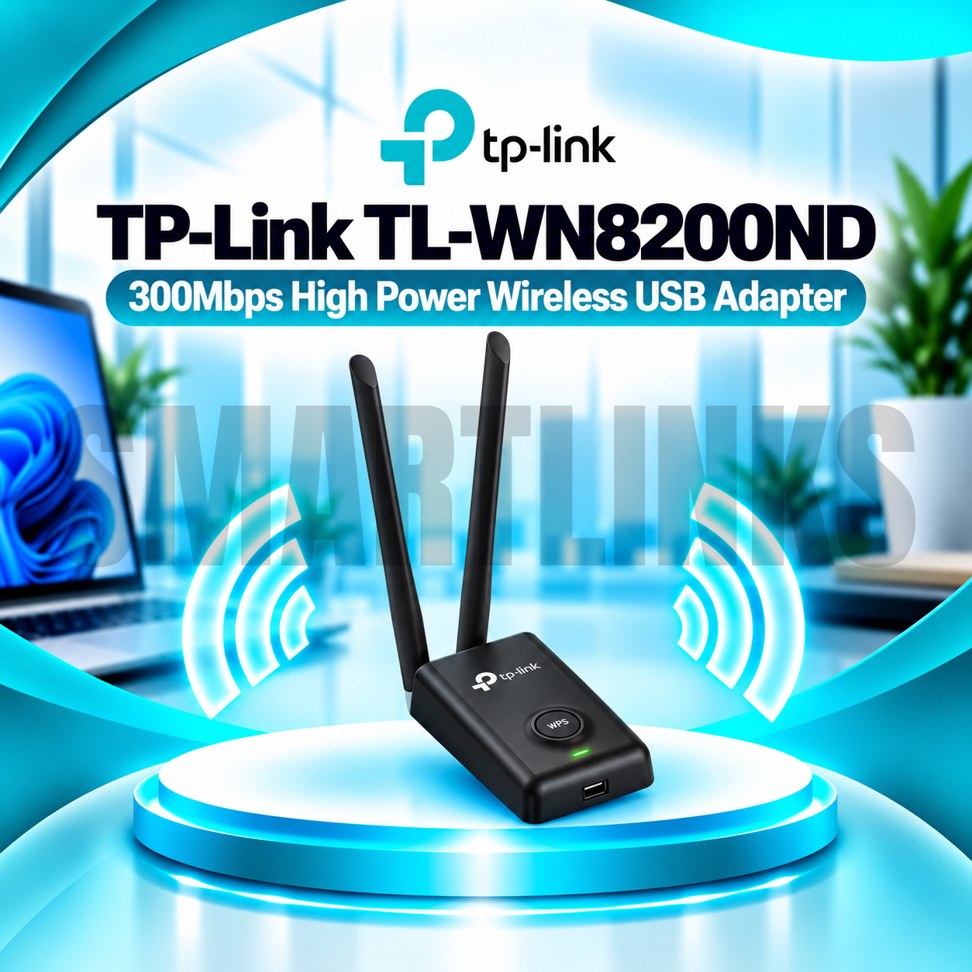
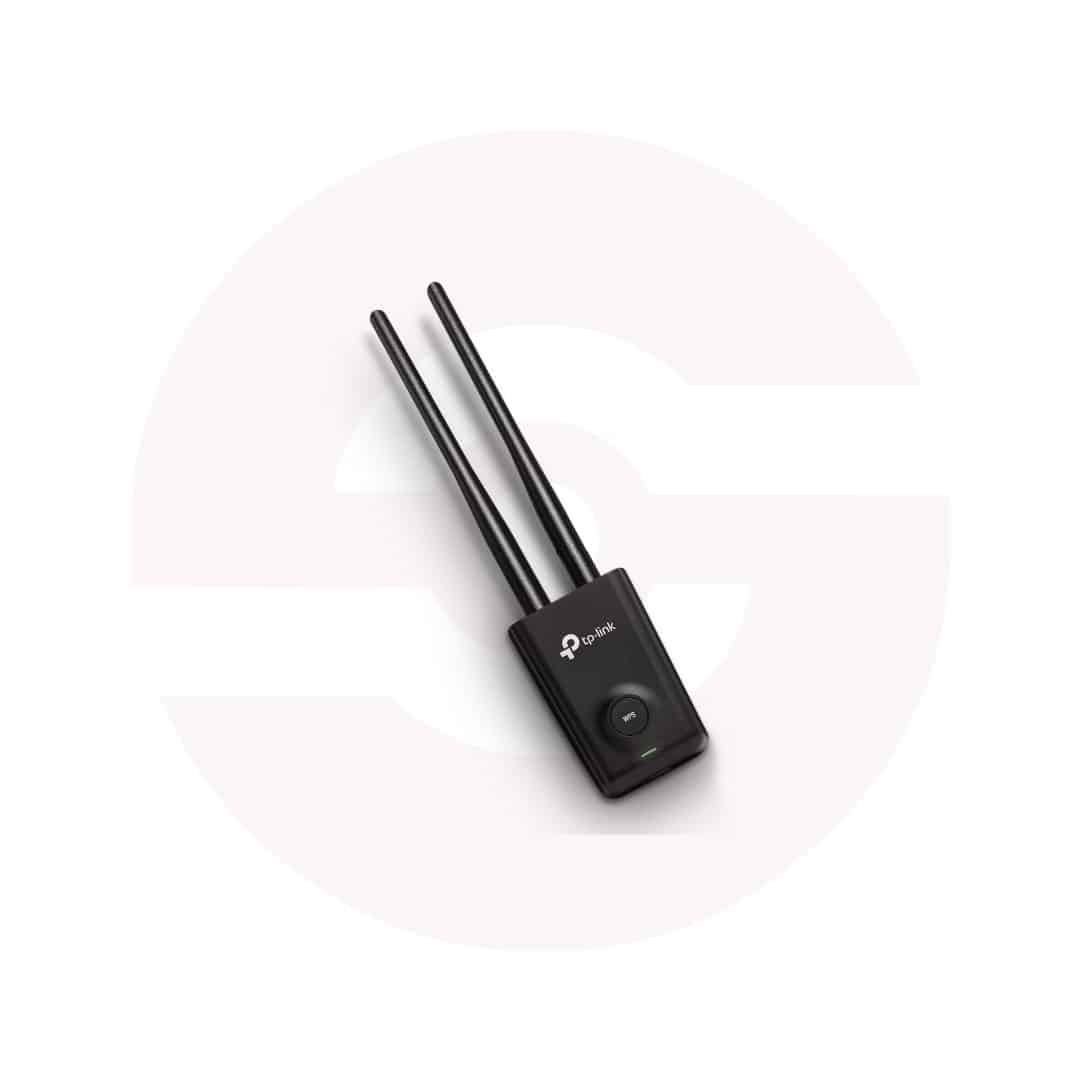
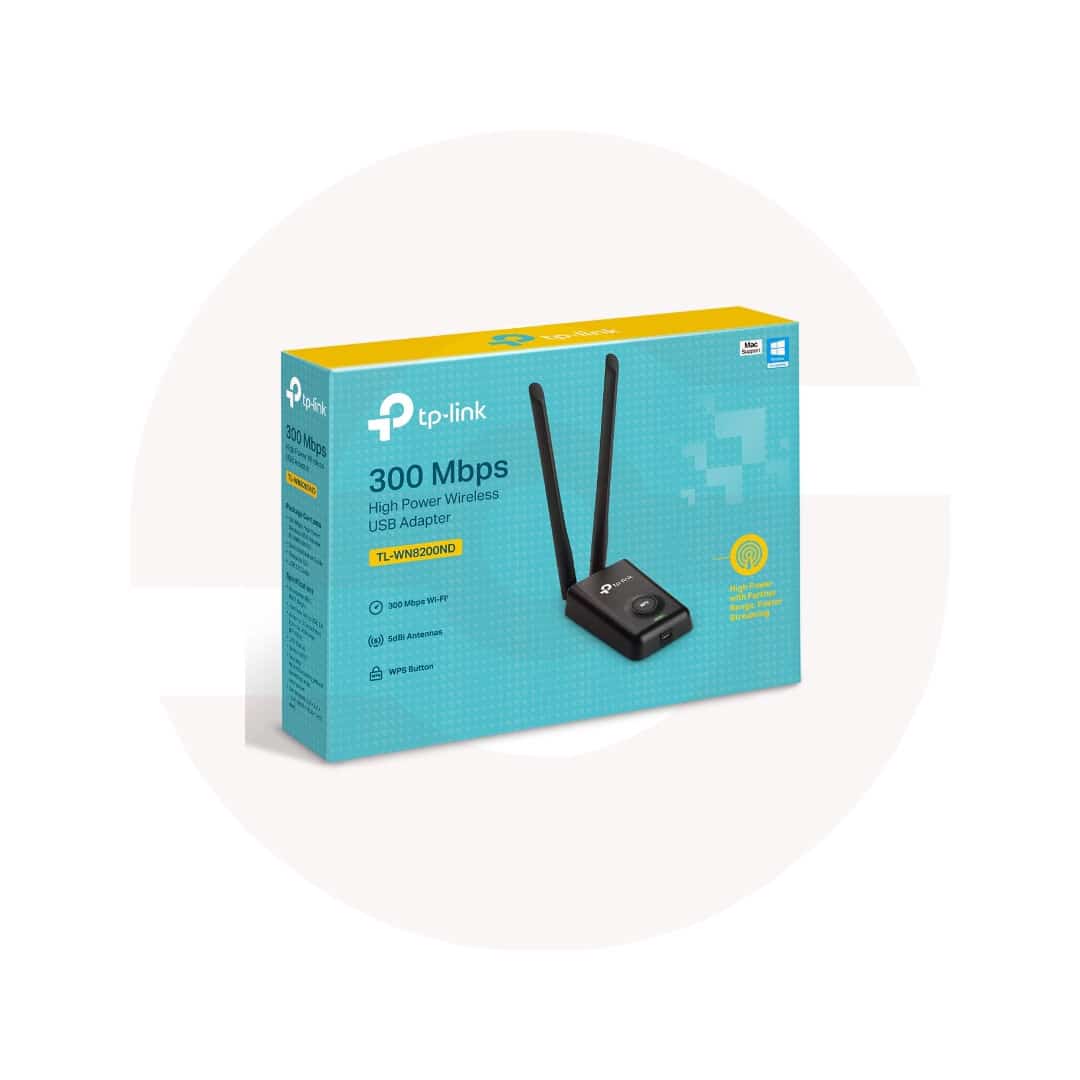
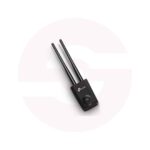
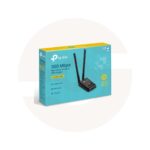
TP-Link TL-WN8200ND 300Mbps High-Power Wireless USB WiFi Adapter with Dual Detachable Antennas

- 300Mbps Wireless N – Reliable WiFi connectivity
- High-Power Design – Extended wireless coverage
- Dual Detachable Antennas – Better signal reception
- 2.4GHz WiFi – Broad router compatibility
- USB 2.0 – Convenient computer connection
- 1.5m USB Cable – Flexible placement
- WPS Button – Easy secure connection
- WPA/WPA2 Security – Protected wireless access
- Discover More: TP-Link Adapters.
Description

TP-Link TL-WN8200ND 300Mbps High Power Wireless USB Adapter
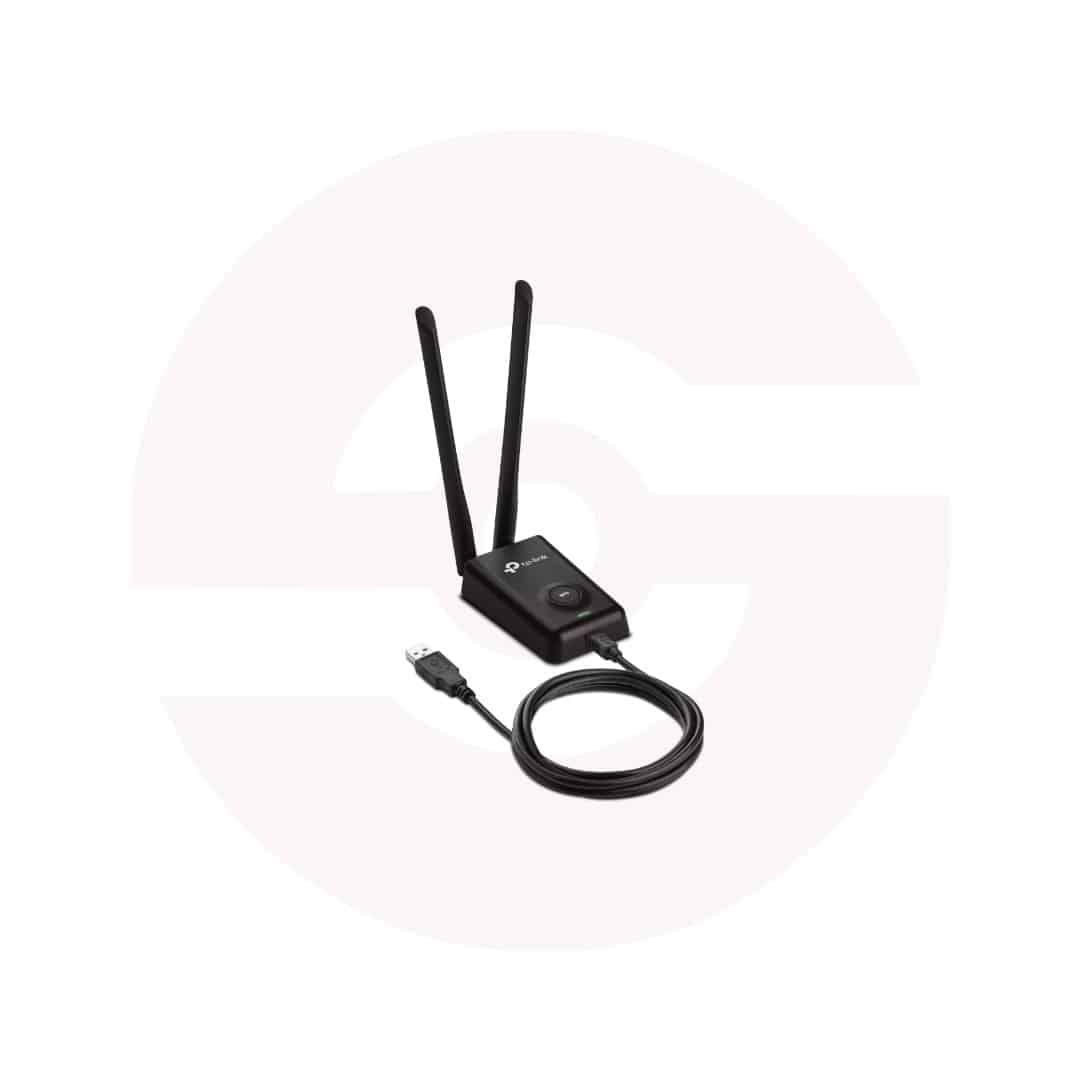
The TP-Link TL-WN8200ND is a high power Wireless N USB adapter designed to connect compatible desktop and laptop computers to existing WiFi networks. Its desktop style housing, two detachable antennas, and included extension cable provide more placement flexibility than compact nano adapters. This makes it a practical option for offices, study areas, and homes where positioning a wireless receiver carefully may help improve connectivity.
300Mbps Wireless N Connectivity
The adapter supports IEEE 802.11n, 802.11g, and 802.11b standards on the 2.4GHz frequency band. TP-Link specifies wireless link rates up to 300Mbps for reception and 150Mbps for transmission. These figures describe theoretical connection rates, not guaranteed download or upload speeds. Actual performance depends on your router, internet plan, interference, building materials, and connected devices. The adapter cannot connect to networks operating exclusively on 5GHz or 6GHz.
High Power Wireless Design
The TL-WN8200ND uses a high power design intended to improve wireless reception and communication over challenging distances. Compared with ordinary compact adapters, its external antenna arrangement can offer useful positioning options. However, no wireless adapter can guarantee coverage through every wall or floor. Router location, neighboring networks, and physical obstacles continue to affect results. For dependable performance, test different adapter locations and avoid placing it behind large metal objects.
Two Detachable External Antennas
Two omnidirectional antennas attach through RP-SMA connectors and can be adjusted to suit your workspace. TP-Link lists 5dBi antennas for the V2 model, while specifications for other revisions should be checked separately. Detachable antennas provide flexibility, but replacement accessories must have compatible connectors and appropriate specifications. Position both antennas securely before connecting to a network, and avoid forcing their connectors during setup.
Convenient USB Connection
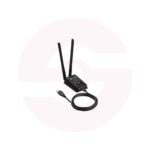
The adapter connects to a computer using USB 2.0 technology. Its included 1.5 meter extension cable allows placement on a desk instead of directly beside the computer case. This is particularly helpful when a desktop tower sits beneath a table or near furniture. Hardware versions differ: V2 uses a Mini USB connector, while V3 uses Micro USB. Check the exact revision when replacing the cable or downloading drivers.
WPS and Wireless Security
A dedicated WPS button can simplify connecting to a compatible router when WPS is enabled and configured appropriately. The adapter supports WPA and WPA2 security, including applicable personal key configurations. Older WEP options are listed for legacy networks, but stronger supported protection is preferable. Use a secure router password, updated firmware, and trusted installation software. WPS availability and connection procedures depend on router settings.
Compatibility and Installation
TP-Link lists Windows 11 and several earlier Windows editions, alongside selected macOS releases and Linux, for relevant versions. Actual driver support depends on hardware revision and operating system. Before purchasing, check the version printed on the product label and review official driver downloads. Connect the supplied cable, attach both antennas, and follow the installation guide. This product provides WiFi connectivity only; it does not add Bluetooth.
Practical Everyday Networking
The TL-WN8200ND is suitable for browsing, email, online classes, video calls, and routine office tasks when network conditions allow. Its adjustable antennas and desktop placement can be especially useful where a computer is positioned away from the router. It does not replace a modem, wireless router, or internet subscription. For best results, maintain clear antenna positioning, keep drivers current, and confirm that your router broadcasts a compatible 2.4GHz network.
Before ordering, compare USB ports, operating system, and wireless requirements with product specifications. For 5GHz access, choose a dual band adapter. Stronger antennas cannot overcome overloaded internet connections; proper router placement remains important.
Discover More from TP-Link
Want to explore more about TP-Link WiFi Routers? Visit the official TP-Link website for product insights, support, and the latest smart security solutions.
Official Resource: Explore TP-Link










































Reviews
Clear filtersThere are no reviews yet.