
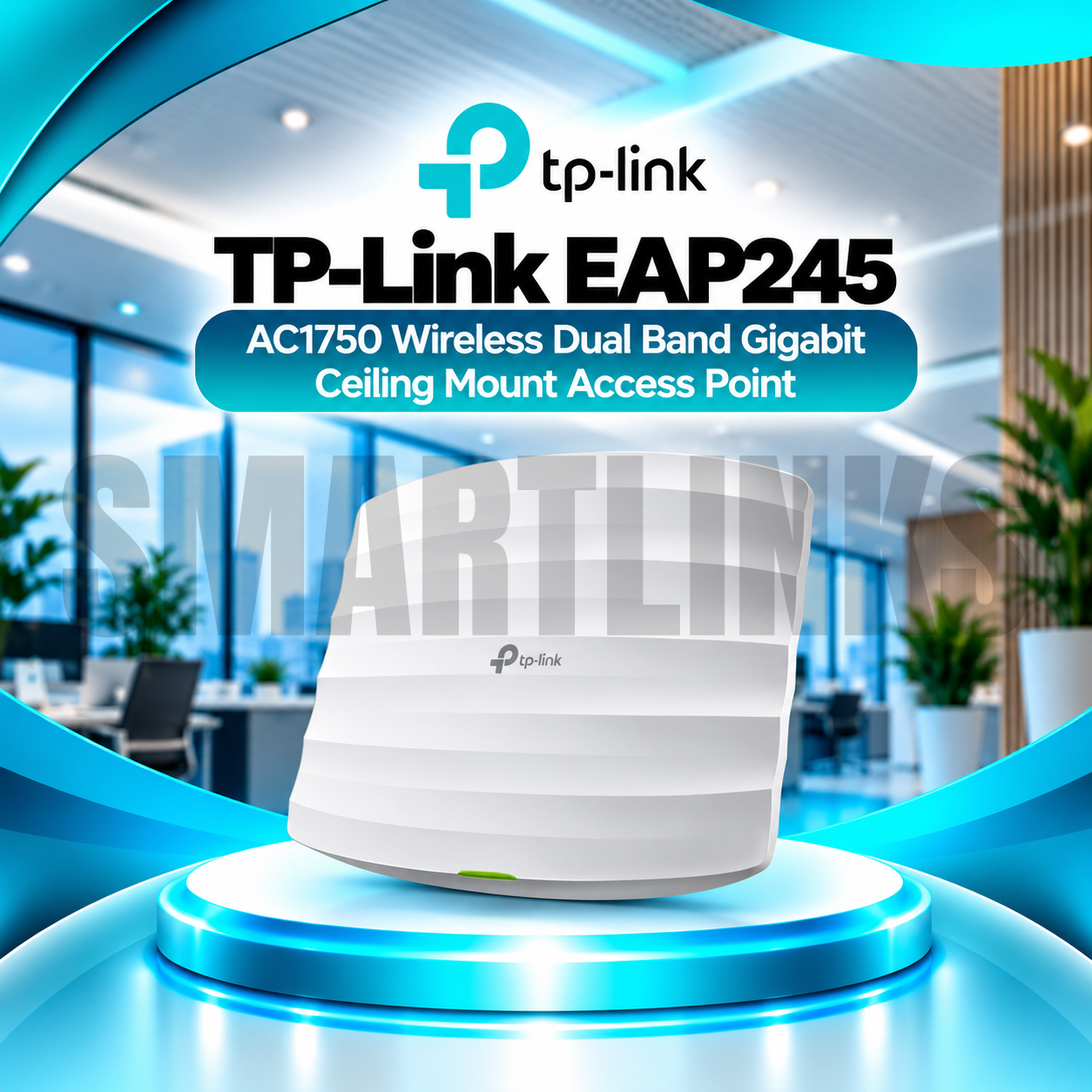
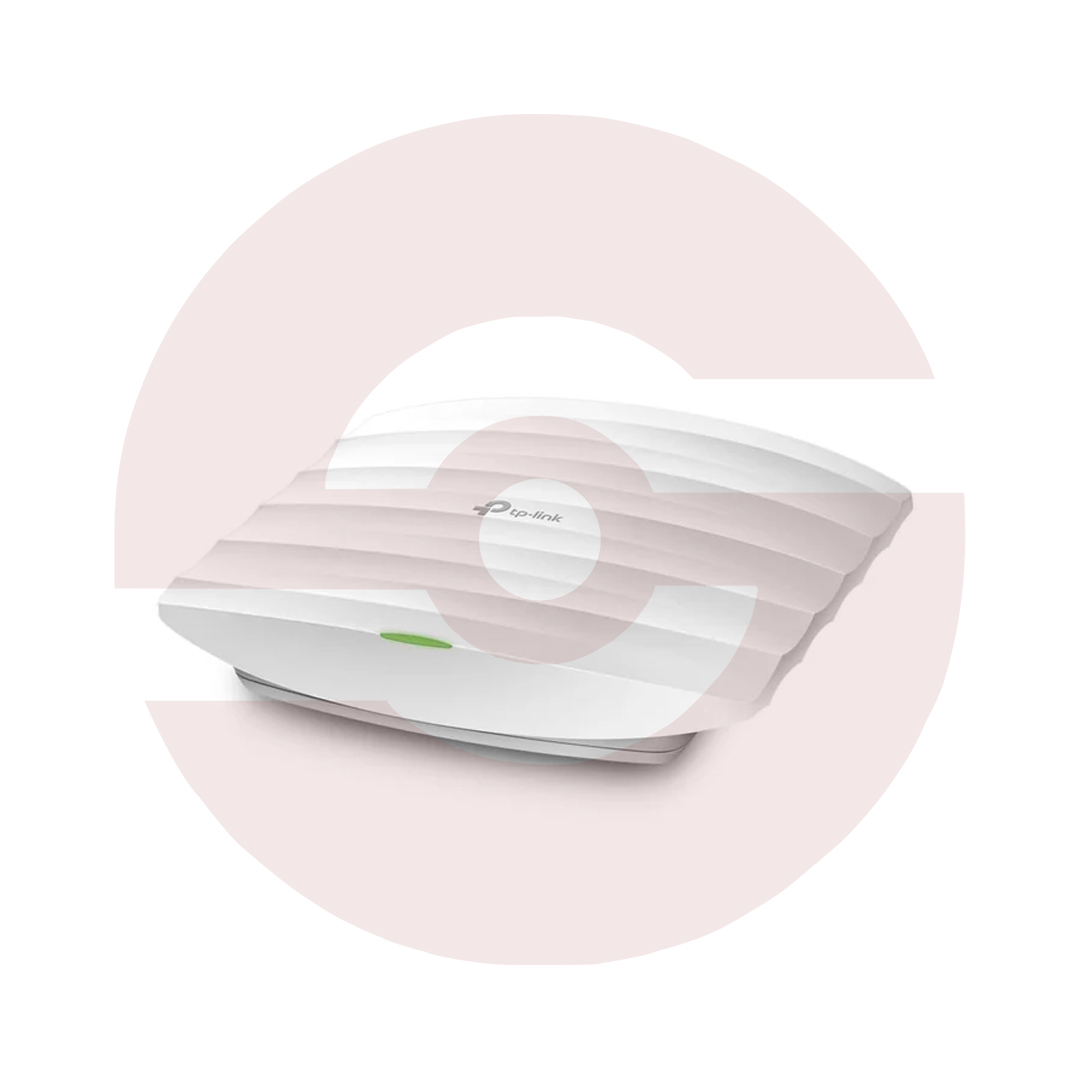

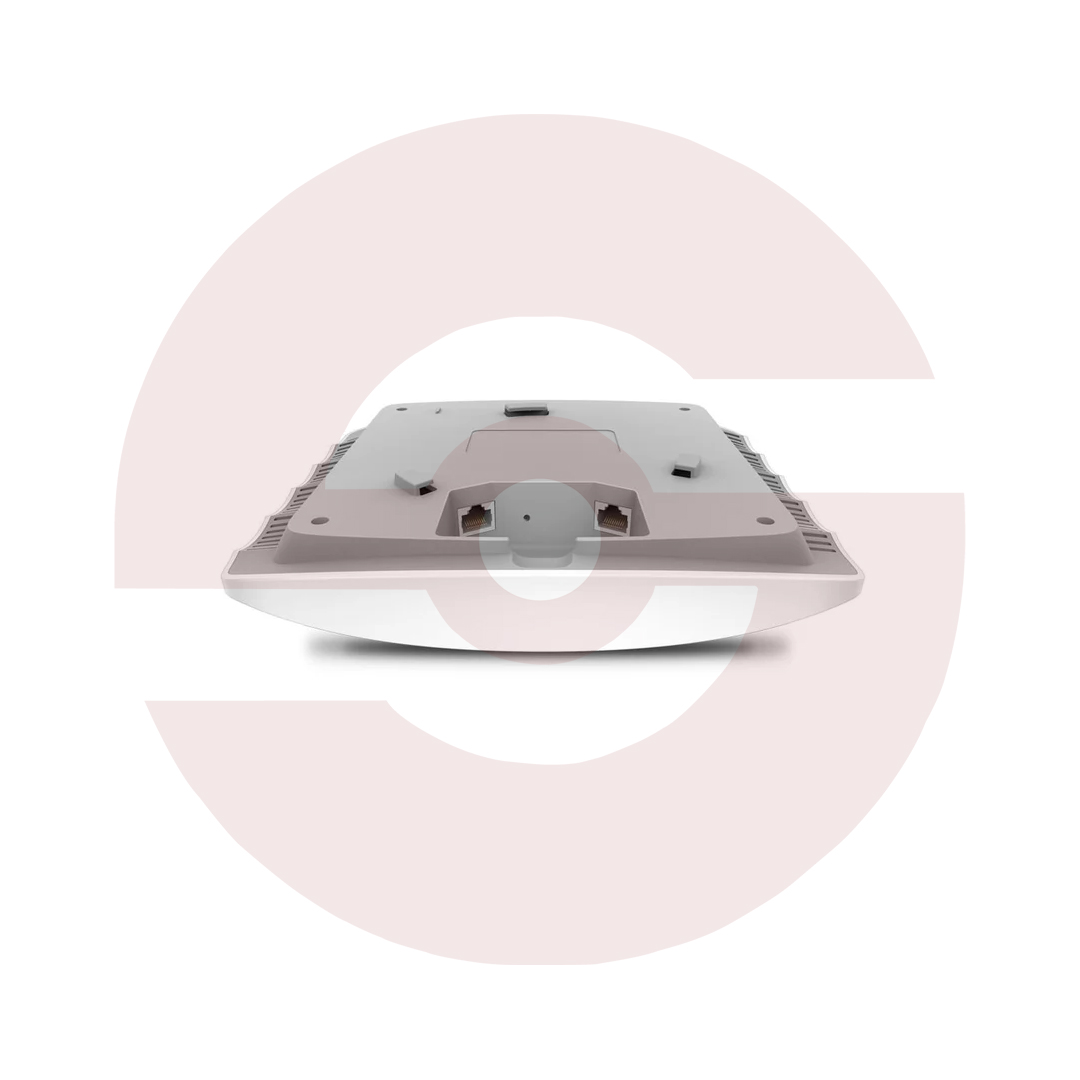



TP-Link EAP245 AC1750 Gigabit Ceiling Access Point

Key Product Highlights
-
AC1750 Dual-Band WiFi: Up to 450Mbps on 2.4GHz and 1300Mbps on 5GHz.
-
Wireless AC Wave 2: 802.11ac WiFi 5 connectivity with 3×3 MIMO.
-
MU-MIMO Technology: Efficient simultaneous communication with compatible wireless clients.
-
Dual Gigabit Ethernet: Two 10/100/1000Mbps ports, including a PoE-capable uplink.
-
PoE Support: IEEE 802.3af/at and compatible 48V Passive PoE on V3.
-
Omada Centralized Management: Manage supported access points through compatible Omada controllers.
-
Seamless Roaming: Supports compatible client transitions between managed access points.
-
Omada Mesh: Supports appropriate wireless mesh deployments with a compatible controller.
-
Beamforming: Helps direct wireless signals toward connected clients.
-
Band Steering: Encourages capable wireless devices to use the 5GHz band.
-
Airtime Fairness: Helps improve wireless airtime utilization.
-
Load Balancing: Provides management tools for distributing connected clients.
-
Multiple SSIDs: Supports up to 16 SSIDs, eight per band.
-
Captive Portal: Supports managed guest WiFi authentication.
-
SSID-to-VLAN Mapping: Helps separate employee and visitor wireless traffic.
-
Wireless Scheduling: Configure supported radio and reboot schedules.
-
Professional Mounting: Ceiling and wall mounting with internal omnidirectional antennas.
Discover More: TP-Link Access Points
Description

TP-Link EAP245 AC1750 Gigabit Ceiling Mount Access Point
The TP-Link EAP245 is a professional indoor wireless access point developed for offices, hotels, restaurants, educational facilities, and retail environments. Offering dual-band AC1750 connectivity, two Gigabit Ethernet ports, and Omada management, it helps businesses create organized networks for employees and guests. Its low-profile enclosure fits neatly on ceilings or walls, while advanced wireless features improve efficiency when many compatible devices connect simultaneously. This supports everyday communication and business operations.
Fast AC1750 Dual-Band Wireless Connectivity
The EAP245 delivers theoretical wireless link speeds up to 450Mbps on 2.4GHz and 1300Mbps on 5GHz. The lower frequency can provide practical coverage through typical indoor obstructions, while 5GHz offers additional capacity in suitable conditions. These advertised figures represent combined wireless rates, not the download speed guaranteed to any single device. Real performance depends on your internet connection, interference, client capabilities, building materials, and access point placement.
MU-MIMO and Intelligent Wireless Technologies
Wireless AC Wave 2 MU-MIMO allows the EAP245 to communicate efficiently with multiple supported clients. Beamforming helps direct signals toward devices, while Band Steering encourages compatible dual-band equipment to use 5GHz. Airtime Fairness, load balancing, and configurable rate limits help administrators allocate network resources. These capabilities support busy commercial spaces, although their effectiveness depends on correct configuration and real traffic patterns.
Two Gigabit Ethernet Ports and PoE
Unlike access points with only one wired interface, the EAP245 includes two Gigabit Ethernet ports, with one supporting compatible Power over Ethernet input. The documented V3 hardware accepts IEEE 802.3af/at or 48V passive PoE, allowing power and network traffic over a single cable. The second Ethernet port offers flexible connection options for suitable wired equipment. Confirm the actual hardware revision, power injector requirements, and included accessories before installation.
Professional Ceiling and Wall Mounting
An unobtrusive enclosure and internal omnidirectional antennas help the device blend into professional interiors. The documented V3 version incorporates three 3.5dBi antennas for 2.4GHz and three 4dBi antennas for 5GHz. Ceiling or wall mounting hardware supports flexible placement. Installers should keep access points away from dense concrete, metal obstacles, and strong interference sources. A site survey helps determine the right number of devices for each building.
Omada Centralized Network Management
Omada software and compatible controllers provide tools to configure, monitor, and maintain multiple access points from a centralized interface. Administrators can review device status, adjust wireless networks, and manage deployments across different areas. Supported controller-based features include seamless roaming and Omada Mesh, depending on compatibility and firmware. Cloud access requires suitable Omada services or controllers and proper internet configuration.
Guest WiFi and Business Security
The EAP245 supports up to sixteen SSIDs, with eight available on each frequency band. Separate network names can organize access for employees, guests, and approved business devices. Captive portal authentication, VLAN mapping, client isolation, access control, and scheduled wireless operation provide additional management options. Secure segmentation also depends on appropriately configured switches, gateways, and authentication services. Review security policies before enabling visitor access.
Suitable for Offices, Hotels, and Schools
This access point is well suited to meeting rooms, reception areas, classrooms, restaurants, and shared workspaces requiring managed wireless coverage. It is not a replacement for a broadband modem or routing gateway. For larger projects, calculate client density, power availability, cable routes, and required throughput before selecting locations. Multiple access points usually provide more consistent coverage than one centrally installed device in a large building.
Buy TP-Link EAP245 in Pakistan
Choose the TP-Link EAP245 for AC1750 dual-band coverage, Gigabit connectivity, flexible PoE, and centralized management. Explore Smartlinks.pk for current price and availability. Verify your hardware version, warranty details, and package contents before ordering.
Discover More from TP-Link
Want to explore more about TP-Link Access Points? Visit the official TP-Link website for product insights, support, and the latest smart security solutions.
Official Resource: Explore TP-Link










































Reviews
Clear filtersThere are no reviews yet.