
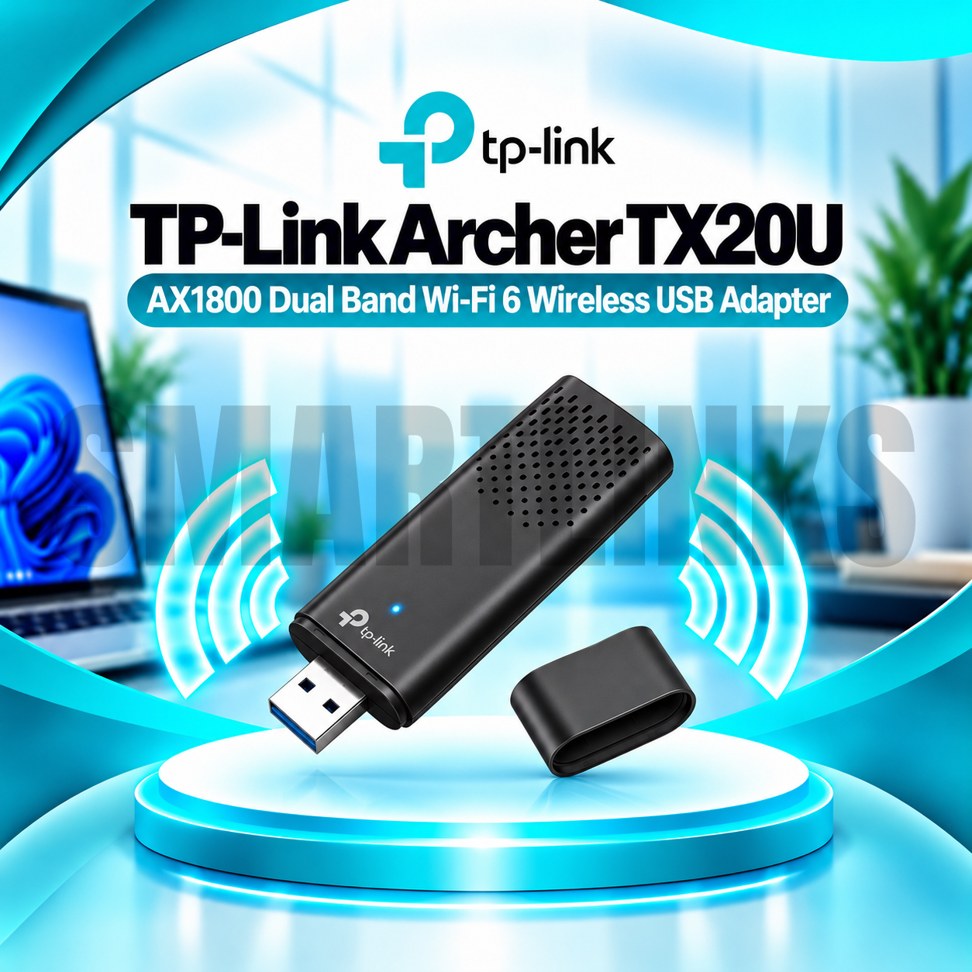
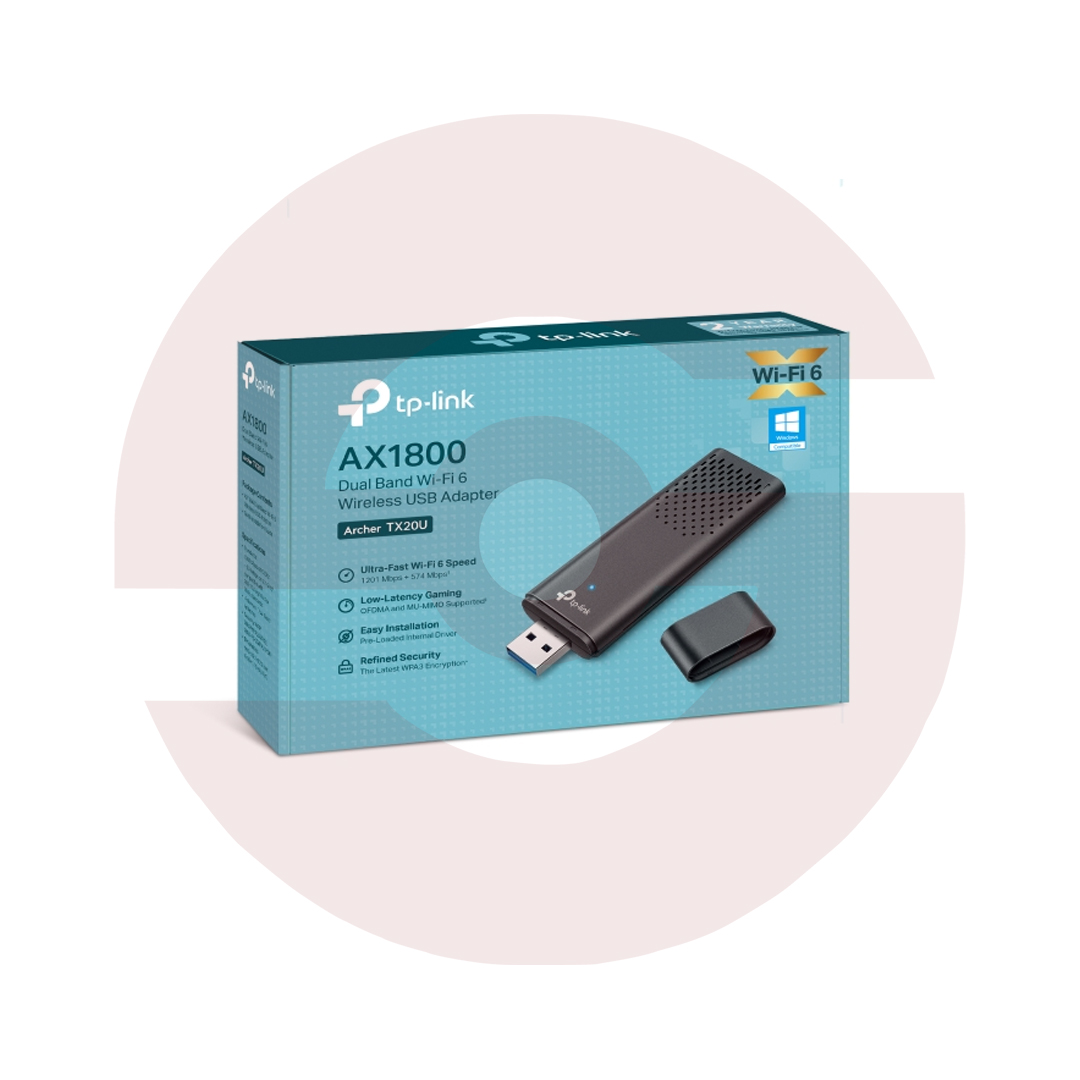
TP-Link Archer TX20U AX1800 WiFi 6 Dual Band USB 3.0 Wireless Adapter with WPA3, MU-MIMO & OFDMA

- AX1800 Dual-Band WiFi 6
- Up to 1201Mbps on 5GHz
- Up to 574Mbps on 2.4GHz
- USB 3.0 Connectivity
- Two Built-In Dual-Band Antennas
- Beamforming Technology
- OFDMA and MU-MIMO
- WPA3 Wireless Security
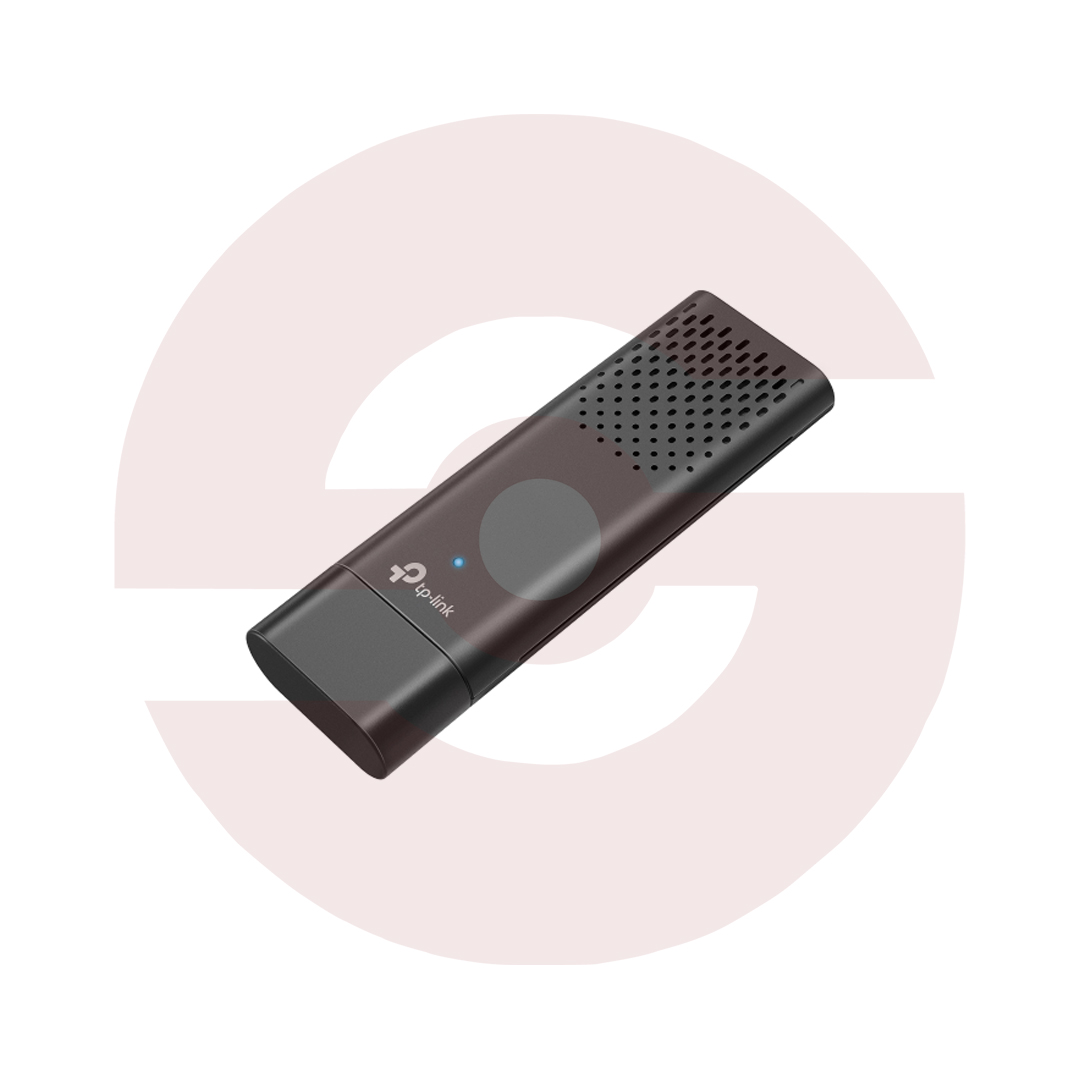
- Compact, Portable Design
- Windows 10/11 Compatibility
- Discover More: TP-Link Adapters.
Description

TP-Link Archer TX20U AX1800 WiFi 6 USB Adapter
The TP-Link Archer TX20U is a dual-band WiFi 6 USB adapter designed to provide wireless connectivity for compatible desktop and laptop computers. Featuring AX1800 wireless performance, USB 3.0 connectivity, and integrated antennas, it offers a convenient upgrade without opening your computer. Whether you use your PC for online classes, office tasks, video calls, or entertainment, this adapter connects it to an existing wireless network.
Dual-Band AX1800 Wireless Performance
The Archer TX20U supports theoretical wireless link rates up to 1201Mbps on 5GHz and 574Mbps on 2.4GHz. The 5GHz band can provide additional capacity for demanding activities, while 2.4GHz offers compatibility with many wireless routers. WiFi 6 helps compatible equipment communicate more efficiently, particularly on busy networks. Actual speeds depend on your router, distance, interference, connected devices, and internet subscription. AX1800 describes the wireless speed class rather than a guaranteed download rate.
Convenient USB 3.0 Connection
With its USB 3.0 interface, the adapter connects directly to a compatible computer without requiring a PCI Express expansion slot. USB 3.0 provides more interface bandwidth than USB 2.0, helping support higher wireless throughput. Compatibility with older USB ports may be possible, although performance can be limited. Install the correct driver when required and check the adapter’s hardware version before selecting software.
Integrated Dual-Band Antennas
Two built-in dual-band antennas support wireless reception while maintaining a compact design. Unlike adapters with large external antennas, the Archer TX20U is easy to move between compatible computers. Reception still depends on router placement, walls, metal surfaces, and nearby electronics. Choosing an accessible USB port and reducing obstructions may improve signal quality in some environments.
Beamforming for Better Reception
Beamforming technology helps compatible wireless equipment direct signals toward connected devices. Under suitable conditions, it may contribute to improved reception and connection stability. Results depend on router support and surrounding wireless conditions. Beamforming cannot eliminate every coverage problem or overcome substantial interference.
OFDMA and MU-MIMO Efficiency
OFDMA and MU-MIMO are technologies designed to improve wireless efficiency on compatible networks. They can help a WiFi 6 router manage communication when several devices are active simultaneously. This may be useful in households or offices where people browse, stream, and attend meetings at the same time. Benefits vary according to the router, network load, and connected equipment.
WPA3 Wireless Security
The Archer TX20U supports WPA3 security with compatible network equipment and configurations. WPA3 provides an additional security option for protecting wireless connections. Using strong passwords, updated router firmware, and trusted drivers remains important. Available security features can depend on operating system support and hardware revision, so verify compatibility before installation.
Suitable for Everyday Computing
This adapter is suitable for compatible computers used for browsing, online learning, remote work, cloud applications, streaming, and video conferencing. It adds wireless connectivity but does not function as a router, modem, or standalone internet service. A working WiFi network is required, and a compatible WiFi 6 router is recommended to benefit from newer wireless features.
Installation and Compatibility
Check that your computer has a suitable USB port and a supported operating system. Follow the installation guide and use drivers intended for your exact hardware revision. Position the adapter away from unnecessary interference where practical. If connection quality is inconsistent, review router placement, channel congestion, and nearby obstacles before replacing equipment.
A Practical WiFi Upgrade
Overall, the TP-Link Archer TX20U combines AX1800 dual-band WiFi 6, USB 3.0, integrated antennas, Beamforming, OFDMA, MU-MIMO, and WPA3 in one portable adapter. It offers a straightforward way to modernize compatible computers without internal hardware installation. Confirm driver support and router compatibility before purchasing for the best experience.
Discover More from TP-Link
Want to explore more about TP-Link WiFi Routers? Visit the official TP-Link website for product insights, support, and the latest smart security solutions.
Official Resource: Explore TP-Link










































Reviews
Clear filtersThere are no reviews yet.