
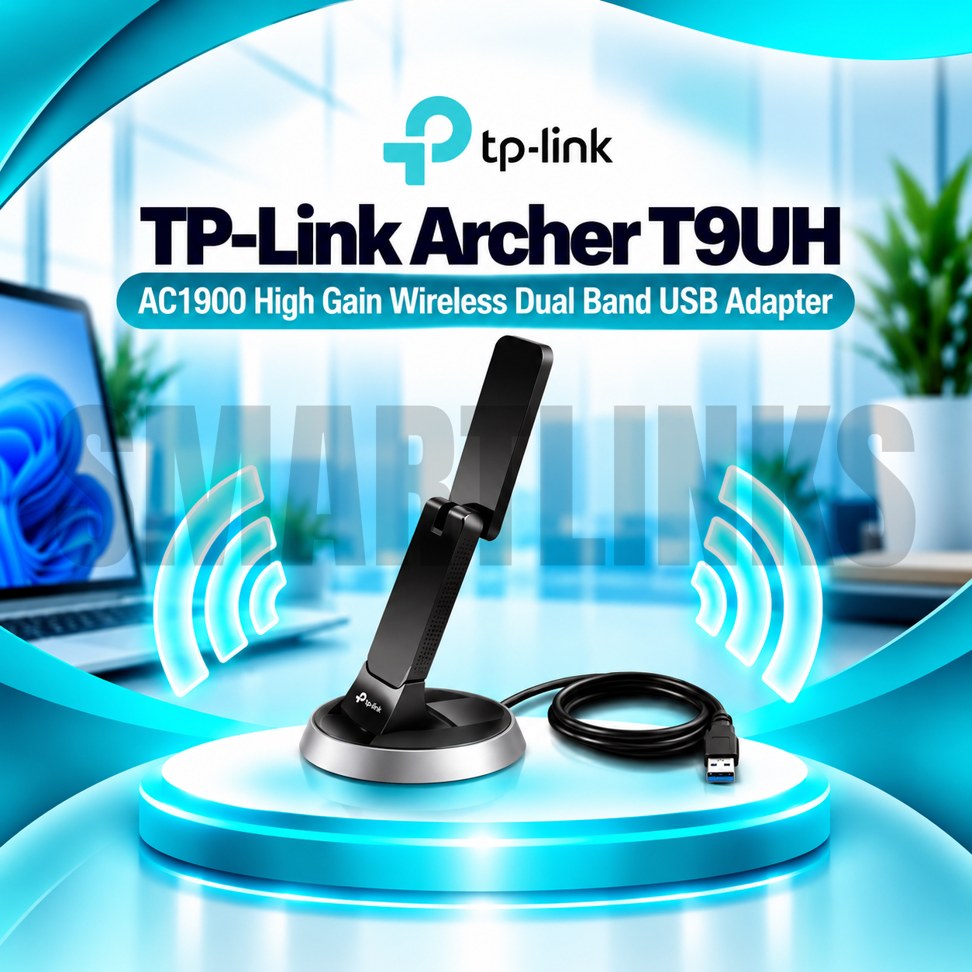


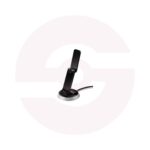
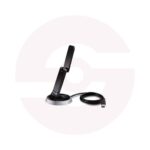
TP-Link Archer T9UH AC1900 Dual Band USB 3.0 WiFi Adapter with High Gain Antennas & Beamforming

- AC1900 Dual-Band WiFi
- 1300Mbps on 5GHz
- 600Mbps on 2.4GHz
- USB 3.0 Interface
- 4 High-Gain Internal Antennas
- Beamforming Technology
- USB 3.0 Cradle
- WPS Button
- WiFi 5 (802.11ac)
- Flexible Desktop Placement
- Discover More: TP-Link Adapters.
Description

TP-Link Archer T9UH AC1900 USB WiFi Adapter
The TP-Link Archer T9UH is an AC1900 dual-band USB WiFi adapter designed to connect compatible desktop and laptop computers to wireless networks. It combines fast wireless AC connectivity, four internal high-gain antennas, Beamforming technology, and a USB 3.0 interface. Its included USB cradle allows flexible placement, making the adapter useful when a computer sits beneath a desk or away from the best reception area. It offers a convenient upgrade without installing an internal wireless card.
Dual-Band AC1900 Connectivity
The Archer T9UH supports theoretical wireless rates up to 600Mbps on 2.4GHz and 1300Mbps on 5GHz. The 2.4GHz band offers broad compatibility with everyday wireless equipment, while the 5GHz band can provide greater capacity where signal conditions permit. AC1900 describes the combined wireless class, not a single connection speed. Actual throughput depends on router capability, distance, interference, connected devices, and internet service. A compatible router is necessary to benefit from the adapter’s higher wireless rates.
Four High-Gain Internal Antennas
Four internal high-gain antennas help the adapter receive wireless signals without requiring protruding external antennas. This arrangement is designed for strong reception in suitable environments, but physical obstacles and crowded channels can still reduce performance. Positioning the adapter away from large metal objects and other interference sources may improve connection quality. Wireless coverage is never guaranteed throughout every building.
Beamforming Technology
Beamforming helps compatible wireless devices focus radio signals toward connected equipment rather than distributing energy equally in every direction. Under appropriate conditions, this may improve signal quality and connection stability. Results vary with router support, placement, and environmental conditions. Beamforming does not increase the speed purchased from an internet provider or eliminate all wireless dead zones.
USB 3.0 Connection
The Archer T9UH connects through USB 3.0, offering greater interface bandwidth than USB 2.0 for high-speed wireless networking. It can also work with compatible USB 2.0 ports, although available throughput may be reduced. Installation may require a driver appropriate for the computer’s operating system and the adapter’s hardware revision. Check official support information before downloading software.
Flexible USB Cradle
The supplied USB 3.0 cradle provides an alternative to connecting the adapter directly to a computer. It allows users to position the adapter on a desk or a surface where reception may be better. This is particularly convenient for desktop towers located under furniture. The cradle does not independently extend WiFi coverage; it simply offers more flexible adapter placement.
Everyday Computer Applications
The Archer T9UH is suitable for compatible computers used for video meetings, online learning, browsing, cloud services, downloads, and streaming. It adds wireless connectivity to a computer but does not operate as a standalone router, modem, or internet service. Network performance will depend on the complete wireless setup and activity of other connected devices.
Security and Compatibility
The adapter supports established wireless security options, including WPA and WPA2 on applicable configurations. Secure operation also requires a strong router password, updated network equipment, and trusted drivers. Operating system support can differ across hardware versions, so verify compatibility with your computer before purchasing.
Practical Wireless Upgrade
Overall, the TP-Link Archer T9UH combines AC1900 dual-band networking, four internal high-gain antennas, Beamforming, USB 3.0, and a flexible cradle. It offers a practical wireless upgrade for compatible computers without opening the case. For better results, use an appropriate router, install the correct driver, and experiment with placement. Advertised rates are theoretical wireless link speeds rather than guaranteed downloads.
Before installation, inspect the USB port and confirm that the computer meets driver requirements. Keep the adapter ventilated and avoid pulling the cradle cable sharply. If your wireless connection becomes unstable, test another placement, review router channel settings, and check for nearby interference.
Discover More from TP-Link
Want to explore more about TP-Link WiFi Routers? Visit the official TP-Link website for product insights, support, and the latest smart security solutions.
Official Resource: Explore TP-Link










































Reviews
Clear filtersThere are no reviews yet.