
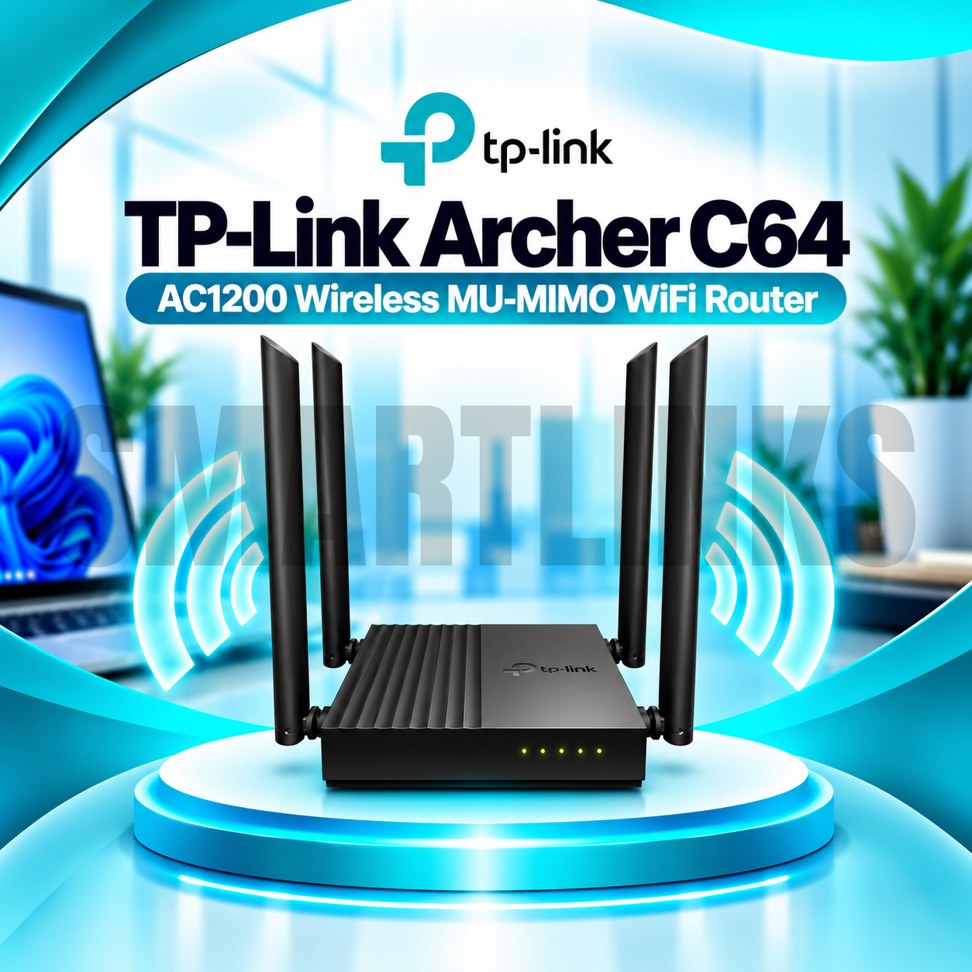
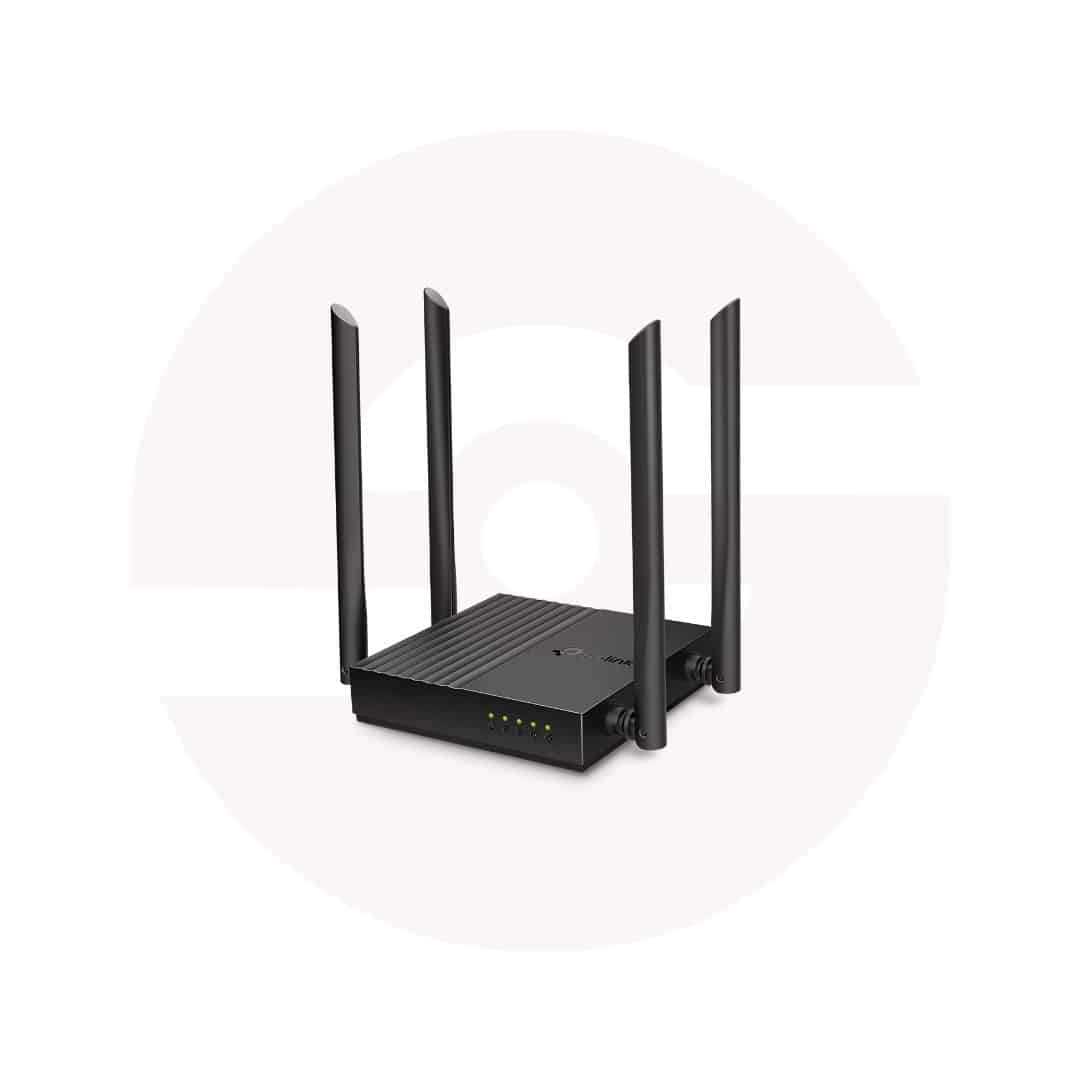

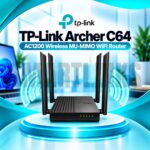
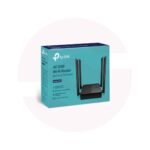
TP-Link Archer C64 AC1200 Dual Band Gigabit WiFi Router – 4 Antennas, MU-MIMO, Beamforming & EasyMesh

- AC1200 Dual-Band WiFi – 2.4GHz and 5GHz connectivity
- 867Mbps on 5GHz – Fast wireless connections
- 400Mbps on 2.4GHz – Everyday wireless coverage
- 4 External Antennas – Wider signal distribution
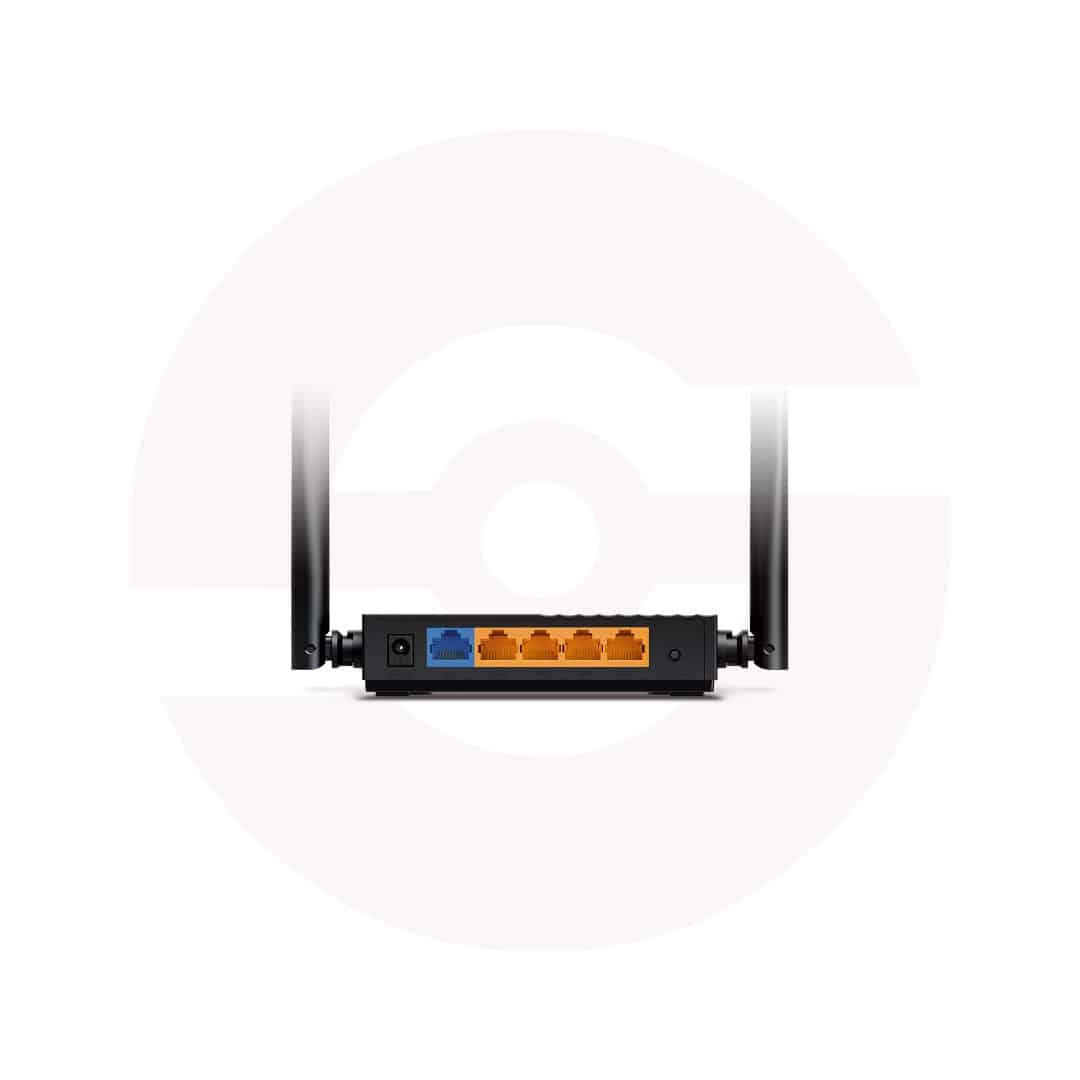
- Gigabit WAN & LAN – Faster wired networking
- MU-MIMO – Efficient multi-device communication
- Beamforming – Focused wireless coverage
- EasyMesh – Expand with compatible mesh devices
- Smart Connect – Intelligent band selection
- WPA3 Security – Modern WiFi protection
- Parental Controls – Manage family internet access
- Tether App – Convenient smartphone management
- Discover More: TP-Link Wifi Routers
Description

TP-Link Archer C64 AC1200 Dual Band Gigabit WiFi Router
The TP-Link Archer C64 is a dual band wireless router designed for reliable everyday networking in homes and small offices. It combines WiFi 5 connectivity, four fixed external antennas, and Gigabit Ethernet ports to connect compatible phones, laptops, televisions, and desktop computers. Its practical management tools and flexible operating modes help users build a convenient network around an existing broadband connection.
AC1200 Dual Band Wireless Performance
The Archer C64 supports theoretical wireless link rates up to 867Mbps on 5GHz and 400Mbps on 2.4GHz according to TP-Link Pakistan specifications. The 5GHz band suits compatible devices requiring greater wireless capacity, while 2.4GHz often provides wider indoor reach. Actual throughput depends on interference, distance, client capabilities, and internet service. Some regional hardware documentation lists 300Mbps on 2.4GHz, so verify the revision before publishing.
Four Antennas and Beamforming
Four fixed external antennas distribute wireless signals across suitable indoor areas. Beamforming helps concentrate wireless energy toward compatible connected devices. These features can improve practical reception, although walls, metal objects, nearby routers, and building layouts still influence coverage. Place the router in an open location away from crowded electrical equipment. Antennas are fixed and should not be removed forcibly.
Gigabit Wired Networking
One Gigabit WAN port connects to a compatible modem, fiber ONT, or upstream Ethernet network. Four Gigabit LAN ports accommodate wired computers, televisions, gaming consoles, and switches. Gigabit interfaces avoid the 100Mbps port limitation found on some entry level routers. Actual internet speeds still depend on your subscription, cables, connected hardware, and service provider. The Archer C64 does not contain an integrated optical fiber terminal.
MU-MIMO and Smart Connect
MU-MIMO improves communication efficiency with compatible wireless clients when multiple devices are active. Smart Connect can guide supported devices toward an appropriate wireless band, while Airtime Fairness helps distribute transmission opportunities. These technologies support smoother network sharing but cannot guarantee uninterrupted gaming or streaming. Performance varies with the number of clients, radio conditions, and device capabilities.
Router and Access Point Modes
Router Mode shares an incoming broadband connection across wireless and wired devices. Access Point Mode adds WiFi coverage to an existing Ethernet network without requiring a separate routing arrangement. Select the appropriate mode during setup and follow your internet provider’s connection requirements. Features available in each mode may differ. EasyMesh support allows compatible equipment to expand coverage when suitable firmware and settings are present.
Security and Family Management
Supported security features include WPA2 and WPA3 wireless encryption, an SPI firewall, access controls, and separate guest networks. Parental controls help manage access times and selected websites. IPv6, IPTV settings, and device based Quality of Service provide additional configuration choices. Choose a strong administrator password and install official firmware intended for the exact hardware revision. Certain features may depend on regional firmware.
Convenient Installation and Control
Configure the Archer C64 through its browser based interface or the TP-Link Tether app. Connect the WAN port to your existing internet equipment, then follow the setup instructions. Broadband providers may require PPPoE credentials or VLAN settings. Keep the router ventilated and use the supplied power adapter. Check wireless placement, cable condition, and firmware compatibility when troubleshooting.
Choosing the Right Router
The Archer C64 is suitable for households seeking dual band WiFi and Gigabit wired connections without moving to WiFi 6. Before ordering, confirm the hardware version, package contents, warranty, and required features. Compare advertised wireless link rates with realistic coverage and broadband needs. For best results, position equipment carefully and secure both wireless bands.
Review connected device specifications and internet speeds before deciding whether this model meets your networking requirements.
Discover More from TP-Link
Want to explore more about TP-Link WiFi Routers? Visit the official TP-Link website for product insights, support, and the latest smart security solutions.
Official Resource: Explore TP-Link










































Reviews
Clear filtersThere are no reviews yet.