

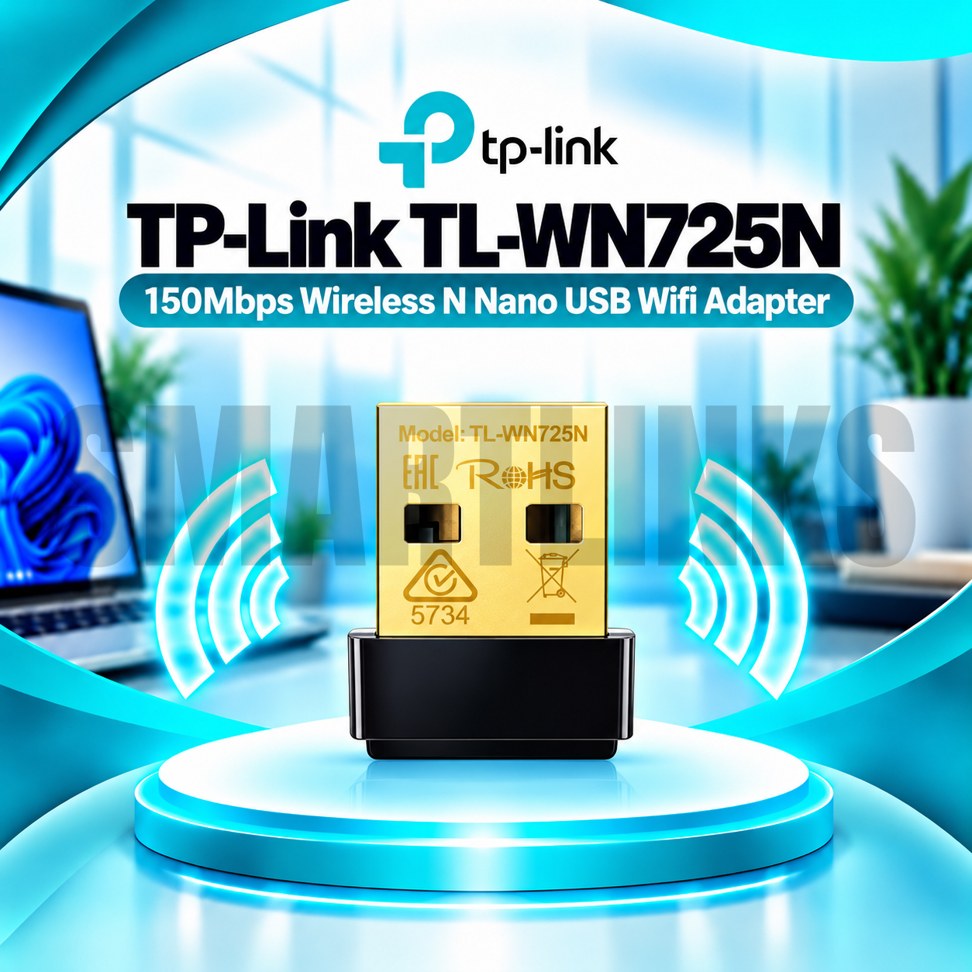



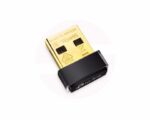
TP-Link TL-WN725N 150Mbps Wireless N Nano USB WiFi Adapter for Desktop & Laptop

- 150Mbps WiFi – Everyday wireless connectivity
- Nano Design – Small and portable
- 2.4GHz Wireless – Broad router compatibility
- USB 2.0 – Simple computer connection
- Internal Antenna – Compact design
- WPA/WPA2 Security – Protected WiFi access
- Easy Setup – Convenient installation
- PC & Laptop Support – Flexible everyday use
- Discover More: TP-Link Adapters.
₨1,600.00
Description

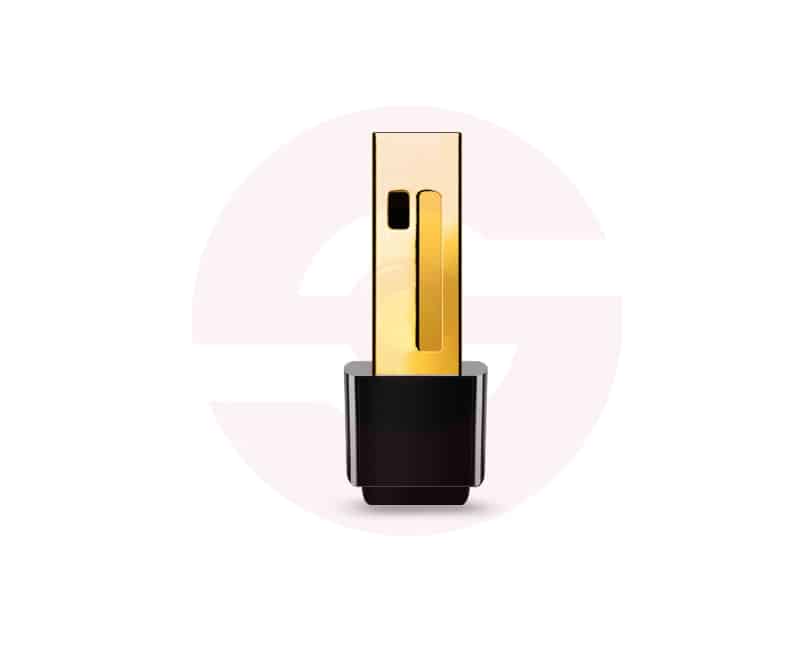
TP-Link TL-WN725N 150Mbps Wireless N Nano USB Adapter
The TP-Link TL-WN725N is a compact Wireless N USB adapter designed to add WiFi connectivity to compatible desktop and laptop computers. Its miniature body occupies little space around a USB port, making it convenient for home offices, classrooms, and everyday travel. By connecting your computer to an existing wireless router, this adapter provides a straightforward option for browsing, email, online learning, and routine internet access.
Compact Nano Design
The TL-WN725N features a small, lightweight design that remains discreet when inserted into a laptop or desktop USB port. Unlike adapters with large external antennas, its internal antenna keeps the overall profile minimal. The compact housing is particularly useful when moving a laptop between rooms or carrying it in a bag. Remove the adapter before transport if its position could expose the USB connector to pressure or damage.
150Mbps Wireless N Connection
Supporting IEEE 802.11b, 802.11g, and 802.11n standards, the adapter offers theoretical wireless link rates up to 150Mbps on the 2.4GHz band. This makes it suitable for basic tasks such as web browsing, messaging, document sharing, and video calls under appropriate network conditions. The advertised rate is not a guaranteed internet download speed. Actual throughput varies with your router, wireless interference, distance, and the number of connected devices.
2.4GHz Router Compatibility
The adapter operates on the 2.4GHz frequency band, commonly supported by home and office wireless routers. It can connect to compatible Wireless N networks and older supported standards. However, it cannot connect directly to networks that operate exclusively on 5GHz or 6GHz. Before ordering, confirm that your router broadcasts a suitable 2.4GHz network and uses a security configuration supported by your adapter revision.
Simple USB Installation
A USB 2.0 interface allows the TL-WN725N to connect without opening the computer case or installing a PCI Express card. Insert the adapter into a compatible USB port and follow the installation instructions. Depending on your operating system and hardware version, a driver installation may be necessary. TP-Link provides downloads for different hardware revisions, so selecting the matching driver is important for reliable operation.
Wireless Security Features
Applicable versions support WPA and WPA2 wireless encryption, helping protect connections to compatible password secured networks. Some newer regional hardware revisions advertise additional security capabilities, but these should not be assumed for every TL-WN725N unit. Use a strong WiFi password, maintain current router firmware, and install trusted drivers. Older WEP security may be supported for compatibility, although modern protection is preferable whenever available.
Everyday Home and Office Use
This nano adapter is a practical choice for desktop computers without built in WiFi or compatible laptops requiring an alternative wireless connection. It can support email, online meetings, school portals, and general internet access. Performance depends on available bandwidth and network conditions. The adapter does not create an independent internet service, replace a router, or provide Bluetooth connectivity.
Operating System Compatibility
TP-Link lists Windows, certain older macOS releases, and Linux support for selected hardware versions. Windows 11 support is also listed for relevant revisions. Driver availability can vary, particularly for newer operating system updates and Linux distributions. Always check the version printed on the product label against TP-Link’s official support downloads before purchasing.
Practical Wireless Upgrade
Overall, the TP-Link TL-WN725N combines 150Mbps Wireless N connectivity, a miniature USB design, and broad 2.4GHz router compatibility. It is intended for convenient everyday wireless access rather than high speed gaming or demanding network transfers. For the best experience, position your computer within suitable router range, avoid unnecessary interference, and confirm driver compatibility before installation. This helps ensure a more dependable connection for everyday computing.
Discover More from TP-Link
Want to explore more about TP-Link WiFi Routers? Visit the official TP-Link website for product insights, support, and the latest smart security solutions.
Official Resource: Explore TP-Link










































Reviews
Clear filtersThere are no reviews yet.