
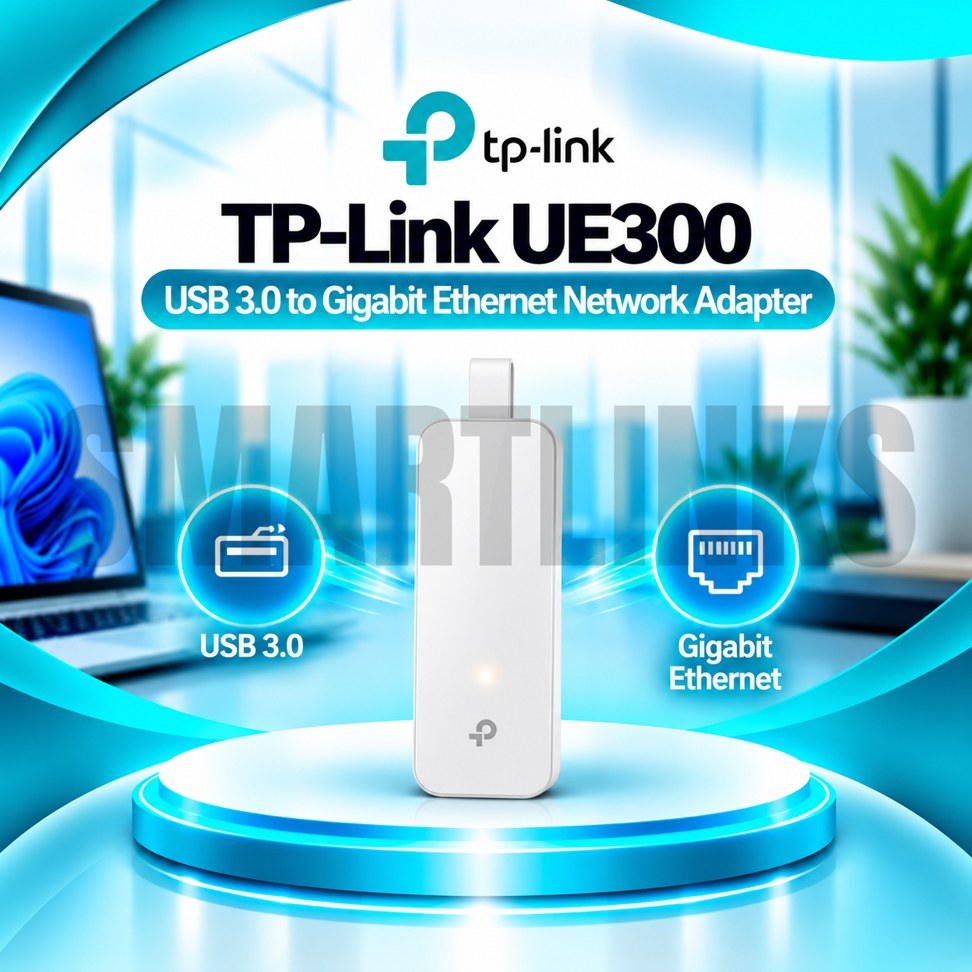



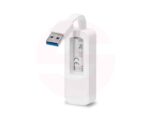
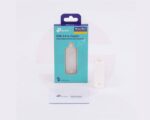
TP-Link UE300 USB 3.0 to Gigabit Ethernet LAN Adapter – 1000Mbps RJ45 Network Converter for Laptop & PC

- 1000Mbps Gigabit LAN – Fast wired connectivity
- USB 3.0 – High-speed data connection
- RJ45 Ethernet Port – Easy LAN access
- Plug & Play – Simple setup on supported systems
- Compact Design – Lightweight and portable
- Foldable Cable – Convenient storage
- Wide Compatibility – Windows, macOS, Linux and Chrome OS
- Laptop & PC Support – Flexible everyday use
- Discover More: TP-Link Adapters.
Description

TP-Link UE300 USB 3.0 to Gigabit Ethernet Adapter
The TP-Link UE300 is a compact USB 3.0 to Gigabit Ethernet adapter that adds a wired network connection to compatible laptops, ultrabooks, and desktop computers. It is especially useful when a computer has no built in Ethernet port or its existing network socket is unavailable. With a standard USB Type A connector, one RJ45 port, and a folding cable design, the UE300 offers straightforward connectivity for everyday work and home networking.
Gigabit Ethernet Connectivity
The adapter supports Ethernet link speeds of 10Mbps, 100Mbps, and 1000Mbps through its RJ45 socket. When connected to a suitable Gigabit router or switch using an appropriate network cable, it can establish a connection at up to 1000Mbps. This figure represents the negotiated Ethernet link rate, not a guaranteed internet download speed. Actual transfers depend on connected equipment, network traffic, cable quality, and your internet subscription.
USB 3.0 Interface
A USB 3.0 Type A plug connects the UE300 to a compatible computer without requiring an internal expansion card. USB 3.0 provides sufficient interface bandwidth for Gigabit Ethernet operation under suitable conditions. The adapter is also backward compatible with USB 2.0 and USB 1.1 ports, although older USB connections can limit throughput. For the best available performance, use a working USB 3.0 port directly on your computer.
Compact Folding Design
The UE300 features a portable body with an integrated cable that folds into the housing for storage. This design helps reduce loose cables when packing a laptop bag or organizing a desk. Its compact size makes it convenient for travel, shared workstations, and temporary network setups. Handle the connector gently and avoid bending the cable sharply during frequent use.
Practical Wired Networking
A wired Ethernet connection can be useful for video meetings, software downloads, office applications, online classes, and transferring files across a local network. Unlike wireless adapters, the UE300 connects through a physical Ethernet cable rather than radio signals. This can reduce exposure to WiFi interference, but connection quality still depends on the router, switch, cable, and wider network. The adapter does not create internet access independently.
Plug and Play Convenience
TP-Link lists plug and play support for Windows 11 and Windows 10, supported macOS versions, ChromeOS, and Linux. Certain older operating systems require a separately installed driver. Compatibility can also vary with hardware revisions and system updates. If the computer does not recognize the adapter, check the official TP-Link support page for the correct version and installation instructions before using third party software.
Simple Connection Steps
Insert the USB connector into an available computer port, then connect a working Ethernet cable between the adapter and your router, switch, or network outlet. Allow the operating system to detect the device and complete any necessary setup. Confirm that the network connection is active before starting important transfers. If connectivity fails, test another cable, USB port, or router connection and review network settings.
Compatibility and Limitations
The UE300 uses a USB Type A connection, not USB Type C. Computers offering only USB C ports need a suitable separate converter or a different Ethernet adapter. It does not provide WiFi, Bluetooth, extra USB ports, or Power over Ethernet. Before purchasing, confirm your available computer ports, operating system, and network speed requirements.
Reliable Everyday Upgrade
Overall, the TP-Link UE300 offers a convenient way to restore or add wired networking without opening your computer. Its Gigabit Ethernet capability, USB 3.0 interface, and foldable portable construction suit everyday connectivity needs. Choose appropriate cables, install official drivers when necessary, and remember that actual speeds depend on the complete network setup.
Discover More from TP-Link
Want to explore more about TP-Link WiFi Routers? Visit the official TP-Link website for product insights, support, and the latest smart security solutions.
Official Resource: Explore TP-Link










































Reviews
Clear filtersThere are no reviews yet.