
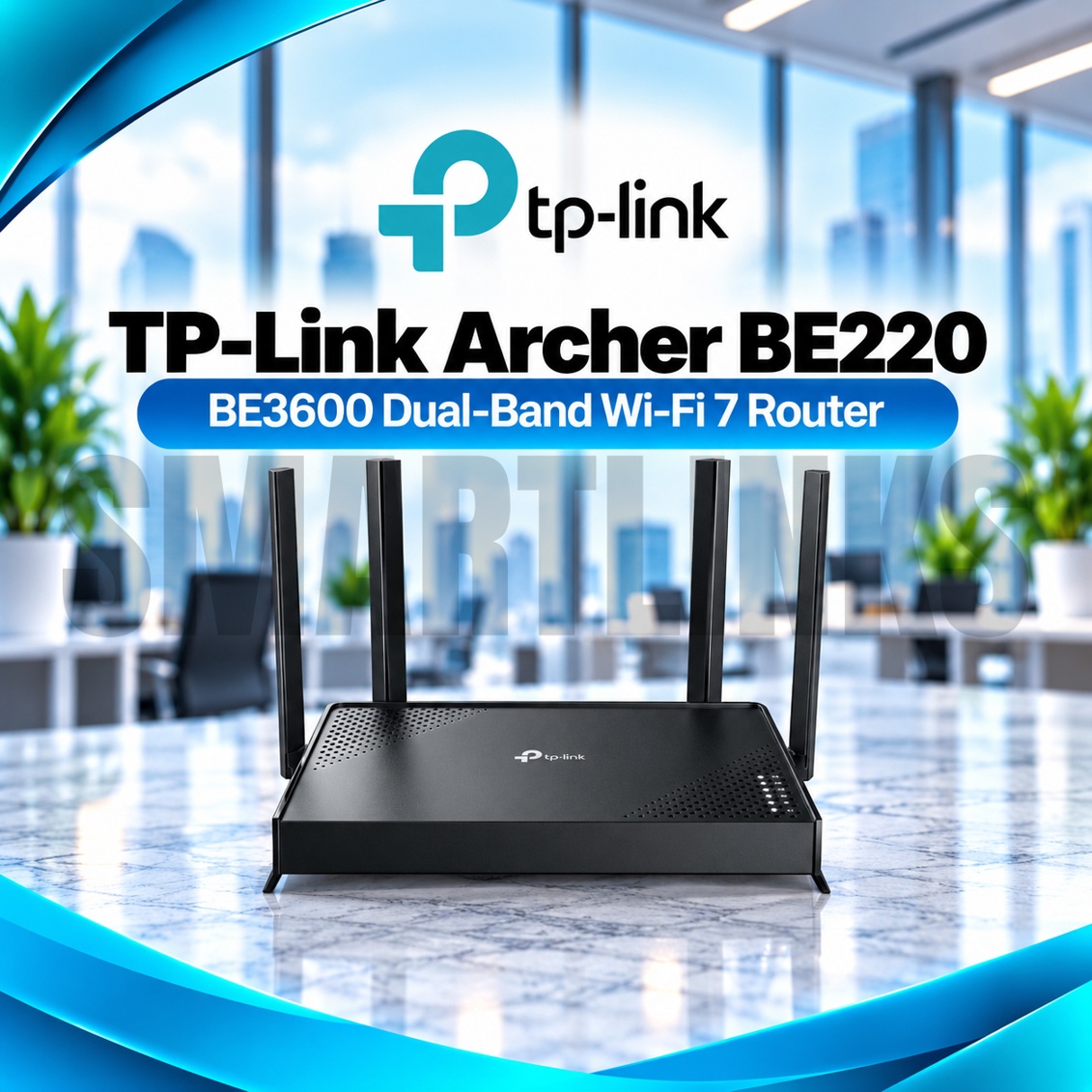


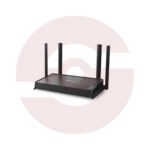
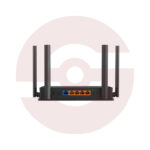
TP-Link Archer BE220 BE3600 Dual Band WiFi 7 Gigabit Router – 2882Mbps 5GHz, 4 Antennas, MLO, EasyMesh & WPA3

- BE3600 Dual-Band WiFi 7 – Latest-generation wireless networking
- 2882Mbps on 5GHz – High-speed wireless link rate
- 688Mbps on 2.4GHz – Everyday wireless connectivity
- Multi-Link Operation (MLO) – Advanced communication across supported links
- 4K-QAM – Higher data density with compatible WiFi 7 clients
- Multi-RUs – Efficient wireless resource allocation
- 4 External Antennas – Improved signal distribution
- Beamforming – Focused wireless signal transmission
- OFDMA and MU-MIMO – Efficient multi-device networking
- 5 Gigabit Ethernet Ports – One WAN and four LAN
- EasyMesh Compatibility – Expand coverage with supported mesh devices
- TP-Link HomeShield – Security and parental controls
- WPA3 Encryption – Modern wireless protection
- IoT Network and Guest WiFi – Flexible network separation
- VPN Client and Server – Supported VPN connectivity
- TP-Link Tether App – Convenient setup and management
- Discover More: TP-Link Wifi Routers
Description

TP-Link Archer BE220 BE3600 Dual Band WiFi 7 Router
The TP-Link Archer BE220 brings WiFi 7 technology to homes and small offices seeking modern wireless performance without complicated installation. Its dual band design combines 5GHz and 2.4GHz connectivity, four external antennas, and five Gigabit Ethernet ports. This router supports streaming, remote meetings, gaming, and everyday browsing while helping compatible devices share an existing broadband connection efficiently.
BE3600 Dual Band Wireless Performance
The Archer BE220 offers theoretical wireless link speeds up to 2882Mbps on 5GHz and 688Mbps on 2.4GHz. These figures describe the maximum physical link rates of individual bands, not guaranteed internet speeds. Actual throughput depends on your broadband subscription, connected equipment, interference, and distance. The router does not include a 6GHz radio, even though it supports the WiFi 7 standard.
Advanced WiFi 7 Technologies
Multi-Link Operation enables compatible WiFi 7 devices to use supported wireless links more flexibly, potentially improving responsiveness and reliability. The router also supports 4K-QAM and Multi-RUs, which help optimize data transmission under suitable conditions. Benefits depend on compatible clients, firmware, and wireless environments. Older devices remain supported through earlier WiFi standards, although they cannot access every new capability.
Four Antennas and Beamforming
Four external antennas distribute wireless signals throughout suitable indoor spaces. Beamforming directs transmission toward compatible devices, while OFDMA and MU-MIMO help organize traffic among multiple clients. Thick walls, concrete floors, metal furniture, and neighboring networks may reduce coverage. For better results, position the router centrally, away from enclosed cabinets and major electrical equipment. No router can guarantee identical coverage in every building.
Gigabit Ethernet Connectivity
One Gigabit WAN port connects to a compatible broadband modem, fiber ONT, or Ethernet internet service. Four Gigabit LAN ports accommodate desktop computers, televisions, gaming consoles, and network switches. Wired connections are particularly useful for stationary equipment. The Archer BE220 does not feature 2.5Gbps Ethernet or a built in optical fiber terminal. Faster wireless link rates do not increase the speed limit of its Gigabit WAN connection.
EasyMesh for Wider Coverage
EasyMesh compatibility allows the Archer BE220 to cooperate with supported mesh routers and extenders, extending wireless coverage across suitable spaces. Compatibility, roaming behavior, and available functions depend on companion hardware and firmware. Additional mesh equipment is normally sold separately. Router Mode shares an incoming internet connection, while Access Point Mode adds wireless service to an existing network without replacing its main routing equipment.
HomeShield and Network Security
TP-Link HomeShield includes supported network scanning, parental control tools, and protection features. Some advanced services may require a subscription. WPA3 encryption offers modern wireless authentication for compatible devices. Separate guest networks and an IoT network can help organize visitor and smart home connectivity. Use strong passwords, inspect connected devices, and install firmware updates intended for your exact hardware version.
Easy Setup and Management
The TP-Link Tether app guides initial configuration and provides convenient device management. A browser interface offers additional settings, including supported VPN client and server functions, IPv6, and IPTV configuration. Your internet provider may require PPPoE credentials or VLAN settings. Check cable connections and service status before resetting the router. Firmware availability and regional settings can affect certain software features.
Discover More from TP-Link
Want to explore more about TP-Link WiFi Routers? Visit the official TP-Link website for product insights, support, and the latest smart security solutions.
Official Resource: Explore TP-Link










































Reviews
Clear filtersThere are no reviews yet.