

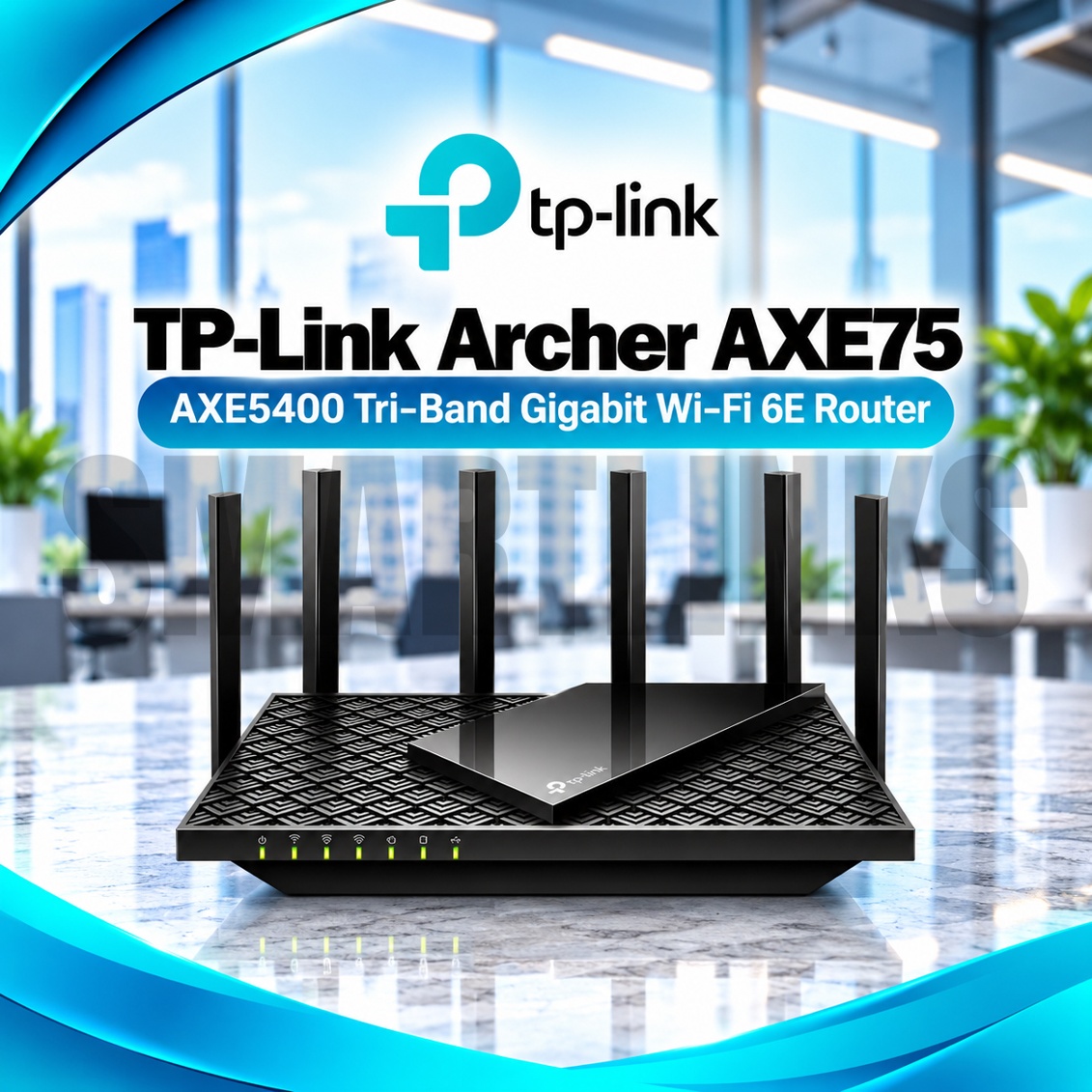
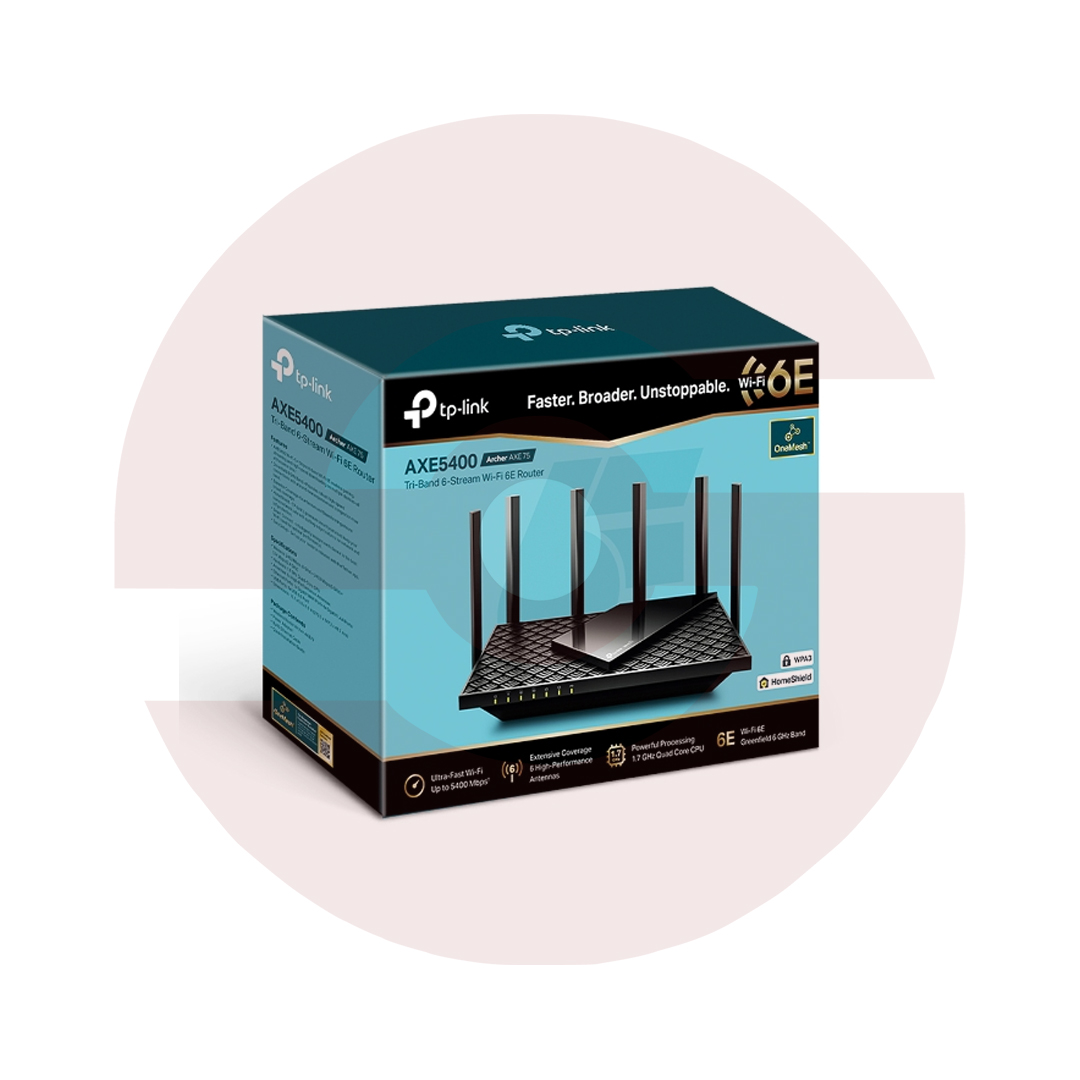
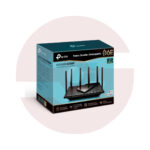
TP-Link Archer AXE75 AXE5400 Tri-Band WiFi 6E Router – 6GHz WiFi, 2402Mbps, 6 Antennas, Gigabit Ports & HomeShield

- AXE5400 Tri-Band WiFi 6E – 2.4GHz, 5GHz, and 6GHz connectivity
- 2402Mbps on 6GHz – Additional spectrum for WiFi 6E devices
- 2402Mbps on 5GHz – Fast wireless connections
- 574Mbps on 2.4GHz – Connectivity for everyday devices
- 160MHz Channels – Wider wireless bandwidth for compatible equipment
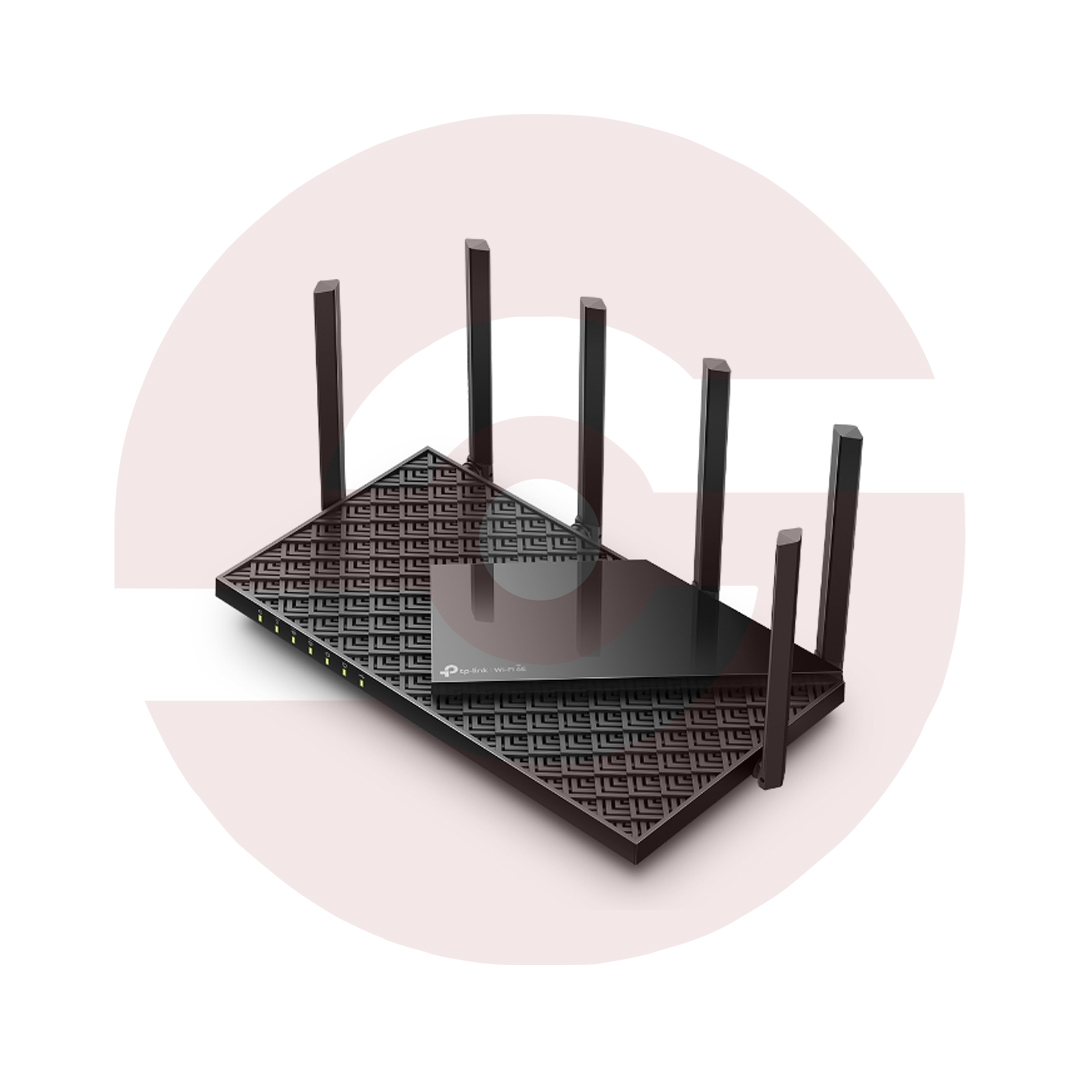
- 6 Fixed External Antennas – Wireless signal distribution
- OFDMA – Efficient communication with multiple clients
- Beamforming – Focused wireless signal transmission
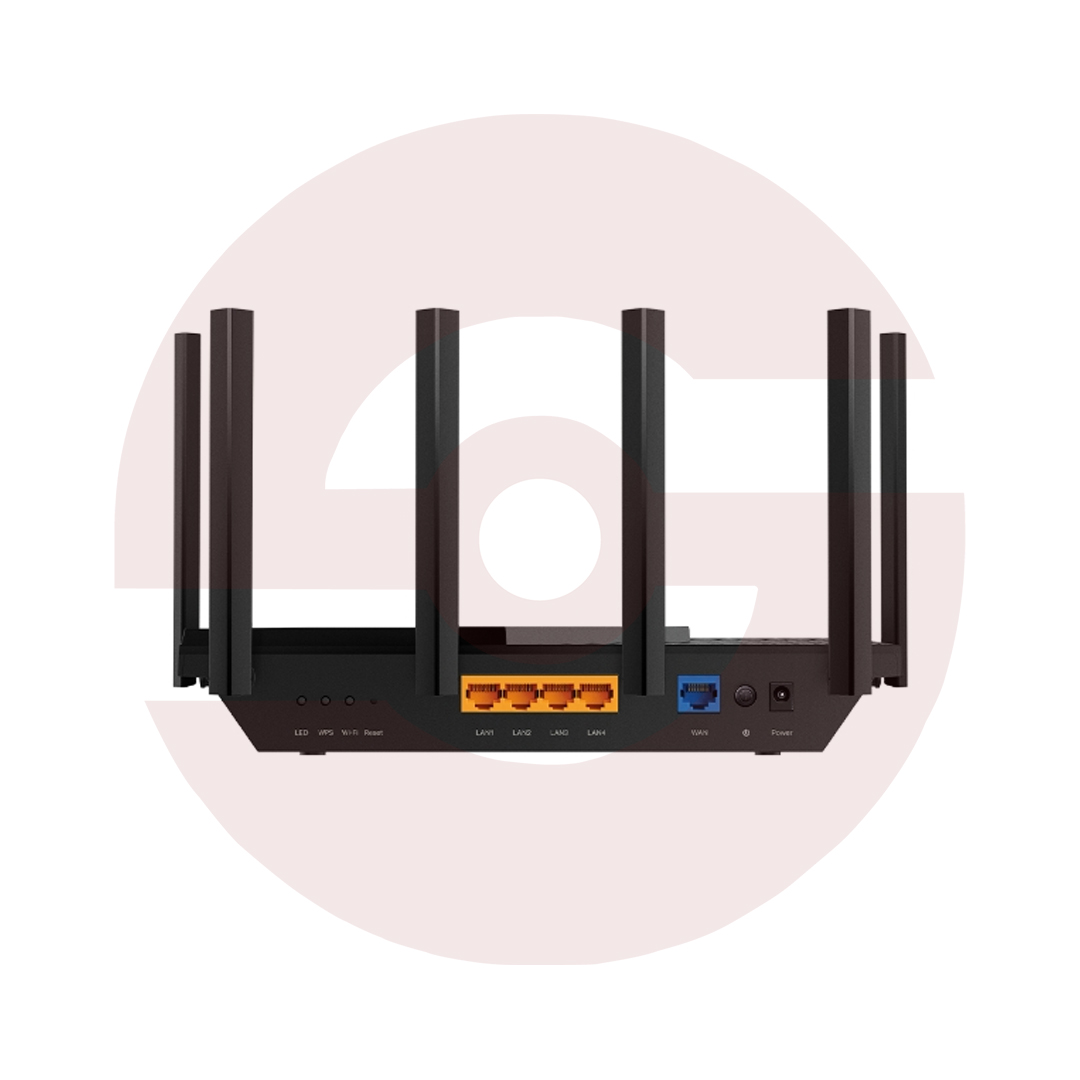
- 5 Gigabit Ethernet Ports – One WAN and four LAN on V1
- USB 3.0 on V1 – Compatible storage and media sharing
- 1.7GHz Quad-Core CPU on V1 – Network processing
- TP-Link HomeShield – Network security and parental controls
- WPA3 Encryption – Modern wireless protection
- OneMesh on V1 – Expansion using compatible TP-Link extenders
- TP-Link Tether App – Smartphone setup and management
- Discover More: TP-Link Wifi Routers
Description

TP-Link Archer AXE75 AXE5400 Tri Band WiFi 6E Router
The TP-Link Archer AXE75 is a tri band WiFi 6E router designed for households and offices that need flexible wireless connectivity. It introduces a 6GHz radio alongside familiar 5GHz and 2.4GHz networks, helping compatible devices access additional wireless spectrum. Six external antennas, Gigabit Ethernet connections, and security controls make this model suitable for streaming, remote work, gaming, and everyday browsing.
AXE5400 Tri Band Wireless Performance
The Archer AXE75 offers theoretical wireless link rates up to 2402Mbps on 6GHz, 2402Mbps on 5GHz, and 574Mbps on 2.4GHz. AXE5400 represents the combined capacity of three bands rather than one device speed or guaranteed internet throughput. Actual performance depends on client hardware, broadband service, distance, interference, and local wireless regulations. Older devices can continue using supported 2.4GHz or 5GHz connections.
The Advantage of 6GHz WiFi
WiFi 6E extends WiFi 6 technology into the 6GHz spectrum, providing additional channels for compatible devices. This can reduce competition with established networks in suitable environments. A WiFi 6E compatible phone, laptop, or adapter is necessary to access 6GHz. Availability also depends on regional rules and device settings. The 6GHz signal may travel less effectively through obstacles than lower frequency connections.
160MHz Channels and Efficient Sharing
Supported 160MHz channels can deliver greater wireless capacity to compatible clients when available. OFDMA helps schedule communication with multiple supported devices, while Airtime Fairness reduces excessive airtime consumption by slower equipment. These technologies are useful in busy households, but they cannot eliminate internet congestion or guarantee gaming latency. Channel selection, neighboring networks, and client compatibility influence practical results.
Six Antennas and Beamforming
Six fixed high performance antennas help distribute signals throughout suitable indoor spaces. Beamforming concentrates wireless transmissions toward compatible clients. Concrete walls, metal furniture, floors, and distant rooms may still reduce coverage. Place the router centrally in a ventilated position and avoid hiding it inside enclosed cabinets. Antenna count alone does not determine the size of a reliable wireless coverage area.
Gigabit Ethernet and USB Connectivity
The documented V1 hardware provides one Gigabit WAN port and four Gigabit LAN ports for wired equipment. Connect the WAN port to a compatible modem or fiber ONT, then attach computers, consoles, or switches to the LAN ports. V1 also includes USB 3.0 for compatible storage sharing. Later hardware revisions may have different USB specifications, so check the actual product label and datasheet.
HomeShield and Wireless Security
TP-Link HomeShield provides supported network scanning, parental controls, and protection options. Some advanced features may require a subscription. WPA3 encryption helps protect compatible wireless connections, and guest networks allow visitors to connect separately. Choose strong administrator credentials, review connected devices, and install official firmware intended for your hardware revision. No security feature can guarantee protection against every online threat.
Mesh Compatibility and Setup
The Archer AXE75 supports mesh expansion with compatible TP-Link devices on documented firmware. OneMesh is listed for V1, while regional revisions may differ in compatibility. Verify the exact router and extender versions before purchasing accessories. Configure the router through TP-Link Tether or its browser interface. Router and Access Point modes accommodate different existing networks and broadband installations.
Discover More from TP-Link
Want to explore more about TP-Link WiFi Routers? Visit the official TP-Link website for product insights, support, and the latest smart security solutions.
Official Resource: Explore TP-Link










































Reviews
Clear filtersThere are no reviews yet.