

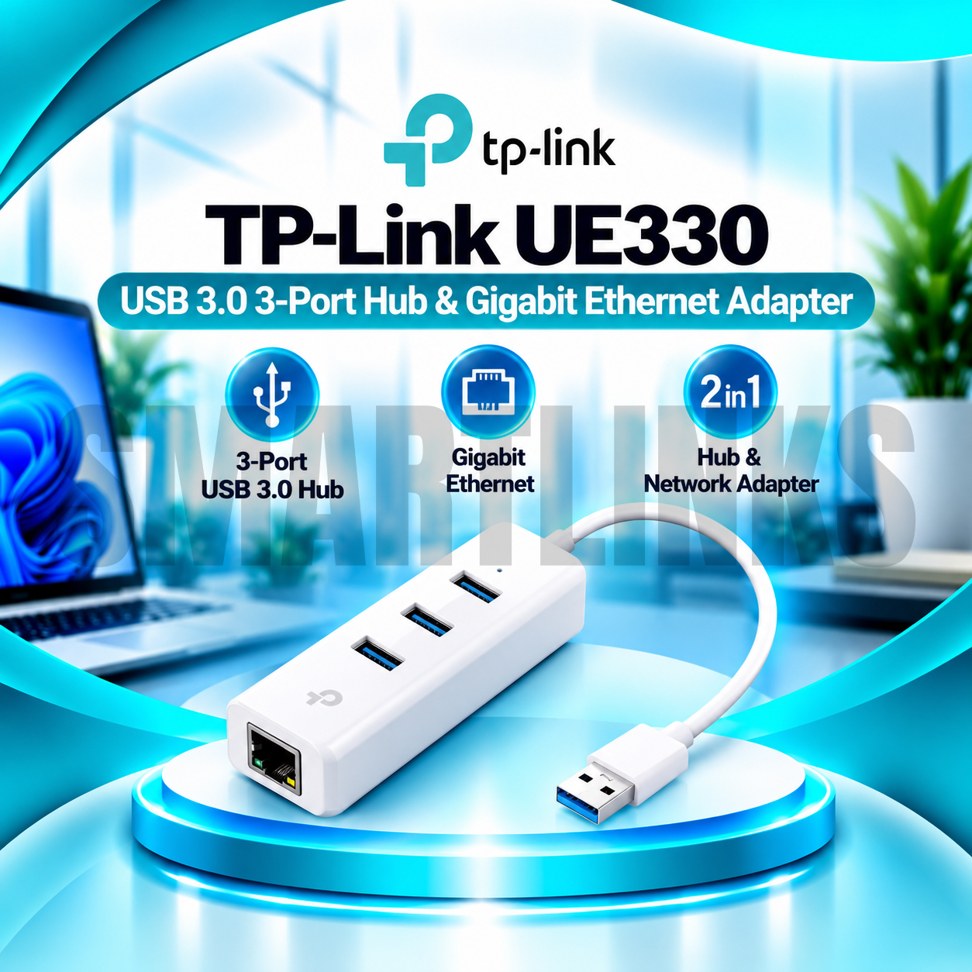
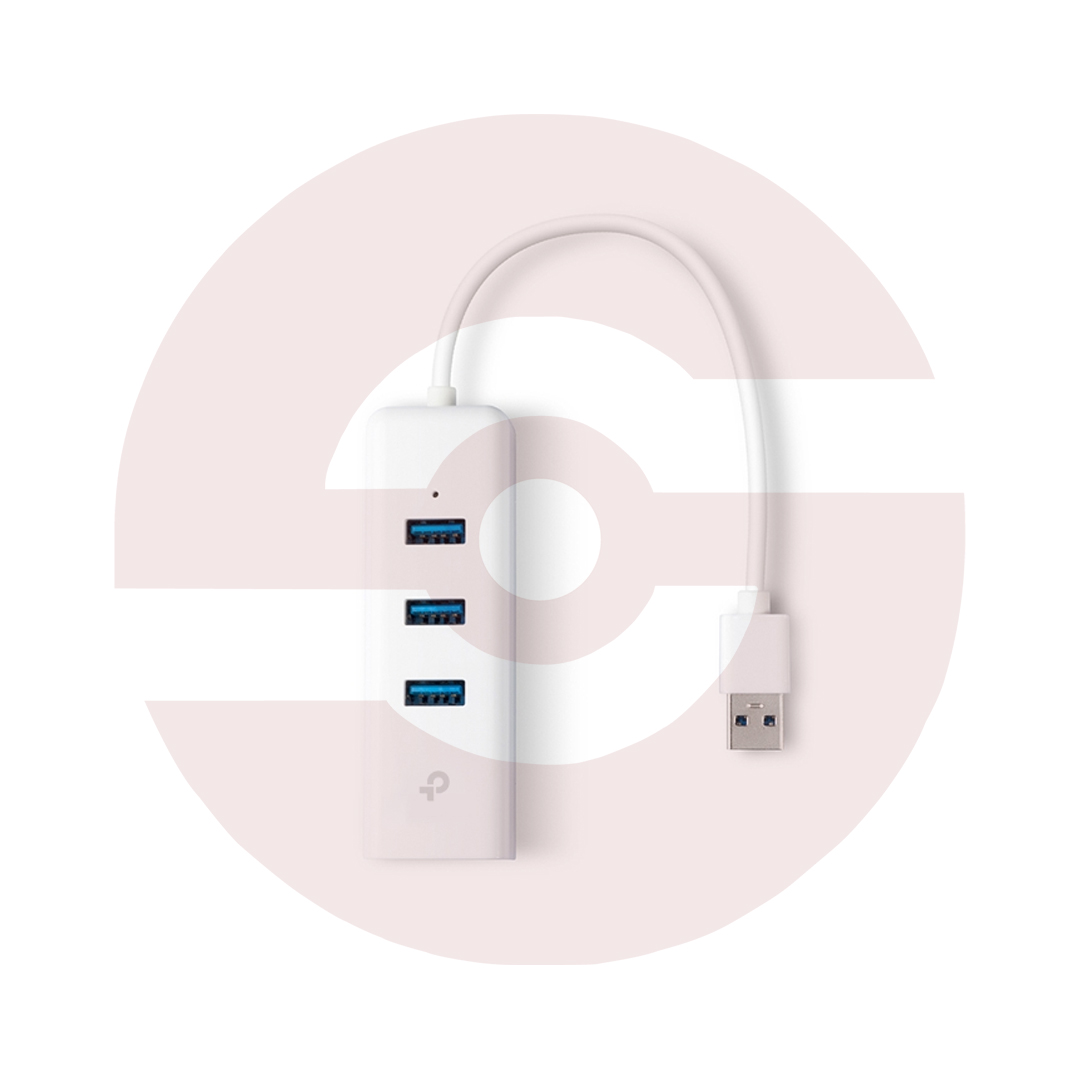
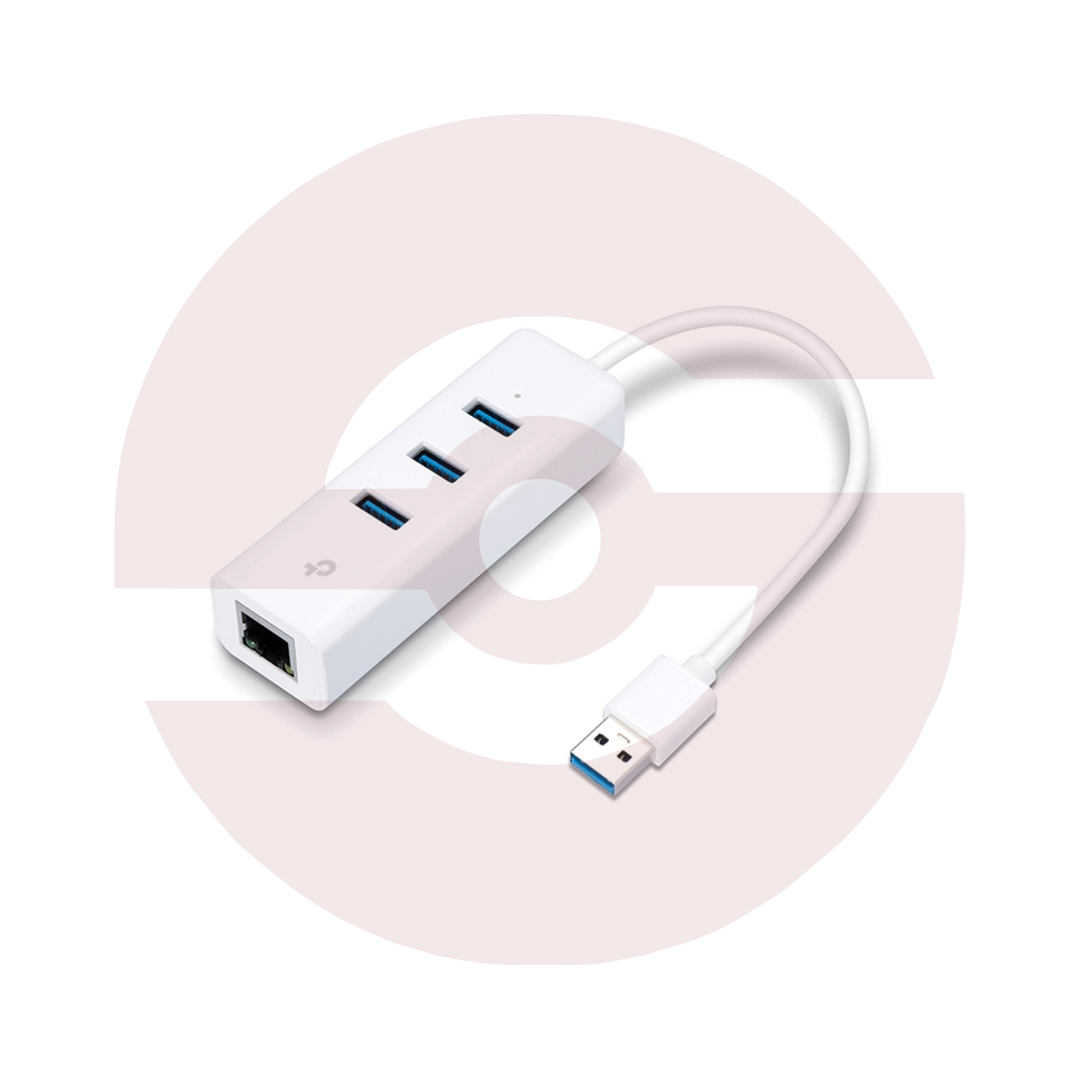
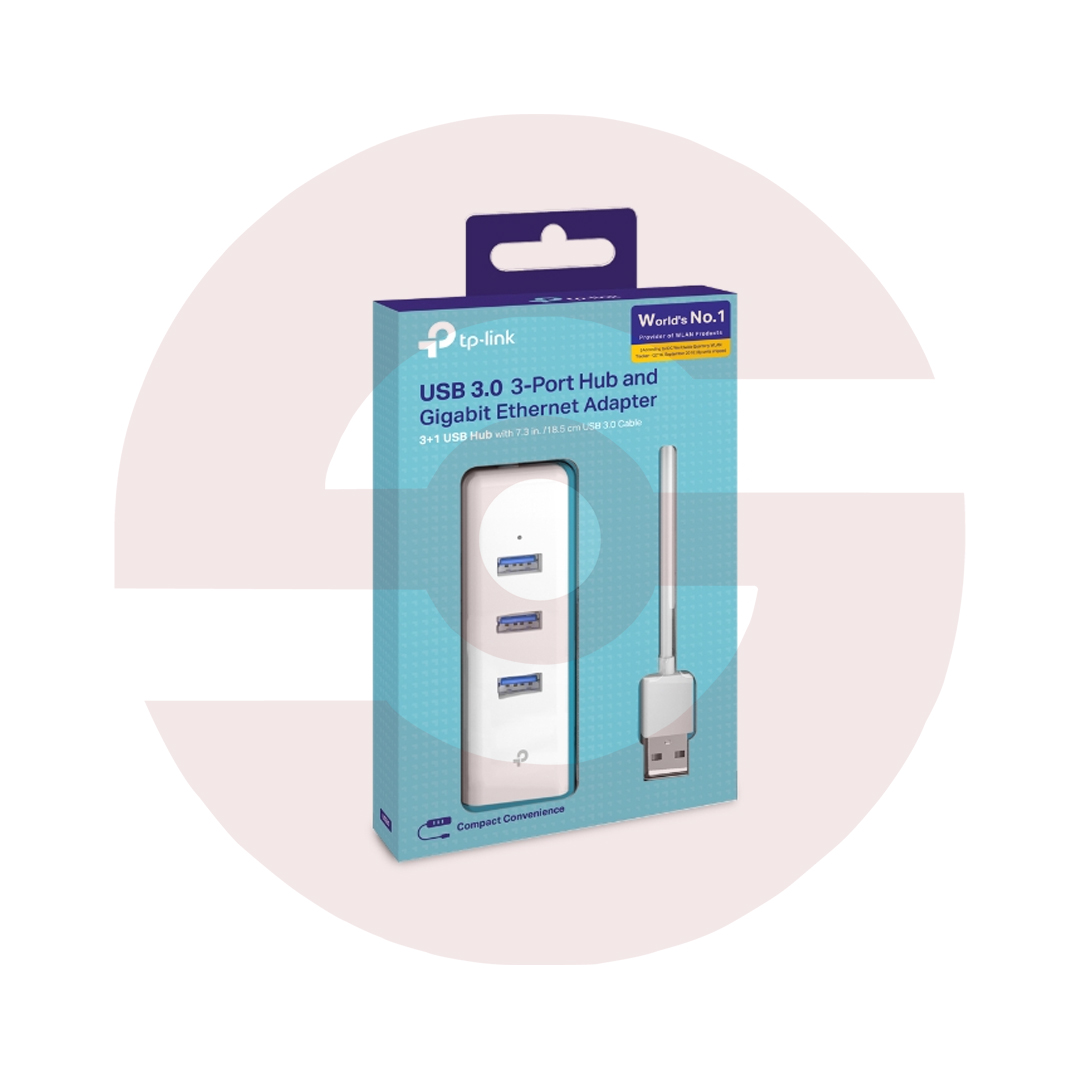

TP-Link UE330 USB 3.0 3-Port Hub with Gigabit Ethernet Adapter – 1000Mbps RJ45 LAN Network Adapter for Laptop & PC

- 3 USB 3.0 Ports – Connect more devices
- 1000Mbps Gigabit LAN – Fast wired networking
- 5Gbps USB 3.0 – High-speed data transfers
- 2-in-1 Design – USB hub and LAN adapter
- RJ45 Ethernet Port – Easy network connection
- Plug & Play – Convenient setup
- Compact & Lightweight – Easy to carry
- Wide Compatibility – Multiple operating systems
- Discover More: TP-Link Adapters.
Description

TP-Link UE330 USB 3.0 Hub and Gigabit Ethernet Adapter
The TP-Link UE330 is a two in one connectivity accessory for compatible laptops and desktop computers. It combines three USB 3.0 ports with a Gigabit Ethernet connection, helping users connect additional peripherals and access a wired network through one computer USB port. Its construction suits workstations, home offices, study desks, and travel setups where available connections are limited.
Three Additional USB Ports
The UE330 provides three USB Type A 3.0 ports for compatible accessories such as keyboards, mice, flash drives, printers, and external storage devices. USB 3.0 supports a theoretical signaling rate up to 5Gbps, while actual transfer speeds depend on the connected device, cable, computer, and shared hub bandwidth. Older USB 2.0 and USB 1.1 devices can also connect, although their performance remains limited by their own standards.
Gigabit Ethernet Networking
An integrated RJ45 Ethernet socket supports network link speeds up to 1000Mbps when connected to suitable Gigabit equipment. This allows a compatible computer to use a wired connection through a router, switch, or active network outlet. Wired networking can be useful for video meetings, office systems, downloads, and file sharing. Actual internet performance depends on your broadband plan, network equipment, cable quality, and congestion.
Practical Two in One Design
Instead of carrying a separate USB hub and Ethernet converter, users can combine both functions in one accessory. The UE330 is particularly useful for slim laptops with limited USB connections or without a built in LAN socket. It can also expand desktop connectivity when ports are difficult to reach. Its lightweight body is easy to place on a desk or carry with other computer accessories.
USB Type A Connection
The adapter connects to the host computer through one USB 3.0 Type A plug. A compatible USB 3.0 port is recommended for the best overall performance. Connection through older USB ports may reduce available bandwidth. The three downstream USB ports share the upstream connection, so simultaneous high bandwidth devices may compete for throughput. This model is not a native USB Type C hub.
Simple Setup and Drivers
TP-Link advertises plug and play operation on supported systems, including Windows, macOS, Linux, and ChromeOS. However, some operating system versions or hardware revisions may require manual driver installation. Check the revision printed on your retail product before selecting support downloads. Use official TP-Link drivers where necessary and follow your computer’s operating system instructions. Compatibility with individual peripherals is not guaranteed in every configuration.
Power and Device Limitations
The UE330 is powered through its host USB connection and is not advertised as a dedicated powered charging station. High demand accessories, including some external hard drives, may require their own power source or a powered hub. The Ethernet port does not provide wireless networking, Bluetooth, or an independent internet subscription. It also should not be described as a Power over Ethernet injector.
Everyday Office and Home Use
Connect a keyboard, mouse, and storage device while maintaining wired network access on a compatible computer. This setup can support productivity, online classes, remote work, and routine file transfers. For dependable operation, use suitable Ethernet cables, avoid damaged USB connectors, and keep the host computer updated. Check available power and bandwidth before attaching several demanding devices simultaneously.
Choosing the Right Accessory
The TP-Link UE330 combines useful USB expansion and Gigabit LAN access without requiring an internal computer upgrade. Confirm that your computer has a USB Type A connection and a supported operating system. Verify hardware revision, package contents, and local warranty information before ordering. For USB Type C only computers, consider a compatible alternative rather than assuming direct connection.
Discover More from TP-Link
Want to explore more about TP-Link WiFi Routers? Visit the official TP-Link website for product insights, support, and the latest smart security solutions.
Official Resource: Explore TP-Link










































Reviews
Clear filtersThere are no reviews yet.