
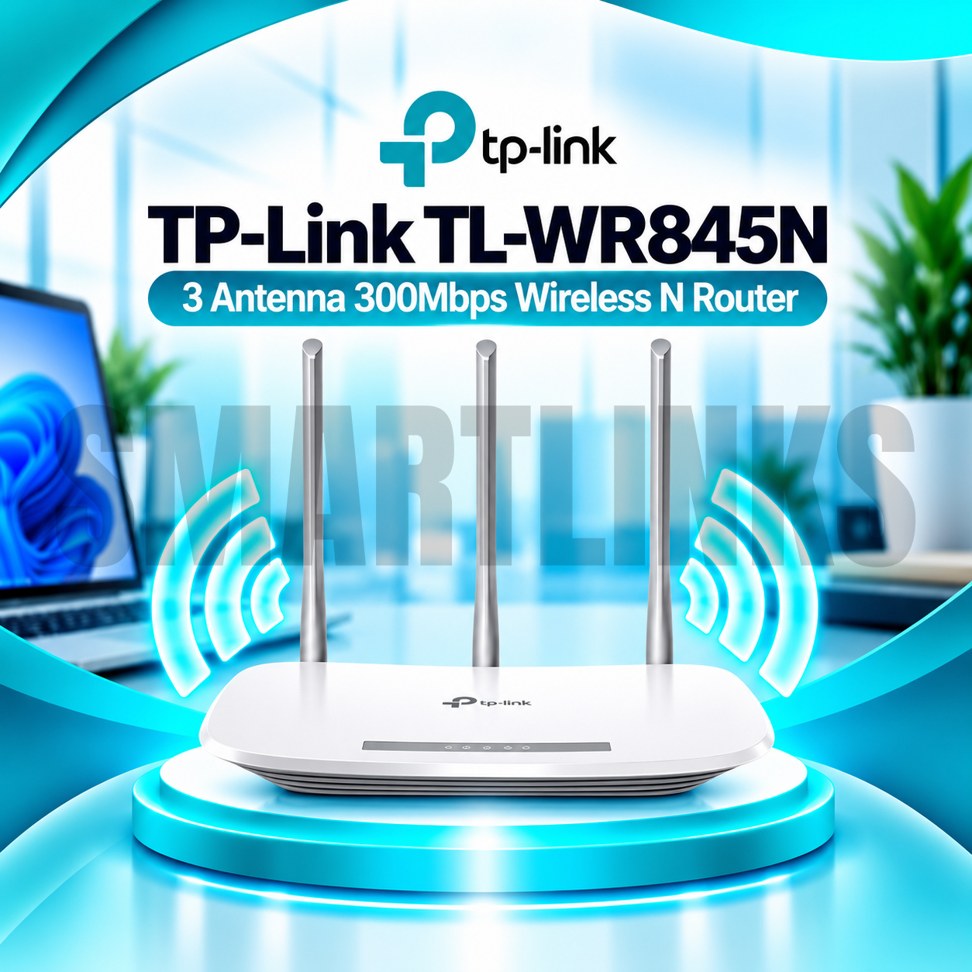



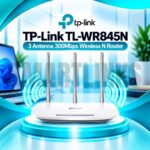
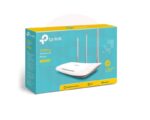
TP-Link TL-WR845N 300Mbps Wireless N WiFi Router – 3 Antennas, 4 LAN Ports, 2.4GHz Home & Office Router

- 300Mbps Wireless N – Everyday WiFi performance
- 3 Fixed Antennas – Improved signal distribution
- 2.4GHz WiFi – Broad device compatibility
- 4 LAN Ports – Connect wired devices
- Multi-Mode Support – Flexible network setup
- Parental Controls – Manage internet access
- Guest Network – Separate visitor WiFi
- WPA/WPA2 Security – Protected connections
- Tether App – Convenient management
- WPS Button – Simplified device pairing
- Discover More: TP-Link Wifi Routers
Description

TP-Link TL-WR845N 300Mbps Wireless N Router
The TP-Link TL-WR845N is a single-band wireless router designed for everyday internet access in homes and small offices. It connects compatible phones, laptops, televisions, and other devices to an existing broadband connection through 2.4GHz WiFi. Three fixed external antennas, four wired LAN ports, and flexible management features make it a practical option for routine browsing, online classes, and general networking.
300Mbps Wireless N Performance
The router supports IEEE 802.11n, 802.11g, and 802.11b standards, with theoretical wireless link speeds reaching 300Mbps. This number describes the maximum wireless connection rate under suitable conditions, not guaranteed internet download performance. Actual speeds depend on your internet plan, signal strength, interference, connected devices, and network activity. Because the TL-WR845N operates only on 2.4GHz, it cannot provide a separate 5GHz network.
Three External Antennas
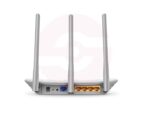
Three fixed omnidirectional antennas help distribute wireless signals around suitable indoor spaces. They can support connectivity across different directions, although no antenna arrangement guarantees coverage in every room. Walls, furniture, metal surfaces, and neighboring networks can reduce reception. Place the router in an open, elevated position where possible, and avoid enclosing it inside cabinets or placing it beside electrical equipment.
Wired Ethernet Connectivity
One 10/100Mbps WAN port connects the router to a compatible modem or upstream network. Four 10/100Mbps LAN ports let you attach desktop computers, televisions, printers, and other Ethernet devices. These are Fast Ethernet connections, not Gigabit ports. Consequently, the WAN interface can restrict internet throughput on subscriptions above 100Mbps. For faster broadband packages, consider a router equipped with Gigabit WAN and LAN ports.
Flexible Network Modes
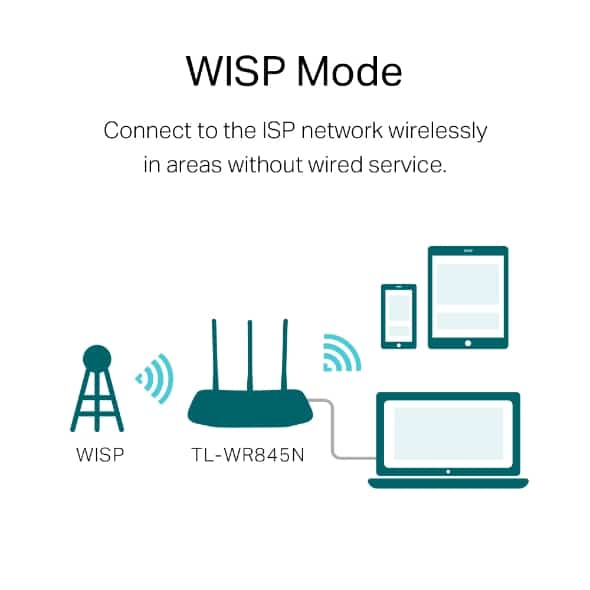
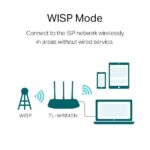
On supported hardware revisions, the TL-WR845N offers Router, Access Point, Range Extender, and WISP modes. Router Mode shares an incoming internet connection. Access Point Mode adds wireless connectivity to an existing wired network. Range Extender Mode repeats a compatible wireless signal, potentially reducing effective throughput. WISP Mode connects through a suitable wireless upstream network. Check the installed firmware and hardware revision because available functions may differ.
Security and Family Management
The router supports WPA and WPA2 wireless protection, together with features such as access control and an SPI firewall on listed versions. Guest networking and parental controls can help separate visitors and manage selected devices. Some revisions also support device-based Quality of Service and IPv6. Use a strong wireless password, avoid outdated WEP security, and install firmware intended specifically for your hardware version.
Convenient Setup and Control
Configure your connection using the router’s browser-based management interface. Compatible versions also support the TP-Link Tether app for convenient smartphone management. WPS can simplify connecting suitable wireless devices, but password-based setup remains available. Your internet provider may require particular WAN settings, including PPPoE credentials. Follow the supplied installation instructions and verify the connection before changing advanced options.
Everyday Use and Buying Advice
The TL-WR845N can serve basic streaming, video calls, study, and browsing when network conditions permit. It does not contain a SIM card modem, offer WiFi 5 or WiFi 6, or support 5GHz wireless connections. Confirm the hardware revision, included accessories, warranty, and required operating modes before ordering. Use the correct power adapter, keep ventilation clear, and choose a central location for dependable everyday networking.
Practical Installation Tips
For initial setup, connect the WAN port to your modem or fiber ONT using an Ethernet cable, then follow the router setup wizard. Change the default administrator credentials where applicable, choose a unique WiFi name, and protect the network with WPA2 encryption. Keep the router away from heat and moisture. If your connection becomes unstable, inspect cables, restart network equipment, and check for wireless interference before changing settings or replacing hardware.
Discover More from TP-Link
Want to explore more about TP-Link WiFi Routers? Visit the official TP-Link website for product insights, support, and the latest smart security solutions.
Official Resource: Explore TP-Link










































Reviews
Clear filtersThere are no reviews yet.