
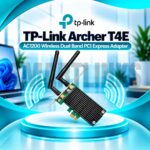
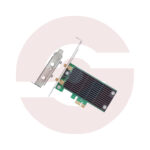
TP-Link Archer T4E AC1200 Dual Band PCI Express WiFi Adapter with 2 External Antennas & Beamforming

- AC1200 Dual-Band WiFi
- 867Mbps on 5GHz
- 300Mbps on 2.4GHz
- PCI Express Interface
- 2 External Antennas
- Beamforming Technology
- Built-in Heat Sink
- WiFi 5 (802.11ac)
- WPA/WPA2 Security
- Desktop PC Connectivity
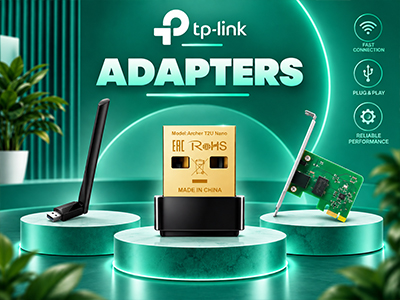
- Discover More: TP-Link Adapters.
Description

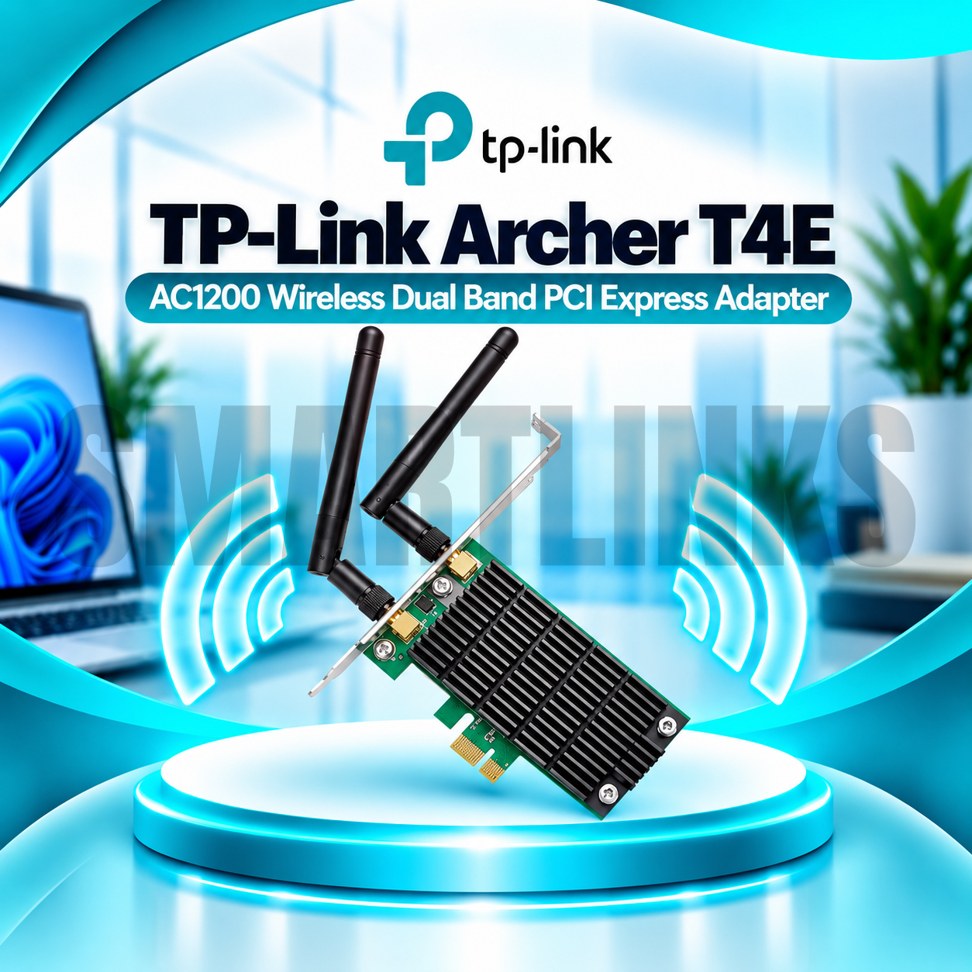
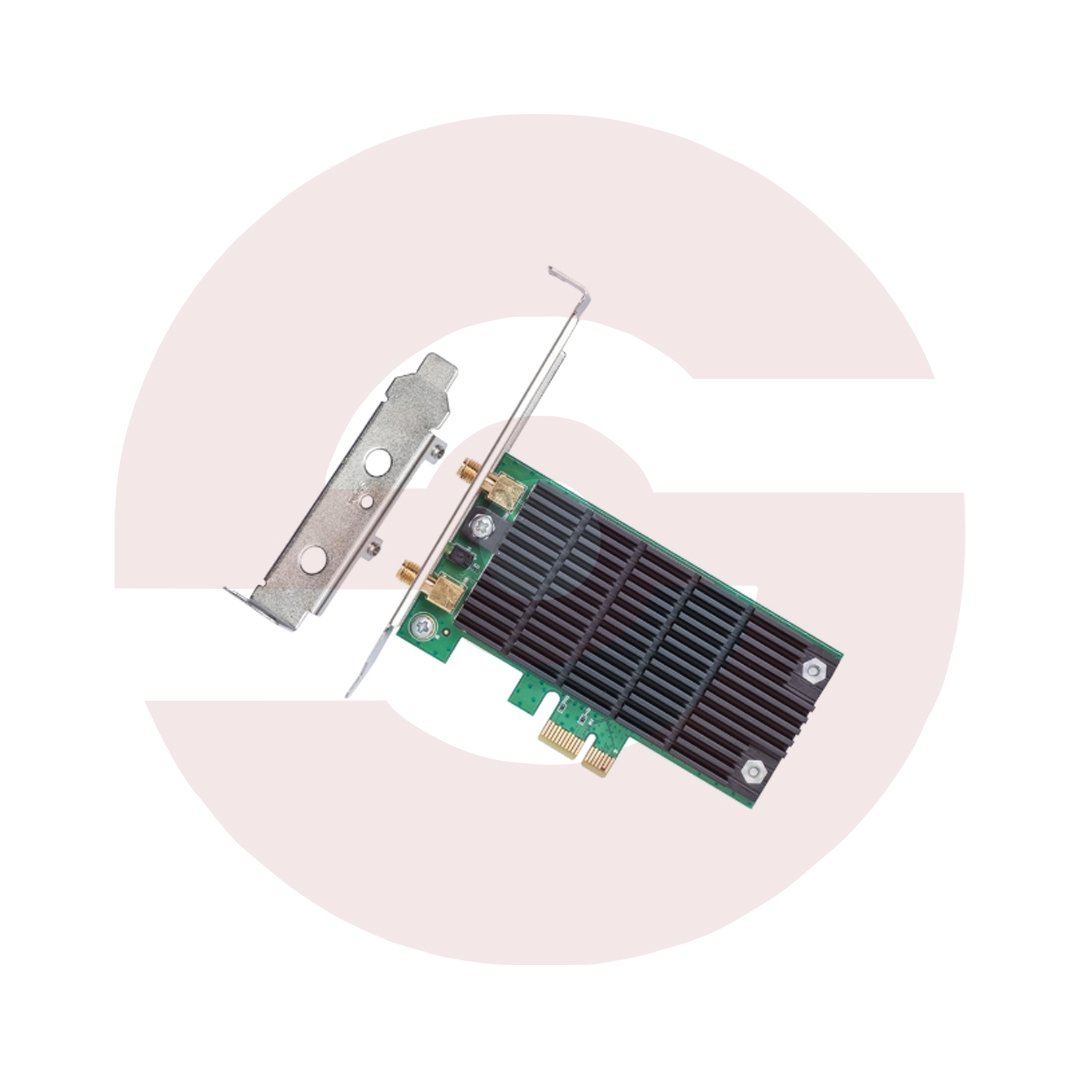
The TP-Link Archer T4E is an AC1200 dual band PCI Express WiFi adapter designed to add wireless networking to compatible desktop computers. It installs inside an available PCIe slot and connects your PC to an existing wireless router without requiring a USB wireless dongle. With two external antennas, wireless AC technology, and a dedicated heat sink, this adapter offers a practical connectivity upgrade for home offices, study rooms, and everyday desktop workstations.
Dual Band Wireless Performance
The Archer T4E supports 2.4GHz and 5GHz wireless connections. It provides theoretical signal rates of up to 300Mbps on 2.4GHz and 867Mbps on 5GHz, placing it in the AC1200 class. The 2.4GHz band is useful for everyday compatibility, while 5GHz may provide additional capacity in suitable conditions. Actual speeds depend on your router, signal strength, obstacles, interference, and internet subscription.
PCI Express Desktop Installation
Unlike USB WiFi adapters, the Archer T4E connects directly to a compatible PCI Express expansion slot inside your desktop computer. This makes it a useful option when you prefer an internal wireless card and have a free slot available. Turn off the computer, disconnect power, follow appropriate static electricity precautions, and install the adapter according to the included instructions. Confirm that your case and motherboard provide suitable clearance before purchasing.
Two External Antennas
Two detachable external antennas help the Archer T4E receive and transmit wireless signals. Their adjustable positioning lets users orient them to suit the desktop’s location. Reception can still be affected by metal computer cases, walls, router distance, and other nearby electronics. Placing the computer where its antennas are not heavily obstructed can help maintain a more consistent wireless connection.
Beamforming Technology
Beamforming support can help compatible wireless equipment direct signal energy toward connected devices rather than distributing it uniformly. This technology may contribute to better signal quality under suitable conditions. However, beamforming cannot guarantee full coverage through thick walls or eliminate interference from neighboring networks. Router compatibility and installation conditions remain important.
Heat Sink Design
The Archer T4E includes a heat sink designed to assist with thermal management during operation. This hardware feature helps dissipate heat from the adapter and supports its compact internal card design. Good airflow inside the computer case is still important, especially when multiple expansion cards or other components are installed close together.
Wireless Security
The adapter supports established wireless security methods for connecting to protected networks. Use a strong router password and current, trusted drivers to help keep your connection secure. Supported encryption options and operating systems may vary with the adapter’s hardware version and driver package. Check the version label and official support information before installation.
Everyday Desktop Applications
The Archer T4E can support web browsing, video meetings, remote work, online learning, downloads, and streaming on compatible desktop computers. It adds WiFi connectivity but does not act as a router, modem, or independent internet source. A working wireless network and suitable router are still required.
Practical AC1200 Upgrade
Overall, the TP-Link Archer T4E combines dual band AC1200 wireless capability, internal PCIe installation, two external antennas, beamforming, and heat sink construction. It offers a straightforward option for desktop owners who want to replace an older wireless card or add WiFi without occupying a USB port. For best results, verify slot compatibility, install the correct driver, and position the antennas carefully. Performance varies across networks, and advertised wireless rates are theoretical rather than guaranteed download speeds.
Before ordering, remember that this model is intended for desktop expansion slots, not typical laptop card bays. It does not include Bluetooth connectivity. Check first the package contents and antenna mounting arrangement against your particular desktop setup.
Discover More from TP-Link
Want to explore more about TP-Link WiFi Routers? Visit the official TP-Link website for product insights, support, and the latest smart security solutions.
Official Resource: Explore TP-Link












Reviews
Clear filtersThere are no reviews yet.