
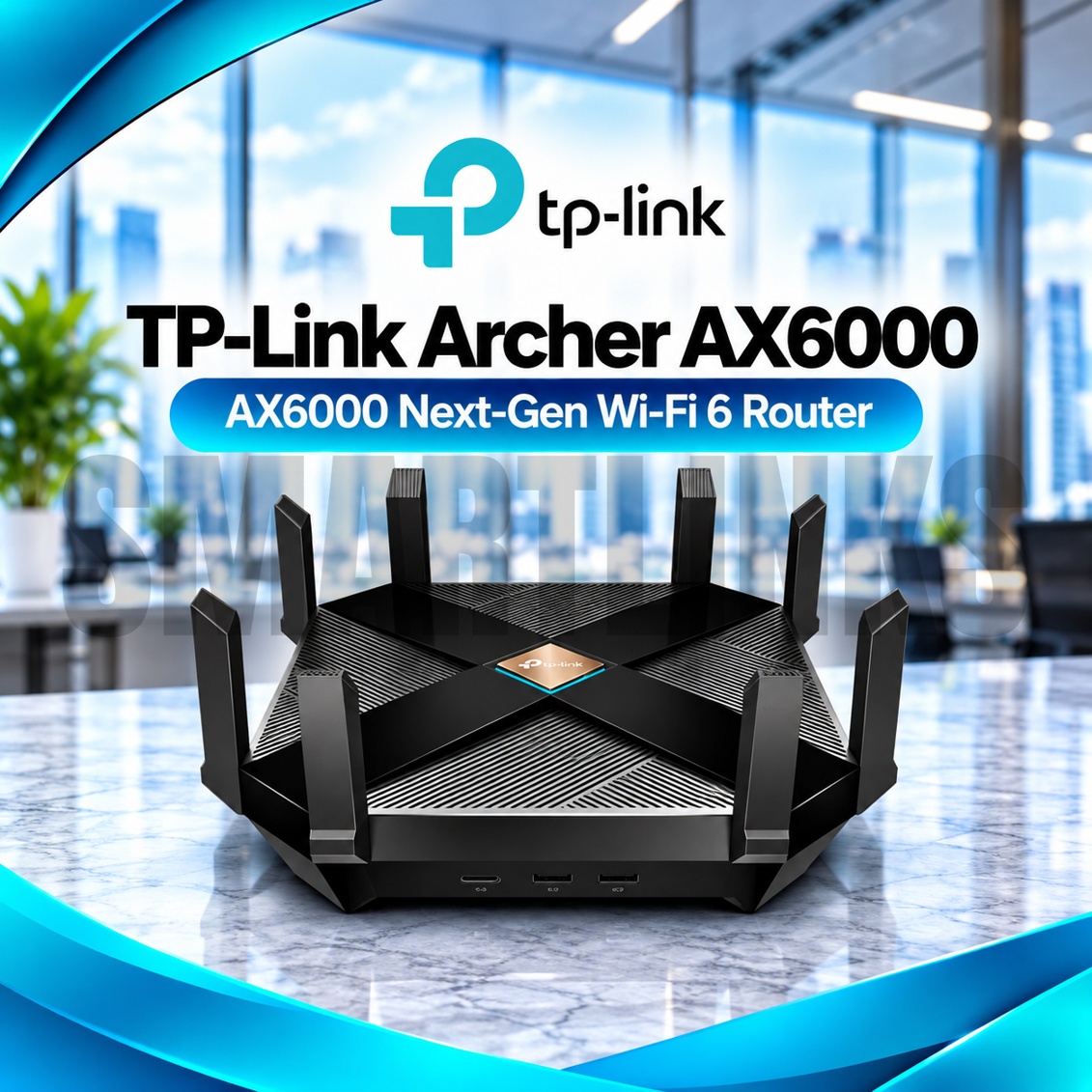
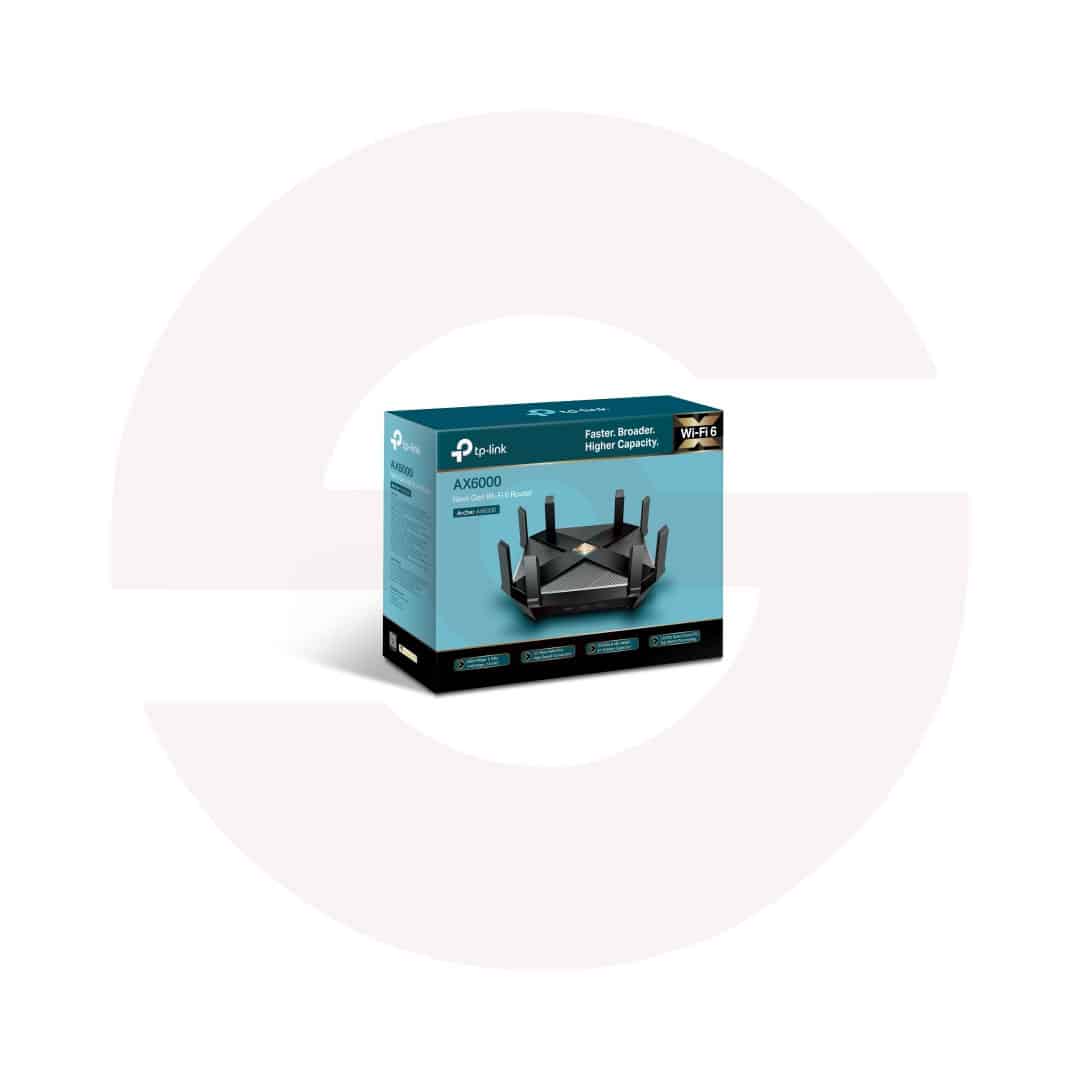
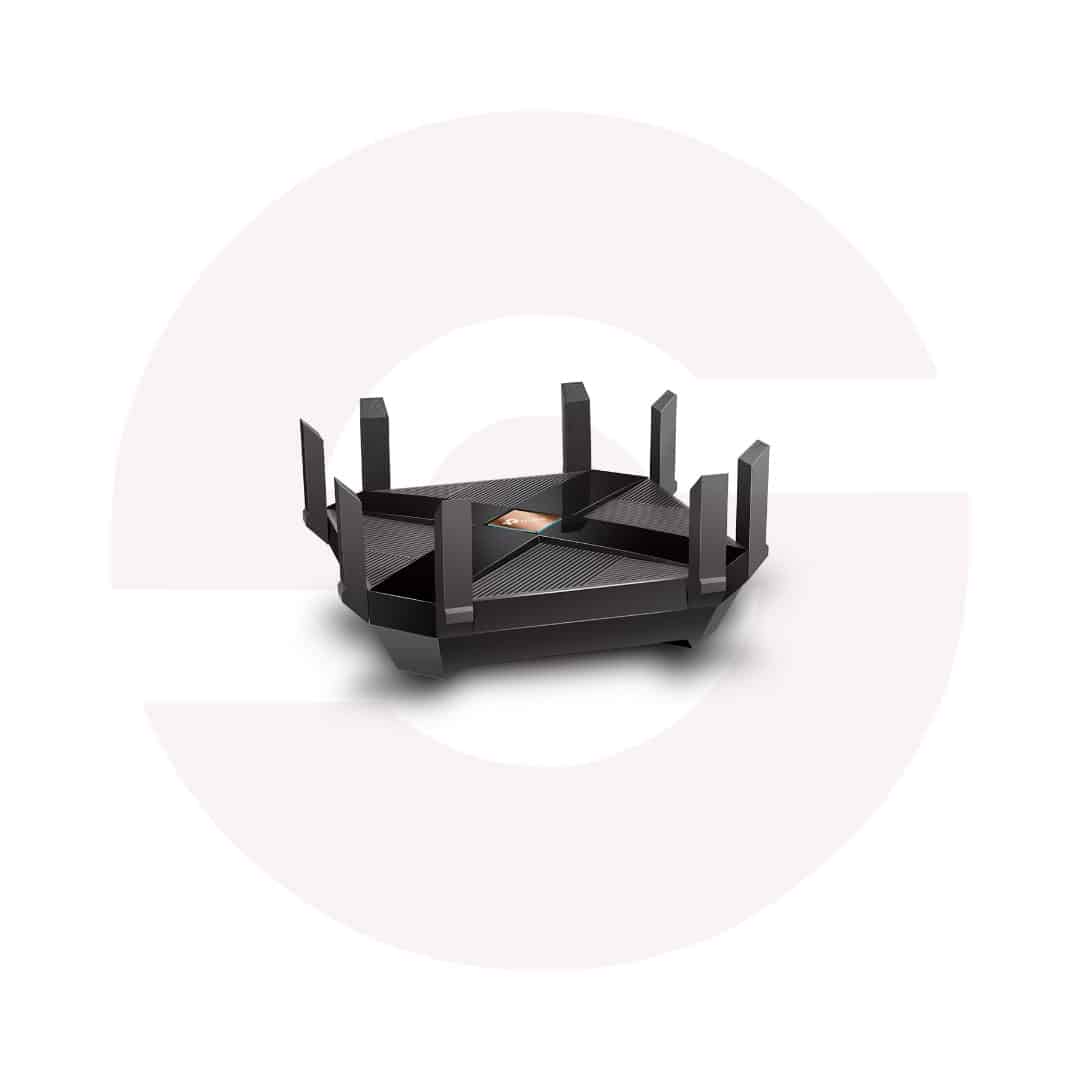
TP-Link Archer AX6000 Dual Band WiFi 6 Router – 4804Mbps 5GHz, 2.5G WAN, 8 Gigabit LAN Ports, 8 Antennas & OneMesh

- AX6000 Dual-Band WiFi 6 – High-capacity 802.11ax networking
- 4804Mbps on 5GHz – Fast wireless link speed
- 1148Mbps on 2.4GHz – Additional wireless capacity
- 8 External Antennas – Broad wireless signal distribution
- 1.8GHz Quad-Core Processor – Handles demanding network workloads
- OFDMA and MU-MIMO – Efficient multi-device communication
- 2.5Gbps WAN Port – Supports compatible multi-gigabit internet connections
- 8 Gigabit LAN Ports – Extensive wired networking
- USB-A and USB-C 3.0 – Compatible storage and media sharing
- OneMesh Compatibility – Extend coverage with supported TP-Link devices
- TP-Link HomeCare – Security, parental controls, and QoS
- WPA3 Encryption – Modern wireless protection
- Router and Access Point Modes – Flexible deployment
- TP-Link Tether App – Convenient setup and management
- Discover More: TP-Link Wifi Routers
Description

TP-Link Archer AX6000 Dual Band WiFi 6 Router
The TP-Link Archer AX6000 is a powerful dual band WiFi 6 router designed for busy homes, offices, and demanding entertainment setups. It combines high wireless capacity, extensive Ethernet connectivity, and useful security features in one networking device. Eight external antennas, advanced traffic management, and a capable processor make it suitable for connecting computers, televisions, consoles, and everyday smart devices.
AX6000 Dual Band Wireless Performance
The Archer AX6000 provides theoretical wireless link rates up to 4804Mbps on 5GHz and 1148Mbps on 2.4GHz. Together these bands deliver the advertised AX6000 class, although their speeds cannot be combined into one device connection. Actual internet performance depends on your subscription, compatible equipment, distance, interference, and available wireless channels. The router supports WiFi 6 but does not provide a 6GHz band.
Eight Antennas and Smart Coverage
Eight external high performance antennas help distribute wireless signals throughout suitable indoor areas. Beamforming focuses transmissions toward compatible clients, while band steering can guide devices toward a suitable wireless band. Walls, floors, neighboring routers, and metal surfaces can still weaken reception. Position the router centrally, away from enclosed cabinets and heat sources. Coverage is influenced by your building layout rather than antenna count alone.
Efficient Connections With OFDMA
OFDMA and MU-MIMO improve communication efficiency when multiple compatible devices share the network. Airtime Fairness helps manage wireless transmission opportunities, while eight streams provide additional capacity for demanding environments. These technologies are particularly useful when household members stream, browse, and attend meetings simultaneously. Performance gains vary with client capabilities, traffic patterns, and local radio conditions. Older wireless devices can still connect using supported standards.
Multi Gigabit WAN and Ethernet
A dedicated 2.5Gbps WAN port connects to compatible broadband equipment, making the router suitable for internet packages exceeding one gigabit. Eight Gigabit LAN ports connect desktop computers, game consoles, network switches, and televisions. Supported link aggregation can combine two compatible LAN connections for suitable equipment. Individual Gigabit LAN ports remain limited to their negotiated speeds. Fiber customers need an external optical network terminal with Ethernet output.
USB Storage and Local Sharing
One USB-A 3.0 port and one USB-C 3.0 port support compatible external storage devices. Available services include file sharing, media access, and selected backup functions. Actual transfer speeds depend on the connected drive, file system, client equipment, and network activity. Protect shared files with appropriate permissions, especially when several users access the network. USB ports do not function as cellular modem slots.
OneMesh and Flexible Installation
TP-Link OneMesh allows compatible extenders to expand wireless coverage while maintaining coordinated network management. Check extender compatibility and router firmware before purchasing additional equipment. Router Mode shares an incoming internet connection, while Access Point Mode adds wireless access to an existing network. Mesh behavior depends on the connected devices and installation environment. OneMesh should not automatically be described as universal EasyMesh compatibility.
HomeCare Security and Management
TP-Link HomeCare provides supported antivirus protection, parental controls, and Quality of Service settings. WPA3 encryption strengthens wireless security for compatible devices, and guest networks offer separate visitor access. The Tether app and browser interface help manage passwords, devices, and network preferences. Some security services or firmware functions can vary by region and hardware revision. Use official updates and strong administrator credentials.
Discover More from TP-Link
Want to explore more about TP-Link WiFi Routers? Visit the official TP-Link website for product insights, support, and the latest smart security solutions.
Official Resource: Explore TP-Link










































Reviews
Clear filtersThere are no reviews yet.