
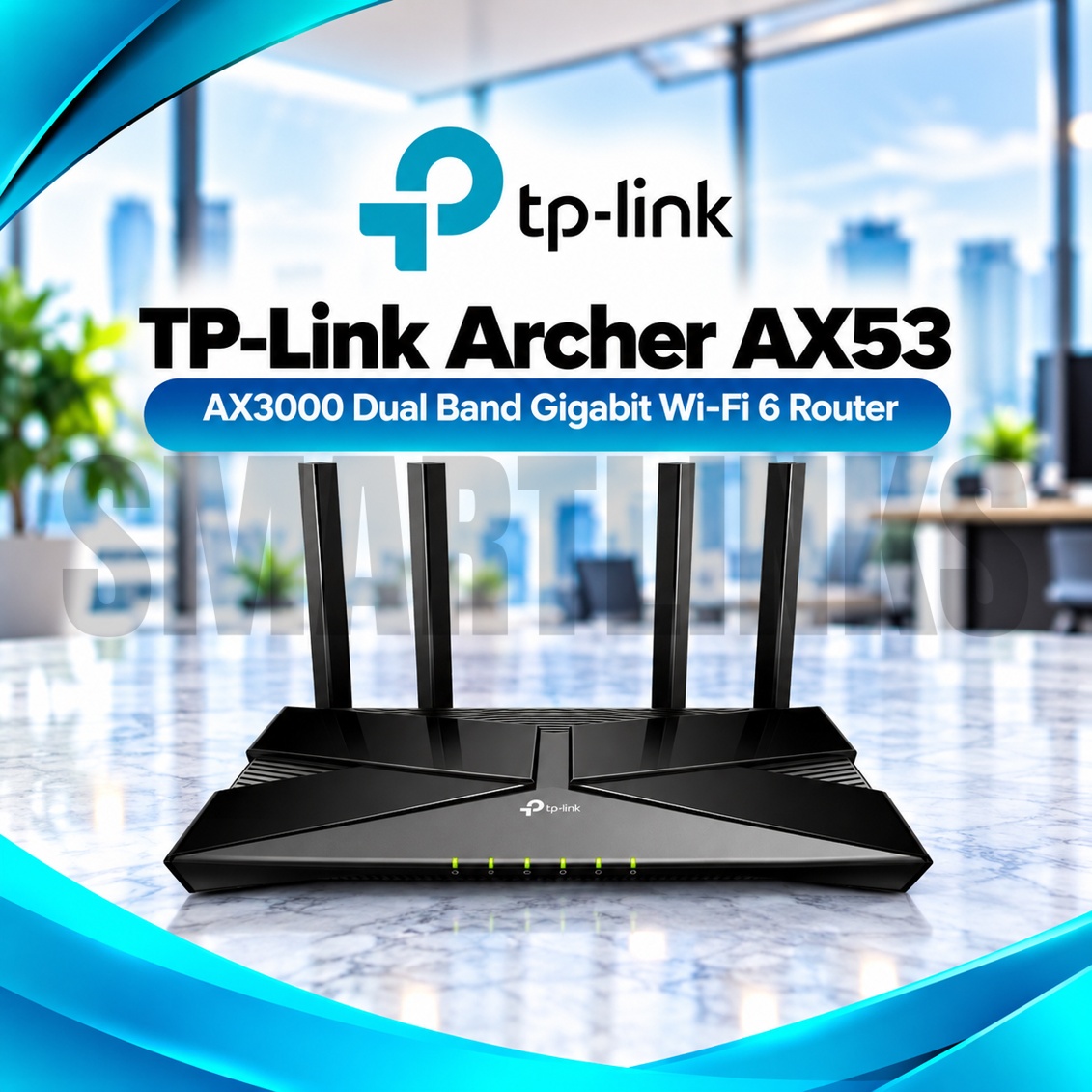
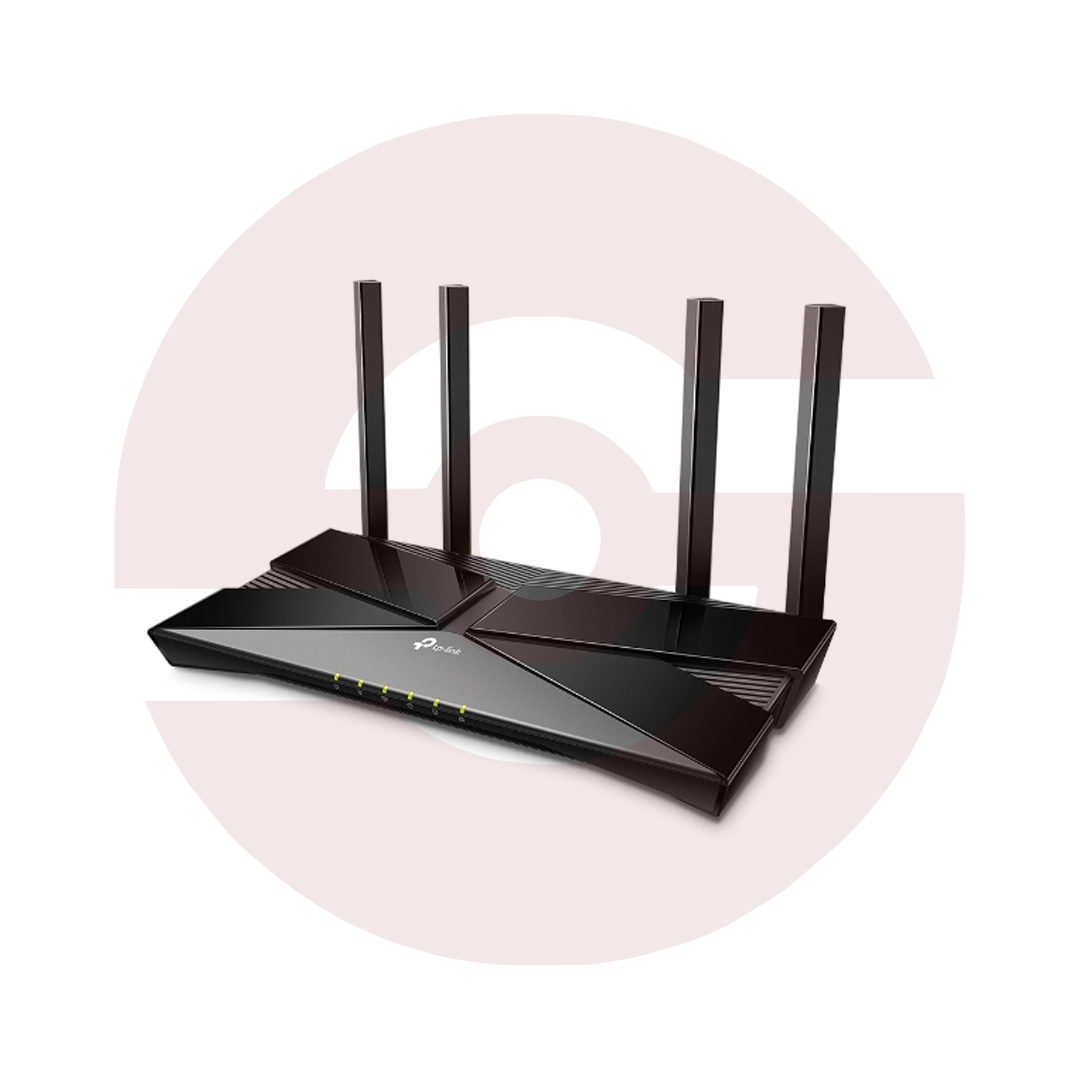


TP-Link Archer AX53 AX3000 Dual Band WiFi 6 Gigabit Router – 2402Mbps 5GHz, 160MHz, 4 Antennas, EasyMesh & WPA3

- AX3000 Dual-Band WiFi 6 – Modern 802.11ax networking
- 2402Mbps on 5GHz – High-speed wireless links
- 574Mbps on 2.4GHz – Everyday wireless connectivity
- 160MHz Channel Width – Greater capacity for compatible clients
- 4 Fixed External Antennas – Expanded wireless coverage
- Beamforming – Focused wireless signal transmission
- OFDMA – Efficient connections for multiple WiFi 6 devices
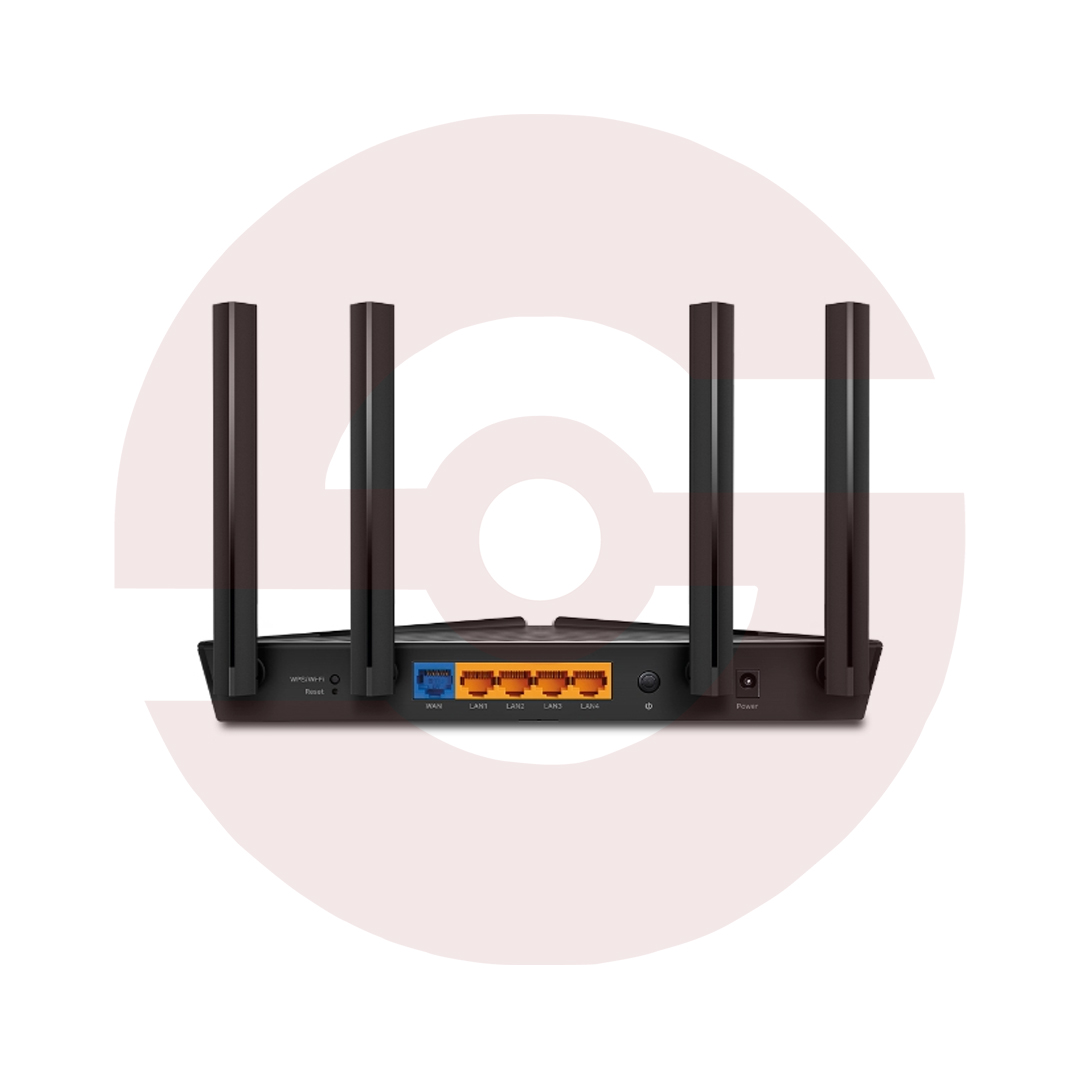
- 5 Gigabit Ethernet Ports – One WAN and four LAN
- EasyMesh Compatibility – Expand coverage with supported devices
- WPA3 Encryption – Modern WiFi security
- TP-Link HomeShield – Network protection and parental controls
- Target Wake Time – Improved power efficiency for compatible clients
- Router and Access Point Modes – Flexible installation
- TP-Link Tether App – Smartphone setup and management
- Discover More: TP-Link Wifi Routers
Description

TP-Link Archer AX53 AX3000 Dual Band WiFi 6 Router
The TP-Link Archer AX53 is an AX3000 dual band WiFi 6 router designed for homes, apartments, and small offices requiring efficient wireless networking. It combines fast dual band connectivity, Gigabit Ethernet ports, four external antennas, and modern management features. From online classes and video calls to streaming and gaming, this router helps distribute an existing broadband connection across compatible devices.
AX3000 Dual Band Wireless Performance
The Archer AX53 supports theoretical wireless link speeds up to 2402Mbps on 5GHz and 574Mbps on 2.4GHz. The 5GHz band is suitable for demanding wireless activities, while 2.4GHz can provide useful coverage for everyday devices. AX3000 describes combined wireless link rates, not a guaranteed internet download speed. Actual results depend on your service plan, distance, interference, and client capabilities.
160MHz Channels and WiFi 6 Efficiency
Support for 160MHz channels enables compatible 5GHz devices to access wider wireless bandwidth where local regulations permit. OFDMA helps multiple supported clients communicate efficiently, while Airtime Fairness reduces excessive airtime usage by slower equipment. Target Wake Time can improve power efficiency for compatible devices. These benefits depend on supported client hardware, firmware, and surrounding network conditions rather than router specifications alone.
Four Antennas and Beamforming
Four fixed high performance antennas distribute wireless signals around suitable indoor spaces. Beamforming concentrates transmission toward compatible clients, helping maintain useful connections under appropriate conditions. Thick walls, concrete floors, nearby networks, and large metal objects may weaken reception. For better results, position the router centrally, above floor level, and away from enclosed cabinets. Antennas are fixed and should not be removed.
Gigabit Wired Networking
One Gigabit WAN port connects to a compatible modem, fiber ONT, or upstream Ethernet service. Four Gigabit LAN ports provide wired connections for desktop computers, televisions, consoles, and switches. Wired connections can be especially useful for stationary devices and applications sensitive to interference. The router does not contain an optical fiber modem, SIM slot, or multi Gigabit Ethernet port. Network speed remains dependent on connected equipment.
EasyMesh Coverage Expansion
EasyMesh compatibility allows the Archer AX53 to form a coordinated wireless network with supported EasyMesh devices. This can help extend coverage into areas where a single router struggles to reach. Mesh operation and roaming behavior depend on compatible hardware and suitable firmware. Check your extender or second router before purchasing, because not every TP-Link networking product supports the same mesh standard.
HomeShield and Wireless Security
TP-Link HomeShield provides network scanning, parental control options, and supported protection features. Some advanced services require a paid subscription. WPA3 encryption strengthens wireless authentication when client devices support it. Guest networks offer separate access for visitors, while device based Quality of Service helps manage network priorities. Use strong passwords, review unfamiliar connected devices, and install official firmware for your exact hardware revision.
Flexible Setup and Management
The TP-Link Tether app and browser interface simplify setup, wireless naming, password changes, and device management. Router Mode shares a broadband connection, while Access Point Mode adds wireless access to an existing network. Additional options include IPv6, IPTV configuration, and VPN features, subject to firmware version. Your internet provider may require PPPoE credentials or VLAN settings before service becomes available.
Discover More from TP-Link
Want to explore more about TP-Link WiFi Routers? Visit the official TP-Link website for product insights, support, and the latest smart security solutions.
Official Resource: Explore TP-Link










































Reviews
Clear filtersThere are no reviews yet.