
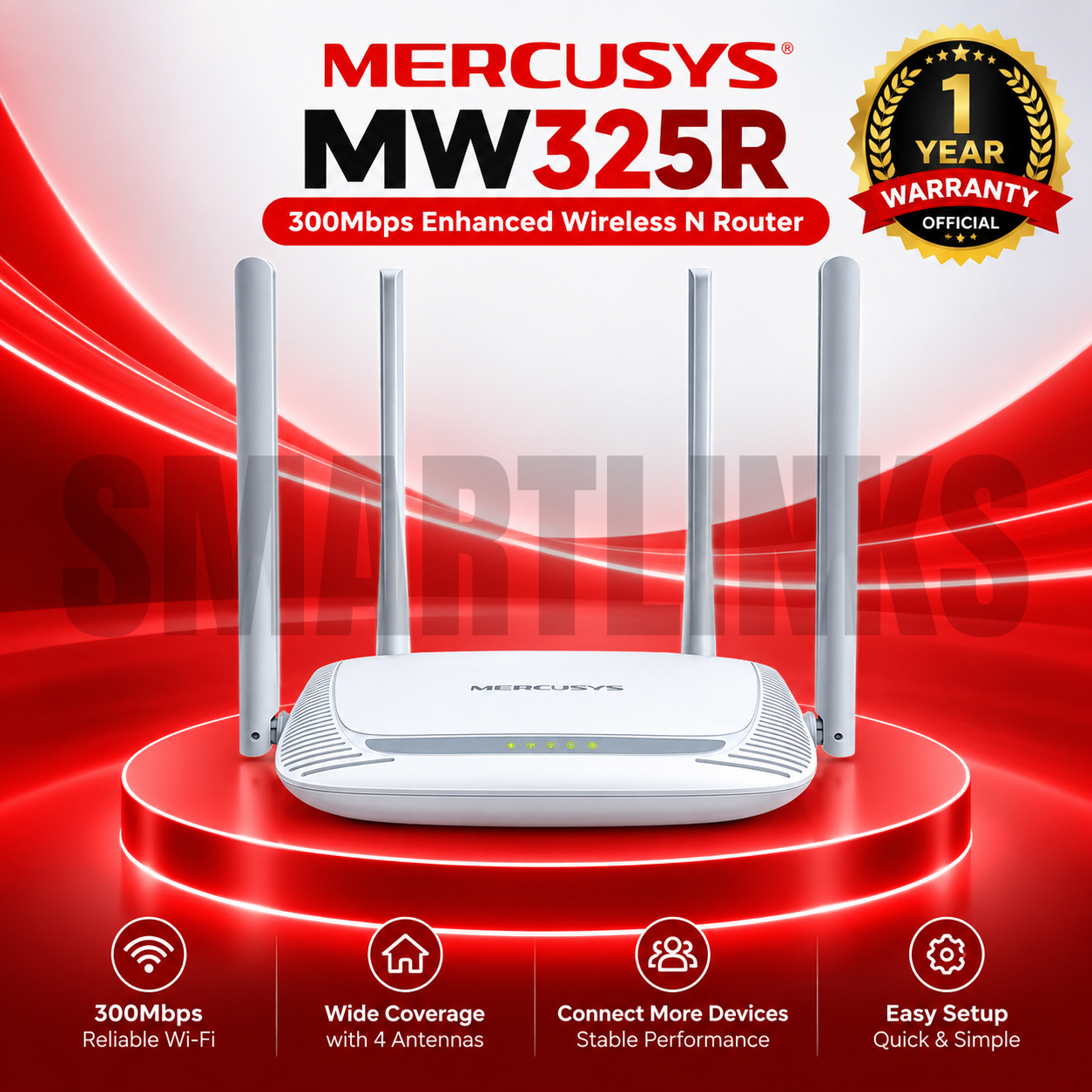

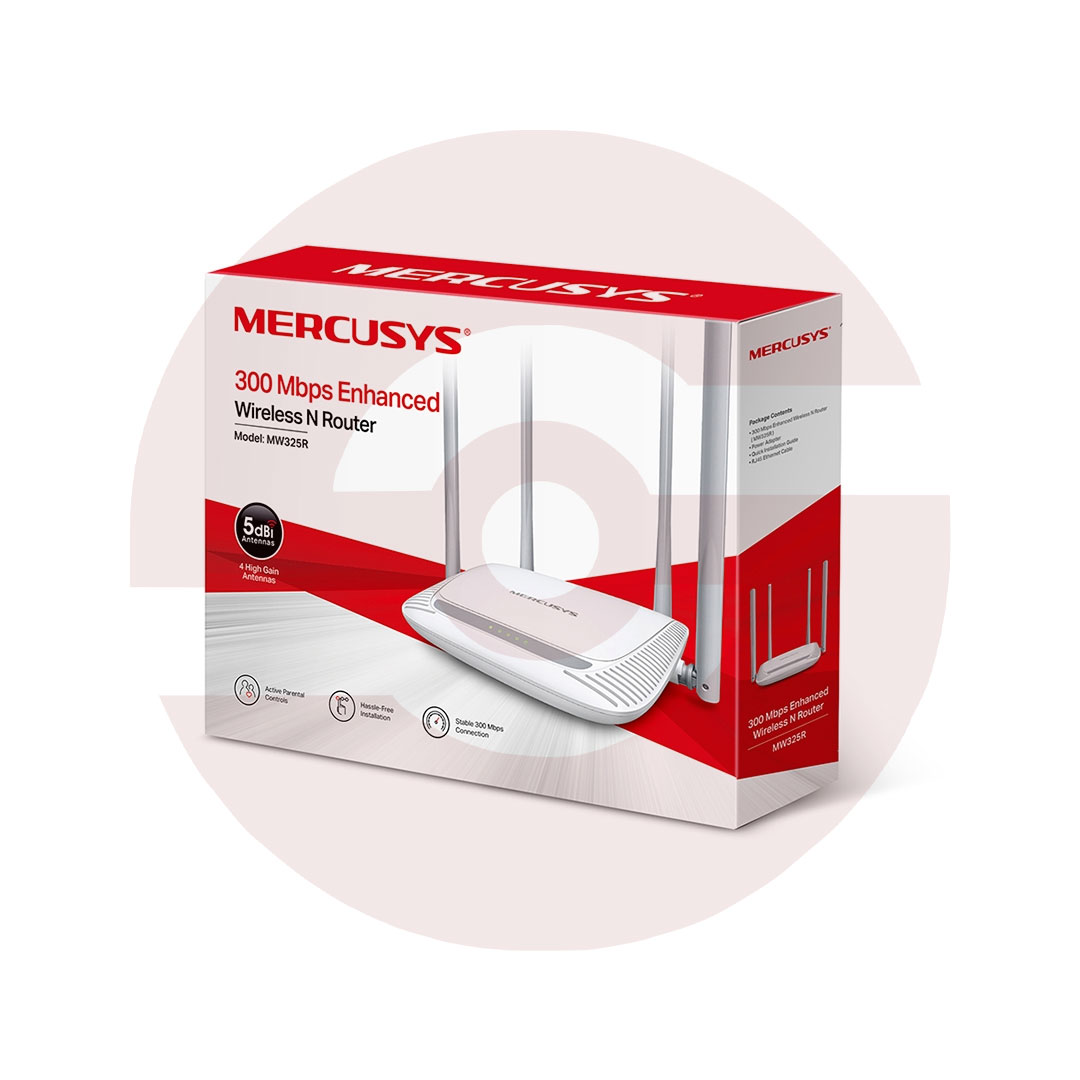

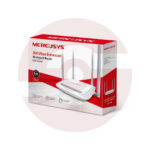
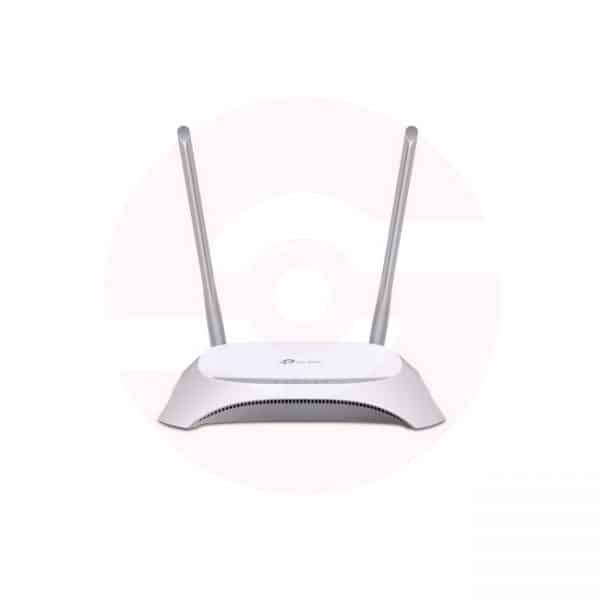
Mercusys MW325R 300Mbps Enhanced Wireless N Router

- 300Mbps Wireless Speed
- 2.4GHz WiFi
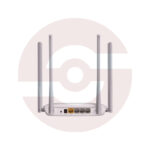
- 4 × 5dBi Antennas
- 2×2 MIMO Technology
- Wide WiFi Coverage
- 3 × LAN Ports
- 1 × WAN Port
- Parental Controls
- Guest Network
- IPTV Support
- Easy Installation
- Discover More: MERCUSYS Wifi Routers
₨3,750.00
Description
-
Mercusys MW325R – Reliable 300Mbps WiFi with Enhanced Coverage
The Mercusys MW325R is a 300Mbps Enhanced Wireless N Router designed to provide reliable wireless connectivity and wide WiFi coverage for homes, apartments, shops and small offices. Equipped with four 5dBi high-gain external antennas and 2×2 MIMO technology, the MW325R is designed to improve wireless signal transmission and reception while providing convenient internet access for everyday devices.
Whether you need WiFi for smartphones, laptops, tablets, smart TVs or other compatible wireless devices, the Mercusys MW325R offers a straightforward networking solution with essential security and management features.
Up to 300Mbps Wireless Speed
The Mercusys MW325R 300Mbps Router operates on the 2.4GHz frequency band and supports IEEE 802.11b/g/n wireless standards. It delivers theoretical wireless speeds of up to 300Mbps, making it suitable for common online activities.
Users can browse websites, access social media, communicate online, stream video and download files using compatible WiFi devices.
Actual wireless performance may vary depending on internet speed, router placement, physical obstacles, network congestion, interference and the capabilities of connected devices.
Four 5dBi High-Gain Antennas
One of the main advantages of the Mercusys MW325R is its four fixed 5dBi high-gain external antennas.
These antennas are designed to improve wireless signal strength and stability while extending WiFi coverage across the intended area. This makes the router a practical option for users who experience weak wireless signals with basic routers.
Correct placement remains important. Positioning the router in a central and open area can help achieve better wireless coverage throughout your home or workplace.
2×2 MIMO Technology
The MW325R combines its four high-gain antennas with 2×2 MIMO technology to improve wireless transmission and reception.
MIMO technology allows multiple wireless data streams to be used, helping the router communicate efficiently with compatible devices. This contributes to a more stable networking experience for everyday browsing, video streaming and other online activities.
Wired Ethernet Connectivity
Along with wireless networking, the Mercusys MW325R Wireless N Router includes one 10/100Mbps WAN port and three 10/100Mbps LAN ports.
The WAN port connects the router to a compatible internet source, while the three LAN ports provide wired network connections for devices such as desktop computers, smart TVs, network switches and other Ethernet-enabled equipment.
This combination provides flexibility for networks that use both wired and wireless devices.
Parental Controls
The Mercusys MW325R includes Parental Controls, giving network administrators additional options for managing internet access.
Parents can use available controls to manage when and how selected connected devices access the internet. This can be useful for households that want greater control over children’s online access.
Separate Guest Network
The Mercusys MW325R supports a dedicated 2.4GHz Guest Network.
A separate guest network allows visitors to connect to the internet without requiring access to your primary wireless network. This provides a convenient way to share WiFi while keeping the main network separate.
IPTV Support
The MW325R also supports IPTV functionality on compatible hardware and firmware versions. Features such as IGMP Proxy, IGMP Snooping and VLAN-related settings provide additional flexibility for users with compatible IPTV services from their internet provider.
Availability of individual features can vary according to the hardware version and firmware installed on the router.
Easy Installation and Management
Setting up the Mercusys MW325R is designed to be straightforward. Its intuitive management webpage guides users through important configuration steps, including internet settings, WiFi network name and wireless password.
Current V3 hardware with supported firmware can also provide additional management features through the MERCUSYS app.
Discover More from MERCUSYS
Want to explore more about MERCUSYS WiFi Routers? Visit the official MERCUSYS website for product insights, support, and the latest smart security solutions.
Official Resource: Explore MERCUSYS










































Reviews
Clear filtersThere are no reviews yet.