
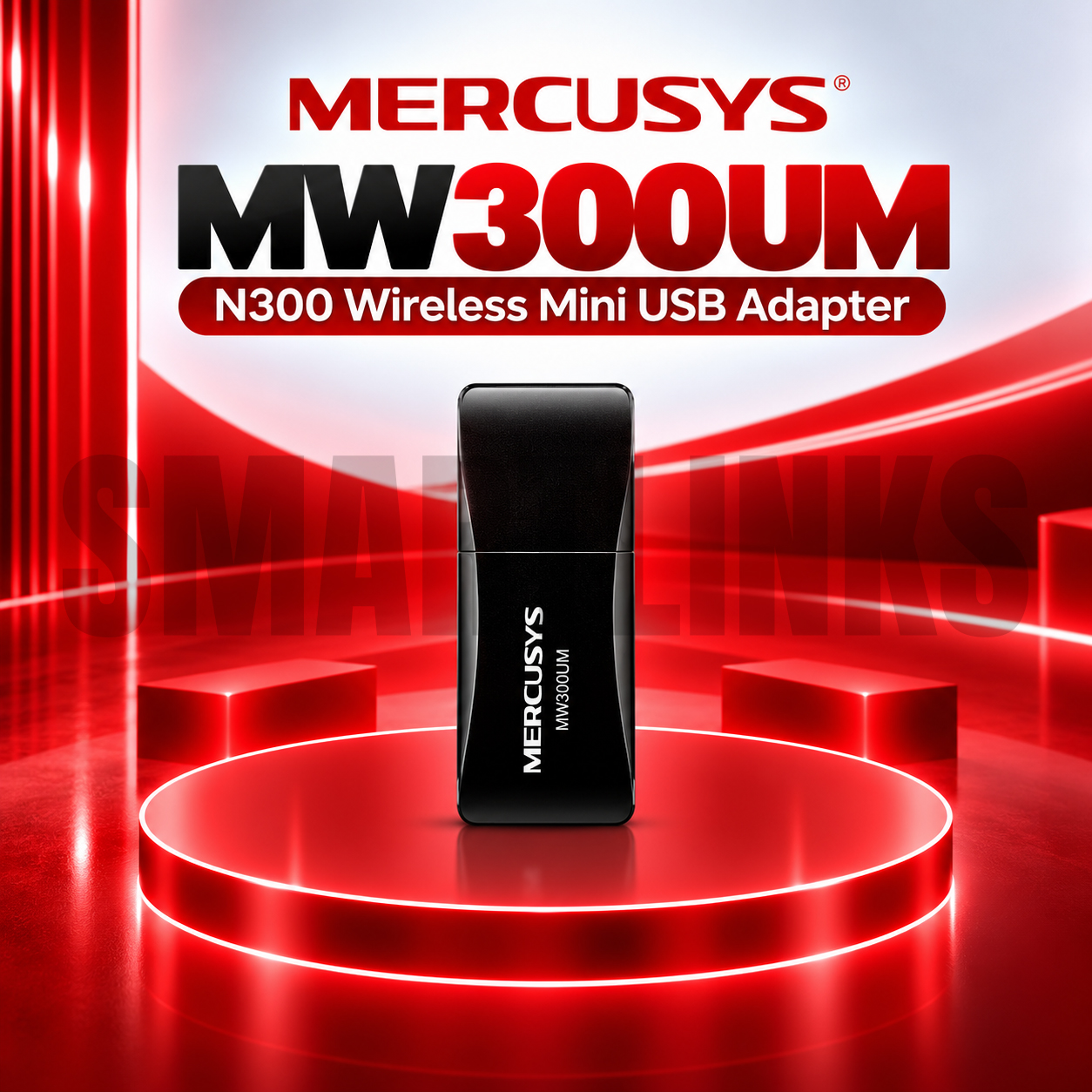
Mercusys MW300UM N300 Wireless Mini USB WiFi Adapter – 300Mbps 2.4GHz, USB 2.0, Compact WiFi Receiver for PC & Laptop

- N300 Wireless Connectivity – Up to 300Mbps theoretical wireless link speed
- 2.4GHz WiFi – Supports IEEE 802.11b/g/n
- Mini USB Design – Compact and portable
- USB 2.0 Interface – Connects directly to a compatible computer
- Internal Antenna – No external antenna required
- Soft AP Function – Supports hotspot sharing on compatible systems
- Plug and Play – Available on Windows 10/11 with supported hardware
- Windows 11 Support – Listed for current V4 hardware
- WPA3-SAE Security – Supported on V4 with appropriate drivers
- WPA/WPA2 Compatibility – Wireless security for supported networks
- No External Power Supply – USB-powered operation
- Desktop and Laptop Support – Adds WiFi to compatible computers
- Discover More: Mercusys Adapters.
Description

Mercusys MW300UM N300 Wireless Mini USB WiFi Adapter
The Mercusys MW300UM is a compact wireless USB adapter designed to connect compatible desktop computers and laptops to existing WiFi networks. Its portable body, internal antenna, and USB interface make it convenient for everyday home, office, and study environments. With N300 wireless technology, the adapter provides an accessible way to add or replace a computer’s wireless connection without opening its case.
N300 Wireless Connectivity
The MW300UM supports theoretical wireless link speeds up to 300Mbps using the 802.11n standard. This capacity can accommodate everyday activities including web browsing, email, online learning, and video streaming under suitable conditions. Advertised link speed is not the same as actual internet download speed. Performance depends on your router, internet subscription, distance, signal interference, and connected computer.
Compact Design for Daily Use
The mini adapter fits into a standard compatible USB port and is easy to carry between workstations. Its internal antenna eliminates the need to adjust external aerials. The latest V4 hardware measures approximately 40.4 by 17.2 by 8.6 millimeters, while older revisions have slightly different dimensions. Keep enough clearance around the connector and avoid placing heavy pressure on the device.
Simple USB Installation
A USB 2.0 interface supplies both the data connection and operating power, so no separate power adapter is necessary. Recent V4 hardware can use built in Windows 10 and Windows 11 drivers for convenient installation. Other operating systems or hardware versions may require an appropriate driver package. Always identify the revision printed on the product label before downloading software.
Compatible 2.4GHz Networks
The MW300UM works with IEEE 802.11b, 802.11g, and 802.11n wireless networks operating on 2.4GHz. It does not connect to 5GHz networks or provide WiFi 5, WiFi 6, or Bluetooth functionality. A working wireless router or access point is required for normal internet access. If your router uses separate wireless names, select its 2.4GHz network during connection.
Soft AP Hotspot Sharing
The supported Soft AP function can help a compatible Windows computer share an existing wired internet connection over WiFi. Availability depends on drivers, operating system features, and configuration. This option may be useful in certain desktop setups, but it does not turn the adapter into a standalone broadband router. Follow official setup guidance and secure any shared wireless network with a strong password.
Security and Windows Support
Recent V4 specifications list WPA, WPA2, and WPA3 security, although WPA3 requires compatible network equipment and may need updated drivers. Older V1 hardware lists different encryption support. Windows 11, 10, 8.1, 8, 7, and XP appear in current compatibility documentation, but installation methods differ. Keep your system updated and avoid unofficial driver websites when troubleshooting.
Choosing the Right Adapter
The MW300UM suits users who need an affordable 2.4GHz connection for a laptop or desktop. Compared with the Mercusys MW150US, its advertised maximum wireless link rate is higher, although real performance varies. Users needing 5GHz connectivity, extended reception, or faster modern wireless standards should consider a compatible dual band or high gain adapter instead.
Discover More from MERCUSYS
Want to explore more about MERCUSYS WiFi Routers? Visit the official MERCUSYS website for product insights, support, and the latest smart security solutions.
Official Resource: Explore MERCUSYS


























Reviews
Clear filtersThere are no reviews yet.