



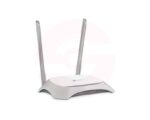
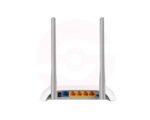

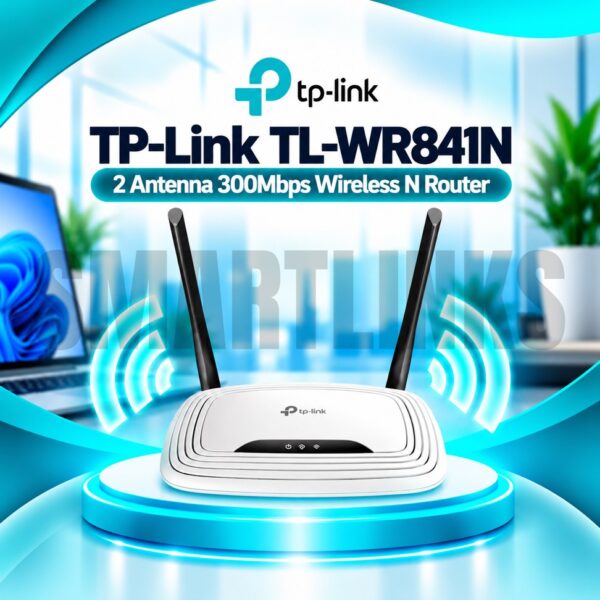
TP-Link TL-WR840N 300Mbps Wireless N WiFi Router – 2 Antennas, 4 LAN Ports & Multi-Mode 2.4GHz Internet Router

- 300Mbps Wireless N – Everyday WiFi connectivity
- 2.4GHz WiFi – Compatible with common wireless devices
- 2 Fixed Antennas – Practical signal coverage
- 4 LAN Ports – Connect wired devices
- Multi-Mode Support – Flexible network setup
- Parental Controls – Manage internet usage
- Guest Network – Separate visitor access
- WPA/WPA2 Security – Protected wireless connection
- Tether App – Convenient management on supported versions
- Compact Design – Suitable for home or office
- Discover More: TP-Link Wifi Routers
₨3,800.00
Description

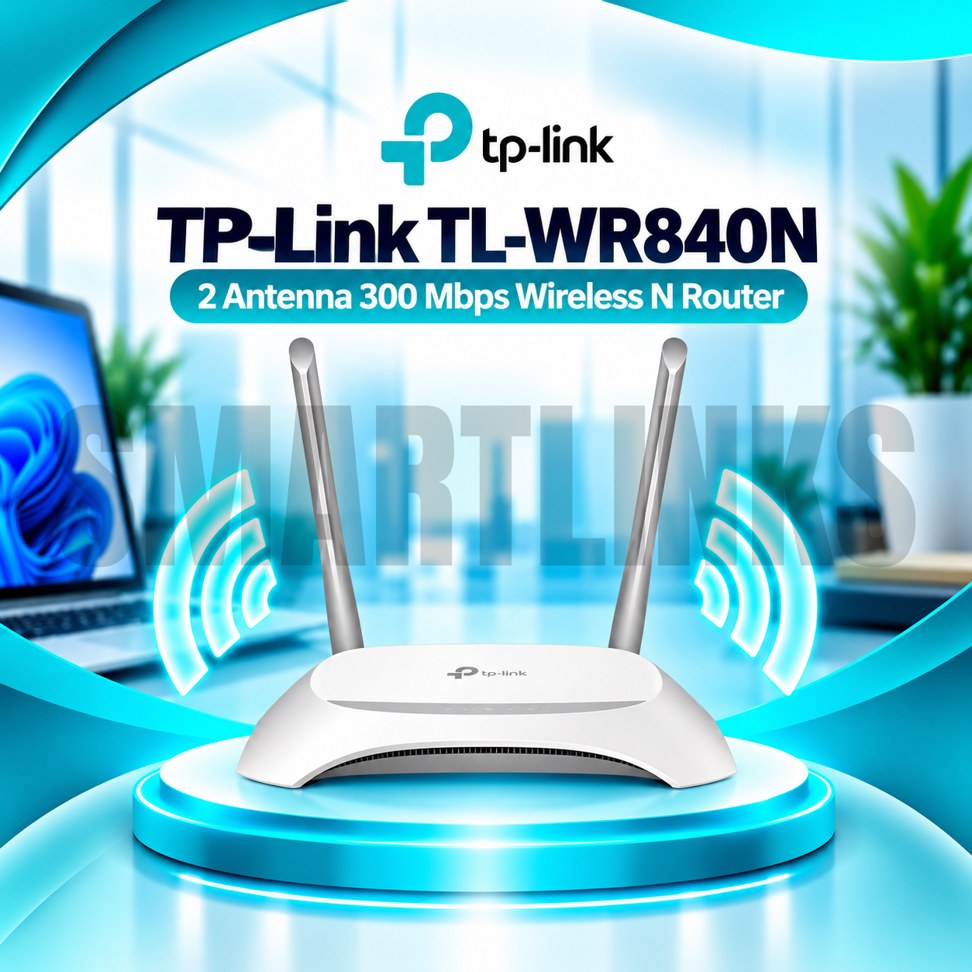
TP-Link TL-WR840N 300Mbps Wireless N WiFi Router
The TP-Link TL-WR840N is a practical wireless router for everyday internet sharing in homes, apartments, and small offices. It uses the 2.4GHz frequency band and supports Wireless N technology, allowing compatible phones, computers, televisions, and smart devices to connect to an existing broadband service. Two fixed antennas, wired Ethernet connections, and useful management options make this model suitable for basic networking requirements.
300Mbps Wireless N Connectivity
The router supports theoretical wireless link speeds up to 300Mbps using IEEE 802.11n technology. It also works with compatible 802.11g and 802.11b devices. This advertised rate is not a guaranteed internet download speed. Actual performance depends on interference, signal strength, connected devices, and your broadband plan. The TL-WR840N operates on 2.4GHz only and cannot broadcast a separate 5GHz wireless network.
Two Fixed External Antennas
Two integrated external antennas help distribute wireless coverage around a suitable indoor area. Their fixed construction means they are not intended for routine removal or replacement. Position the router in an open location, away from thick walls, large metal objects, and crowded electrical equipment. Building materials and neighboring wireless networks can reduce signal quality, so coverage varies between homes and offices.
Wired Ethernet Connections
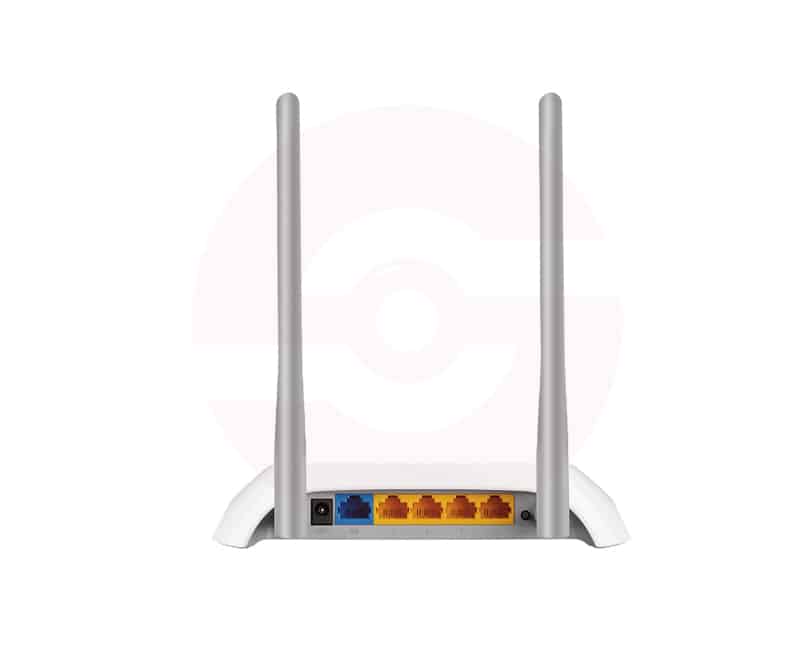
The TL-WR840N provides one 10/100Mbps WAN port for connecting a compatible modem or upstream network. Four 10/100Mbps LAN ports support wired connections for desktop computers, televisions, printers, or other Ethernet equipment. These are Fast Ethernet interfaces rather than Gigabit ports. The WAN port can limit internet throughput on broadband packages faster than 100Mbps, regardless of the higher advertised wireless link rate.
Flexible Operating Modes
Supported hardware versions offer Router, Access Point, Range Extender, and WISP operating modes. Router Mode shares a broadband connection with local devices. Access Point Mode creates wireless access from an existing wired network. Range Extender Mode repeats a compatible WiFi signal, while WISP Mode connects through a wireless internet source. Available modes and their settings can differ across hardware revisions and firmware releases.
Security and Network Controls
Supported versions provide WPA and WPA2 wireless encryption, access control, and an SPI firewall. Parental controls can help manage internet schedules and restrict selected websites. A guest network allows visitors to use a separate wireless connection where supported. Older WEP security may appear in configuration menus but is not recommended. Choose strong passwords and keep firmware appropriate for your exact hardware revision updated.
Simple Setup and Management
Configure the router through its web management interface using a connected computer or phone. TP-Link Tether app support is available on certain revisions for convenient management of common settings. Setup requirements depend on your internet provider and connection type, including Dynamic IP or PPPoE. Follow the quick installation instructions and confirm that the WAN connection works before changing advanced network options.
Everyday Home Networking
This model can support routine browsing, online learning, messaging, and moderate streaming when network conditions permit. It does not include a cellular SIM modem, WiFi 5, WiFi 6, or USB storage port. For homes requiring 5GHz wireless performance or faster than 100Mbps wired internet access, consider a suitable dual band Gigabit router instead.
Buying and Installation Advice
Before ordering, verify the hardware version, required operating modes, internet speed, and available installation space. Use the supplied power adapter and keep ventilation openings unobstructed. Connect Ethernet cables securely, position the antennas carefully, and protect the administrator password. The TP-Link TL-WR840N offers an accessible way to establish basic 2.4GHz WiFi and wired networking without unnecessary complexity.
Check router placement, cable condition, wireless interference, and firmware compatibility when troubleshooting. Compare features against your actual hardware revision before purchasing or final installation.
Discover More from TP-Link
Want to explore more about TP-Link WiFi Routers? Visit the official TP-Link website for product insights, support, and the latest smart security solutions.
Official Resource: Explore TP-Link










































Reviews
Clear filtersThere are no reviews yet.