
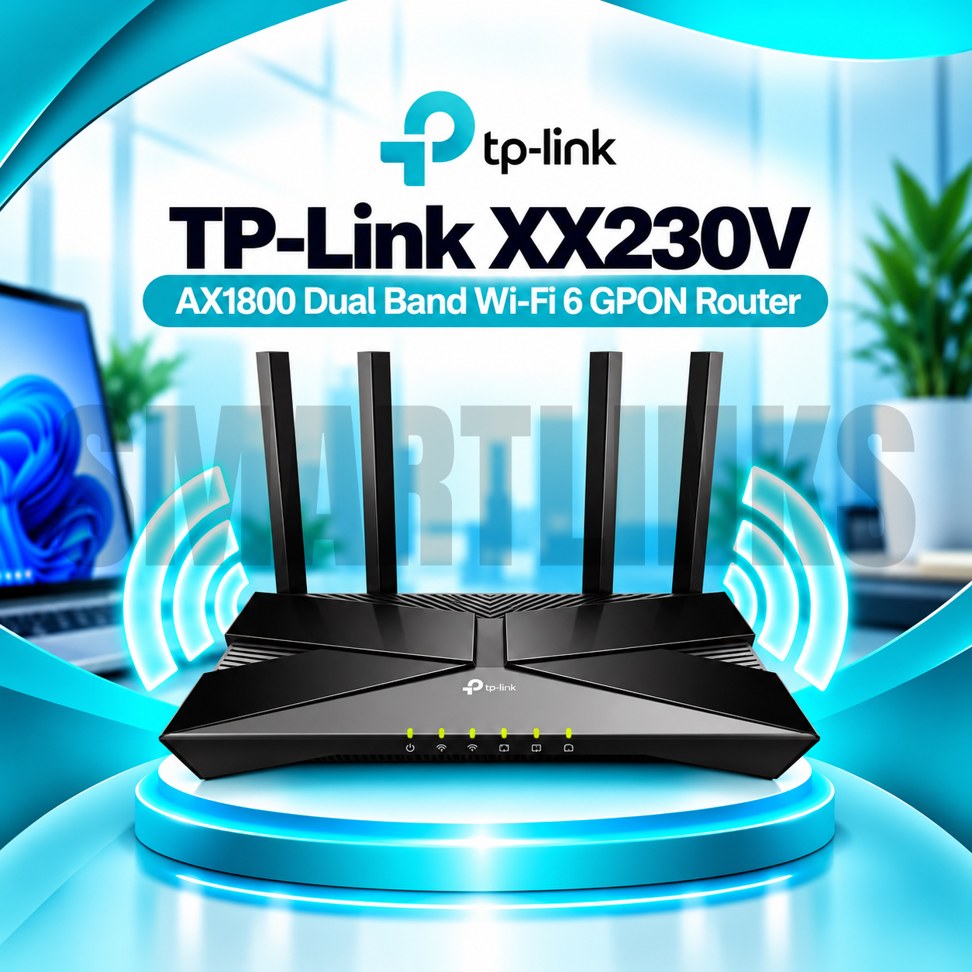

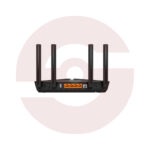
TP-Link XX230v AX1800 Dual-Band WiFi 6 GPON Fiber Router – VoIP ONT with 4 Gigabit Ethernet Ports, EasyMesh & USB 2.0

- AX1800 WiFi 6 – Efficient wireless connectivity
- 1201Mbps on 5GHz – High-speed wireless link
- 574Mbps on 2.4GHz – Everyday WiFi coverage
- GPON Fiber Port – Direct compatible fiber access
- 4 Gigabit Ethernet Ports – Fast wired networking
- FXS Telephone Port – Supported VoIP calling
- 4 External Antennas – Improved signal distribution
- EasyMesh Compatible – Expand wireless coverage
- USB 2.0 Port – Supported storage sharing
- Aginet App – Convenient network management
- Discover More: TP-Link Wifi Routers
Description

TP-Link XX230v AX1800 Dual Band WiFi 6 GPON Router
The TP-Link XX230v combines a GPON optical network terminal, dual band WiFi 6 router, and telephone connectivity in one device. Designed for compatible fiber broadband services, it connects household wireless devices, wired equipment, and supported VoIP telephones. Four external antennas, Gigabit Ethernet ports, and flexible management options make it suitable for home and small office networks. Provider approval and configuration are necessary before fiber activation.
AX1800 Dual Band WiFi 6
The router offers theoretical wireless link rates up to 1201Mbps on 5GHz and 574Mbps on 2.4GHz. WiFi 6 technology supports efficient communication with compatible devices through features such as OFDMA and MU-MIMO. These technologies can help manage multiple connections during busy periods. Actual internet speeds depend on your subscription, wireless interference, connected equipment, and router placement. AX1800 is a wireless speed class, not a guaranteed download rate.
Integrated GPON Fiber Connection
A dedicated SC/APC GPON port connects to compatible optical broadband infrastructure. TP-Link lists GPON downstream rates up to 2.488Gbps and upstream rates up to 1.244Gbps at the optical interface. These are technology specifications rather than guaranteed customer internet speeds. Fiber providers may require registration, authentication, specific firmware, and remote provisioning. Confirm that your provider accepts this exact model before replacing an existing optical terminal.
Four Gigabit Ethernet Connections
The XX230v includes one Gigabit WAN/LAN port and three additional Gigabit LAN ports. Connect computers, televisions, network switches, or other compatible wired equipment using suitable Ethernet cables. The configurable WAN/LAN connection offers flexibility where supported by firmware. Wired link speeds reach 1000Mbps with compatible devices, although internet performance remains subject to your broadband plan and network conditions.
VoIP Telephone Support
An integrated FXS port enables connection of a compatible analog telephone for supported Voice over IP services. Telephone calling requires an active VoIP account and appropriate provider configuration. Features and call handling options depend on the deployed service and firmware. The FXS socket is not an ordinary Ethernet port and should not be used for network cables. Confirm telephone service compatibility before purchasing.
EasyMesh and Wireless Coverage
Four external antennas and Beamforming help distribute wireless connectivity around suitable indoor areas. EasyMesh compatibility allows supported mesh devices to extend coverage when the required features are enabled. Walls, floors, metal surfaces, and neighboring networks can reduce reception. Position the router in a ventilated location and protect its optical fiber cable from sharp bends. Mesh performance depends on the participating devices and network layout.
Security and Network Management
TP-Link lists WPA3 alongside WPA and WPA2 wireless security on its current product page. Parental controls, multiple wireless network names, firewall options, and IPTV settings provide additional configuration choices. The Aginet app and supported remote management protocols help with administration. Internet providers may restrict certain settings or manage the router remotely. Use strong passwords and only firmware approved for your hardware revision.
USB and Everyday Applications
A USB 2.0 port supports compatible sharing features, including storage access where enabled. The router can serve online learning, video calls, streaming, and routine office work with a suitable broadband connection. It does not include a cellular SIM modem, and fiber activation is not automatic. Before ordering, verify the optical standard, telephone requirements, firmware, included accessories, and warranty. Follow provider instructions during installation and never look directly into an optical connector.
Practical Buying Checklist
Check whether your service provider supports the XX230v optical identity and required voice settings. Confirm that your Ethernet devices need Gigabit connections and that your layout suits the antenna placement. Keep the power adapter accessible, maintain airflow, and document your wireless settings for troubleshooting or support requests.
Discover More from TP-Link
Want to explore more about TP-Link WiFi Routers? Visit the official TP-Link website for product insights, support, and the latest smart security solutions.
Official Resource: Explore TP-Link









Reviews
Clear filtersThere are no reviews yet.