
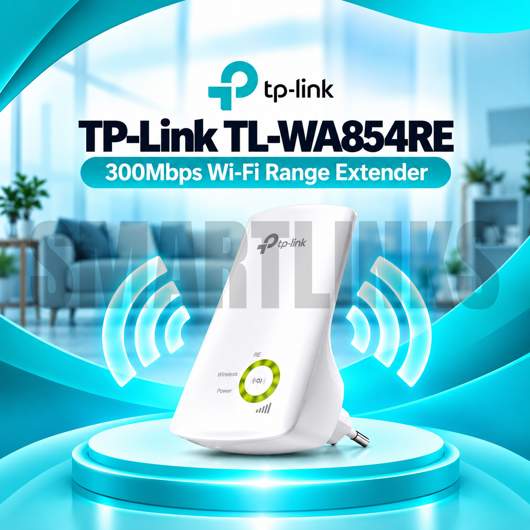
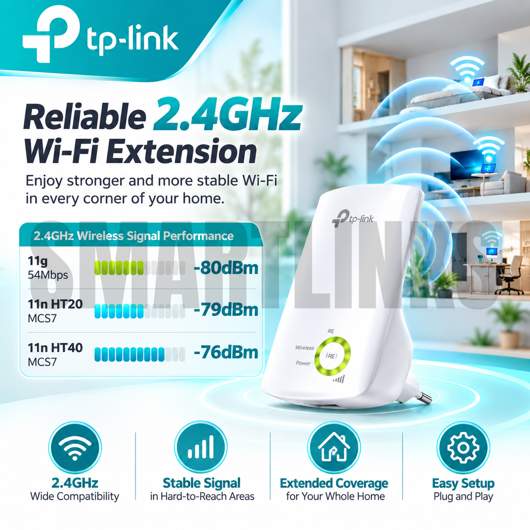



TP-Link TL-WA854RE 300Mbps Wi-Fi Range Extender

- Up to 300Mbps WiFi
- 2.4GHz Wireless N
- Range Extender Mode
- 2 Internal Antennas
- WPS Easy Setup
- Signal Indicator Lights
- TP-Link Tether App
- LED Night Mode
- Power Schedule
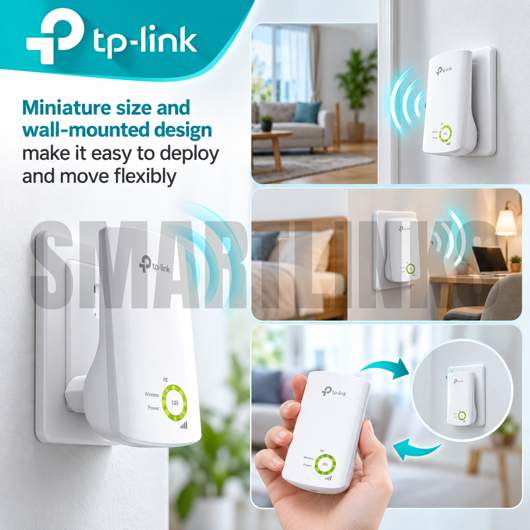
- Compact Wall Design
- Discover More: TP-Link Wifi Extenders.
₨4,000.00
Description

TP-Link TL-WA854RE 300Mbps Wi-Fi Range Extender
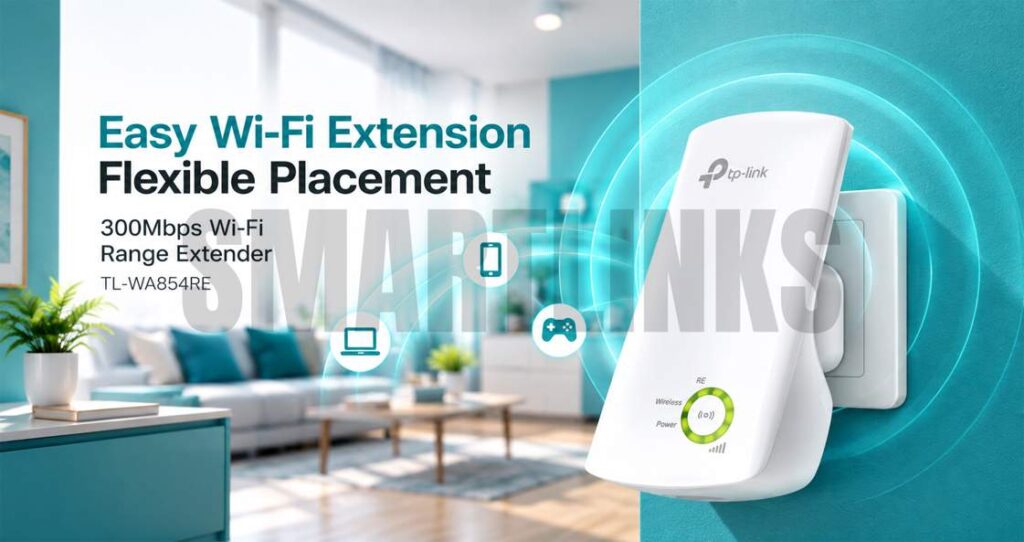
The TP-Link TL-WA854RE is a compact 300Mbps Wi-Fi Range Extender designed to expand an existing wireless network into areas where the original router provides weak or unreliable coverage. Operating on the 2.4GHz frequency band, it combines Wireless N technology, two internal antennas, simple WPS setup, intelligent signal indicators, and convenient management features. Its wall-mounted design makes it a practical solution for improving WiFi availability in bedrooms, offices, hallways, upstairs areas, and other suitable indoor locations.
Extend Your Existing WiFi Coverage
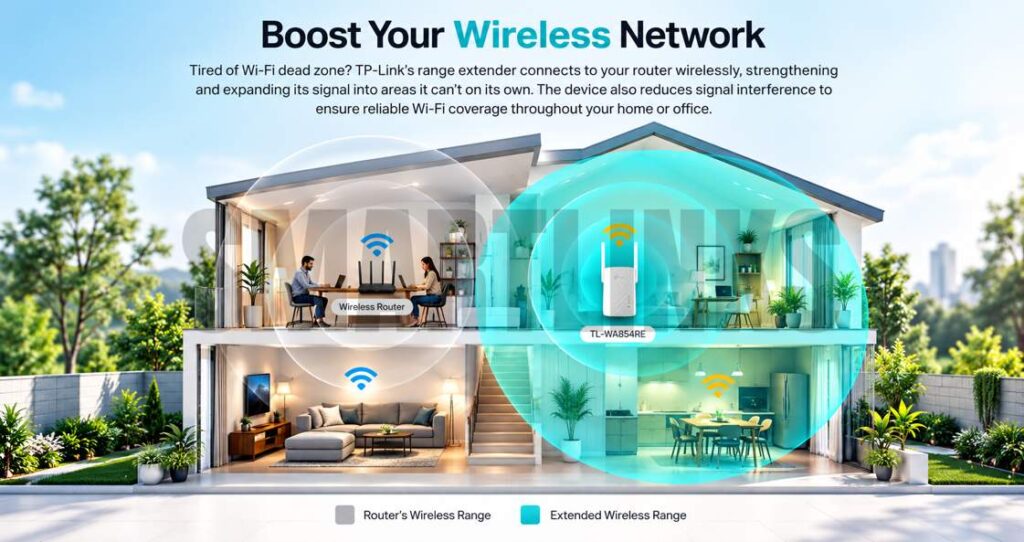
The primary purpose of the TP-Link TL-WA854RE is to receive the wireless signal from an existing router and extend it farther into difficult-to-reach areas. This can help reduce WiFi dead zones without requiring additional network cabling between the router and extender.
The extender works with compatible 802.11b, 802.11g, and 802.11n wireless networks, making it suitable for many existing 2.4GHz routers and wireless devices.
Up to 300Mbps Wireless N Speed
The TL-WA854RE provides theoretical wireless signal rates of up to 300Mbps using IEEE 802.11n technology. This makes the extender suitable for everyday activities such as web browsing, email, social networking, online learning, messaging, and standard video streaming.
Actual throughput and coverage depend on the original router, internet service, interference, walls, building materials, connected devices, extender placement, and surrounding wireless conditions.
Easy WPS Setup
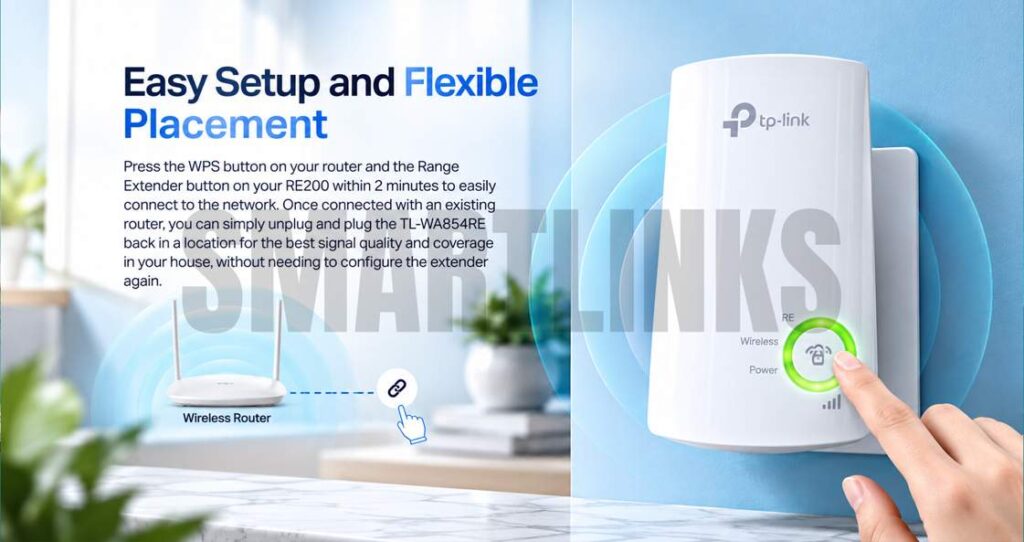
Setting up the TP-Link TL-WA854RE can be straightforward with a compatible WPS-enabled router. Press the WPS button on the router and then activate the extender’s WPS function within the required period to establish a wireless connection.
After successful configuration, the extender can be unplugged and repositioned without repeating the complete setup, provided it remains within suitable wireless range of the original router.
Smart Signal Indicator Lights
Five signal indicator lights help users evaluate the strength of the wireless signal received from the existing router. These indicators make it easier to identify a suitable location for the extender.
TP-Link recommends positioning the TL-WA854RE where at least three signal lights are illuminated for good performance. Correct placement is important because an extender cannot effectively repeat a wireless signal that is already extremely weak.
Compact Wall-Mounted Design
The miniature wall-mounted design allows the extender to plug directly into a compatible electrical outlet. No separate desktop power adapter is required, helping keep installation simple and reducing cable clutter.
Its compact construction also makes moving the extender between suitable locations convenient when network requirements change.
Two Internal Antennas
The TP-Link TL-WA854RE uses two internal antennas to receive and retransmit compatible 2.4GHz wireless signals. Because the antennas are built into the enclosure, the device maintains a clean appearance without external antenna elements.
Wireless performance will still depend heavily on placement and environmental conditions.
TP-Link Tether App Management
Compatible mobile devices can manage supported TL-WA854RE functions through the TP-Link Tether app. This provides a convenient way to access settings without relying exclusively on a computer.
Management options include features such as LED Control, allowing users to adjust indicator operation according to their preferences.
LED Control and Night Mode
LED Control includes a Night Mode that can turn off indicator lights during selected periods. This is particularly useful when the extender is installed in a bedroom or another location where illuminated LEDs may be distracting during nighttime hours.
Power Schedule and Access Control
Supported management features include Power Schedule, which allows users to define operating periods, and Access Control for managing network access. These tools provide additional flexibility when configuring the extender for different household or workplace requirements and schedules.
Practical WiFi Coverage Solution
Overall, the TP-Link TL-WA854RE combines 300Mbps Wireless N performance, 2.4GHz connectivity, two internal antennas, WPS setup, signal indicators, Tether management, LED Control, and scheduling features in a compact wall-mounted device. For users experiencing weak WiFi areas within range of their existing router, it provides a convenient way to extend compatible wireless coverage without installing additional Ethernet cabling.
Discover More from TP-Link
Want to explore more about TP-Link WiFi Routers? Visit the official TP-Link website for product insights, support, and the latest smart security solutions.
Official Resource: Explore TP-Link










































Reviews
Clear filtersThere are no reviews yet.